开关
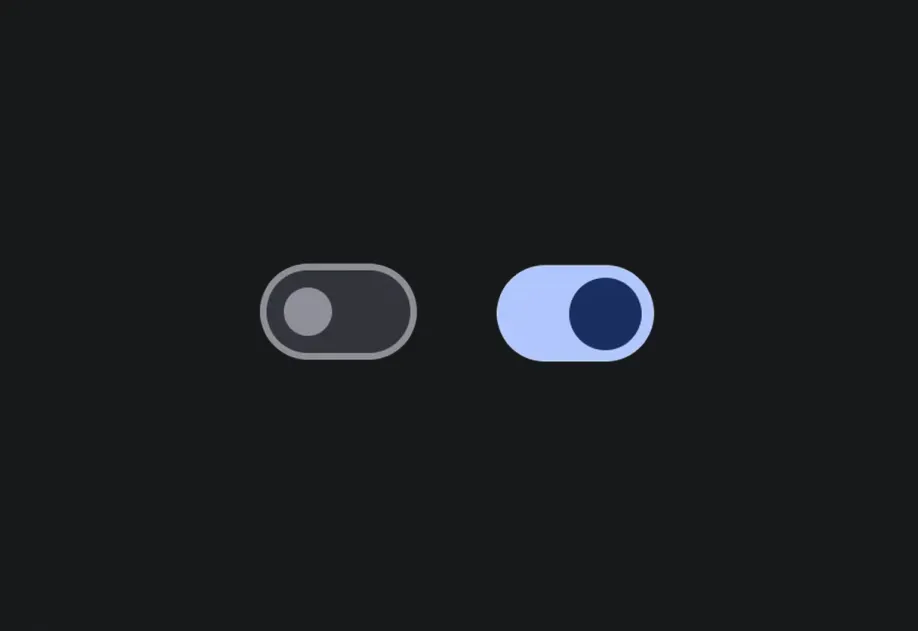
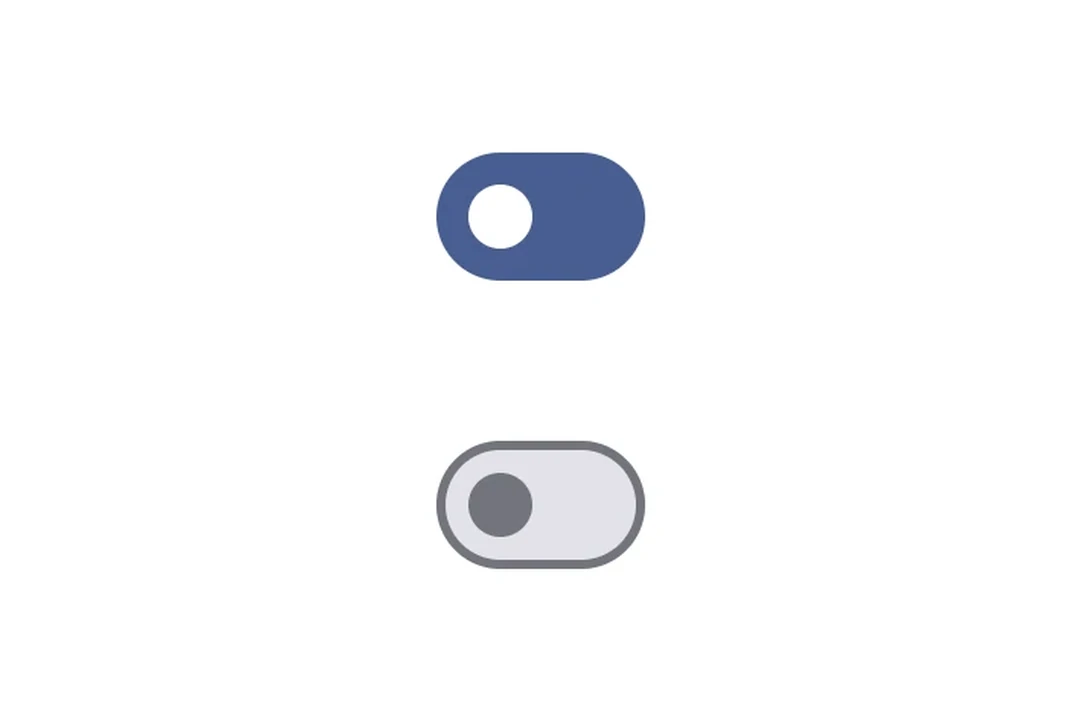
一个用于切换控制的 Jetpack Compose 开关组件。
Android
For the complete documentation index, see llms.txt. Use this Use this file to discover all available pages.
Expo UI Switch 与官方 Jetpack Compose Switch API 保持一致。
安装
Terminal
- npx expo install @expo/uiIf you are installing this in an existing React Native app, make sure to install expo in your project.
用法
切换开关
ToggleSwitchExample.tsx
import { useState } from 'react'; import { Host, Switch } from '@expo/ui/jetpack-compose'; export default function ToggleSwitchExample() { const [checked, setChecked] = useState(false); return ( <Host matchContents> <Switch value={checked} onCheckedChange={setChecked} /> </Host> ); }
自定义颜色
CustomColorsExample.tsx
import { useState } from 'react'; import { Host, Switch } from '@expo/ui/jetpack-compose'; export default function CustomColorsExample() { const [checked, setChecked] = useState(false); return ( <Host matchContents> <Switch value={checked} onCheckedChange={setChecked} colors={{ checkedThumbColor: '#6200EE', checkedTrackColor: '#EDE9FE', uncheckedThumbColor: '#9CA3AF', uncheckedTrackColor: '#F3F4F6', uncheckedBorderColor: '#D1D5DB', }} /> </Host> ); }
自定义 thumb 内容
使用 Switch.ThumbContent 在 thumb 内部渲染自定义元素。Switch.DefaultIconSize 提供了 M3 默认图标大小,使你的内容能够完美适配。
ThumbContentExample.tsx
import { useState } from 'react'; import { Host, Switch, Box } from '@expo/ui/jetpack-compose'; import { size, clip, background, Shapes } from '@expo/ui/jetpack-compose/modifiers'; export default function ThumbContentExample() { const [checked, setChecked] = useState(false); return ( <Host matchContents> <Switch value={checked} onCheckedChange={setChecked} colors={{ checkedThumbColor: '#7C3AED', checkedTrackColor: '#EDE9FE', checkedIconColor: '#7C3AED', uncheckedThumbColor: '#9CA3AF', uncheckedTrackColor: '#F3F4F6', uncheckedBorderColor: '#D1D5DB', uncheckedIconColor: '#9CA3AF', }}> <Switch.ThumbContent> <Box modifiers={[ size(Switch.DefaultIconSize, Switch.DefaultIconSize), clip(Shapes.Circle), background(checked ? '#FFFFFF' : '#E5E7EB'), ]} /> </Switch.ThumbContent> </Switch> </Host> ); }
API
import { Switch } from '@expo/ui/jetpack-compose';
Components
Type: React.Element<SwitchProps>
Optional • Type:
stringLabel for the switch.
On Android, the label has an effect only when the
Switchis used inside aContextMenu.
Optional • Type:
(value: boolean) => voidCallback function that is called when the checked state changes.
Type: React.Element<ThumbContentProps>
Custom content to be displayed inside the switch thumb.