This documentation is available as Markdown for AI agents and LLMs. See the full Markdown index or append .md to any documentation URL.
DockedSearchBar
用于显示内联搜索输入的 Jetpack Compose DockedSearchBar 组件。
Android
Included in Expo Go
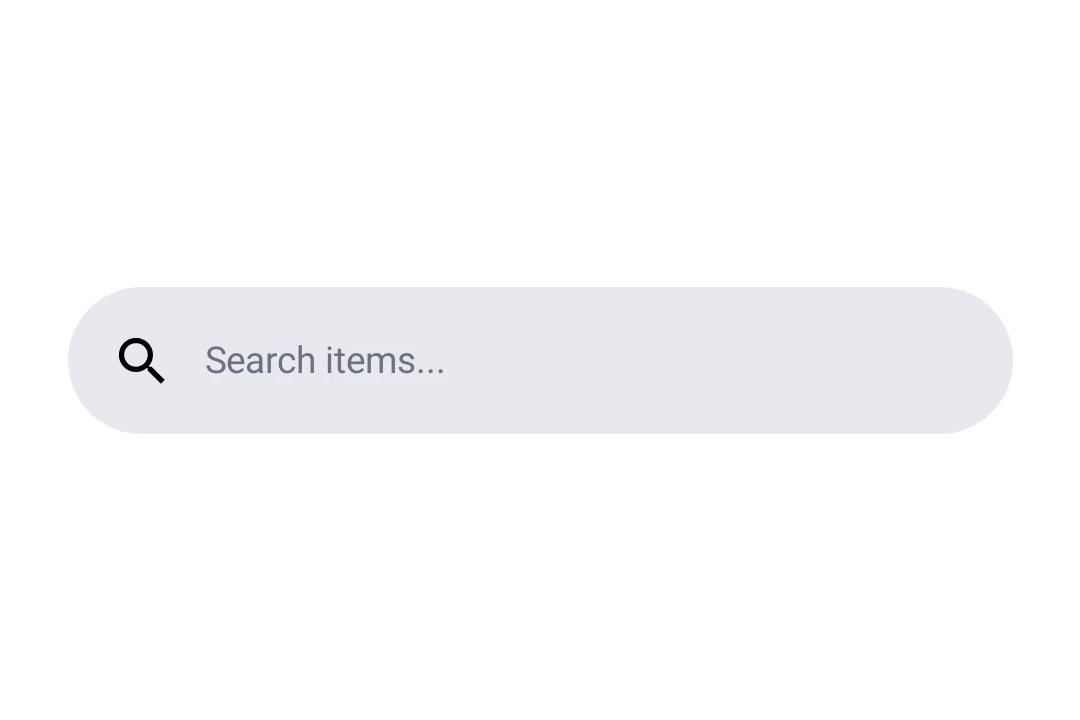
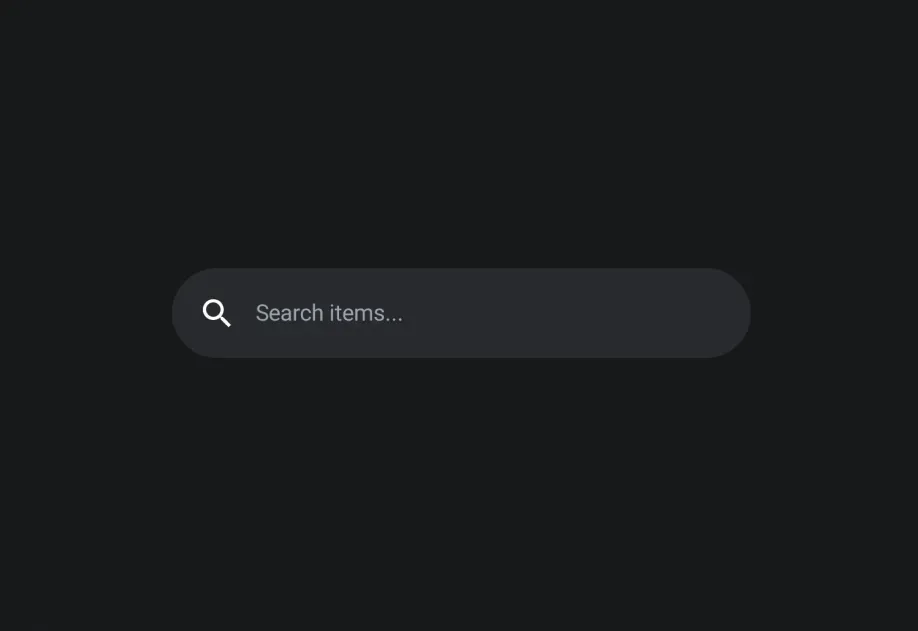
Expo UI DockedSearchBar 与官方 Jetpack Compose SearchBar API 保持一致,并显示一个搜索输入框,该输入框会固定在其父布局中,而不是展开到全屏。
安装
Terminal
If you are installing this in an existing React Native app, make sure to install expo in your project.
用法
基础停靠式搜索栏
BasicDockedSearchBarExample.tsx
带占位文本和前置图标
使用 DockedSearchBar.Placeholder 和 DockedSearchBar.LeadingIcon 插槽组件来自定义搜索栏外观。
DockedSearchBarWithSlotsExample.tsx
API
import { DockedSearchBar } from '@expo/ui/jetpack-compose';
Components
Type: React.Element<DockedSearchBarProps>
Type: React.Element<LeadingIconProps>
Type: React.Element<PlaceholderProps>