This documentation is available as Markdown for AI agents and LLMs. See the full Markdown index or append .md to any documentation URL.
表面
一个用于样式化内容容器的 Jetpack Compose Surface 组件。
Expo UI Surface 与官方 Jetpack Compose Surface API 保持一致,并提供一个容器,用于应用 Material Design 的 Surface 样式,包括颜色、海拔和内容颜色。
安装
If you are installing this in an existing React Native app, make sure to install expo in your project.
用法
基础 Surface
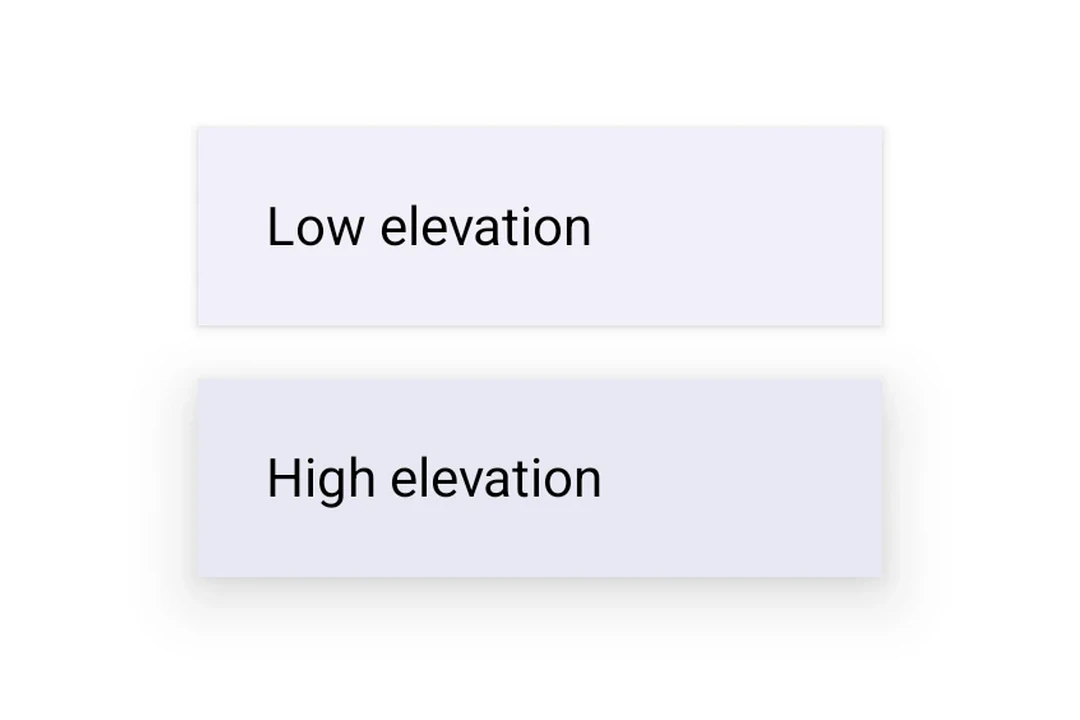
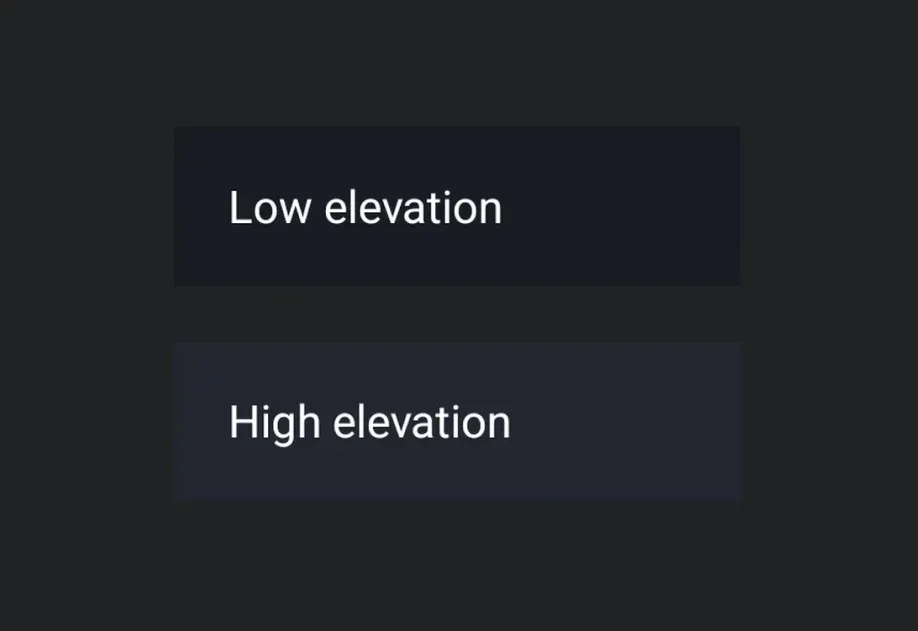
带海拔的 Surface
使用 tonalElevation 和 shadowElevation 来控制 Surface 的视觉深度。
使用自定义颜色的 Surface
使用 color 和 contentColor 属性覆盖默认的 Material 主题颜色。
带形状和边框的 Surface
使用 shape 属性裁剪内容,并使用 border 在 Surface 周围绘制描边。
API
import { Surface } from '@expo/ui/jetpack-compose';
Component
Type: React.Element<SurfaceProps>
A Material Design surface container. Surface is responsible for:
- Clipping content to the shape
- Applying background color based on tonal elevation
- Providing content color to its children
booleanWhether the surface is in a checked (toggled on) state. When provided together with
onCheckedChange, the surface becomes a toggleable surface.
ColorValueThe background color of the surface.
Defaults to MaterialTheme.colorScheme.surface.
ColorValueThe color of the content inside the surface.
Defaults to contentColorFor(color).
boolean • Default: trueWhether the surface is enabled and responds to user interaction.
(checked: boolean) => voidCalled when the checked state of a toggleable surface changes.
Providing this callback together with checked enables the toggleable variant.
() => voidCalled when the surface is clicked. Providing this callback makes the surface clickable.
When combined with selected, the surface becomes a selectable variant.
booleanWhether the surface is in a selected state. When provided together with onClick,
the surface becomes a selectable surface that visually reflects its selection state.
number • Default: 0The shadow elevation of the surface. Value in dp.