下拉菜单
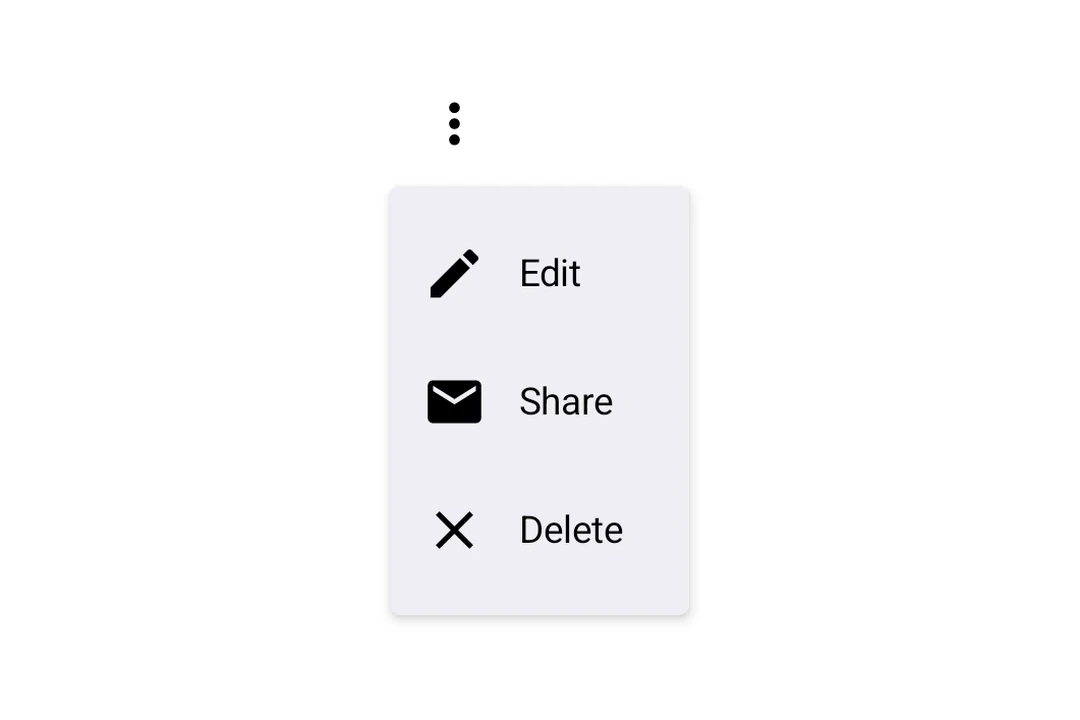
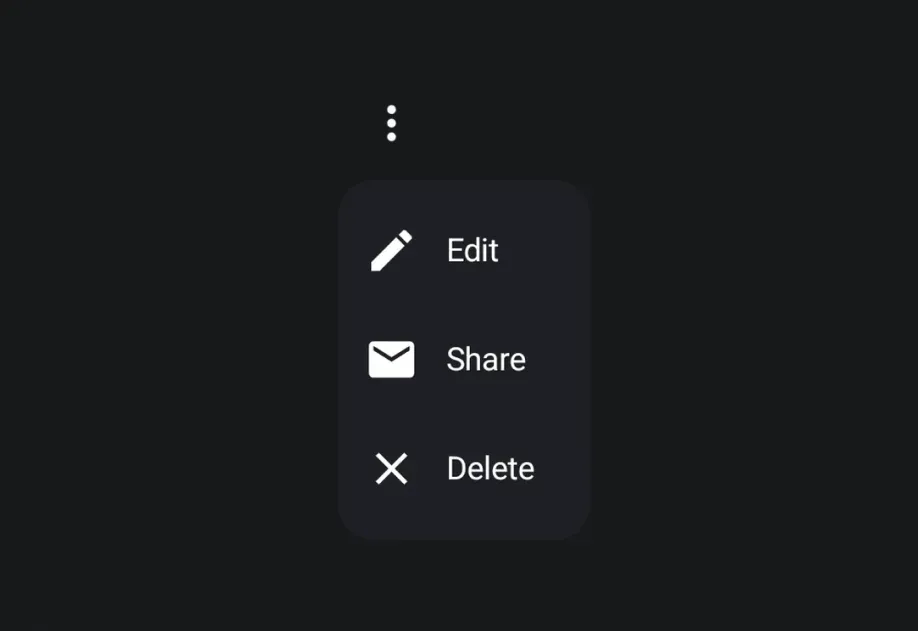
用于显示下拉菜单的 Jetpack Compose DropdownMenu 组件。
For the complete documentation index, see llms.txt. Use this file to discover all available pages.
Expo UI DropdownMenu 与官方 Jetpack Compose 菜单 API 保持一致,并在按下触发元素时显示下拉菜单。

安装
- npx expo install @expo/uiIf you are installing this in an existing React Native app, make sure to install expo in your project.
用法
基础下拉菜单
import { Host, DropdownMenu, DropdownMenuItem, Button, Text, Icon } from '@expo/ui/jetpack-compose'; import { useState } from 'react'; export default function BasicDropdownMenuExample() { const [isExpanded, setIsExpanded] = useState(false); return ( <Host matchContents> <DropdownMenu expanded={isExpanded} onDismissRequest={() => setIsExpanded(false)}> <DropdownMenu.Trigger> <Button variant="bordered" onClick={() => setIsExpanded(true)}> 显示菜单 </Button> </DropdownMenu.Trigger> <DropdownMenu.Items> <DropdownMenuItem onClick={() => { setIsExpanded(false); console.log('主页被按下'); }}> <DropdownMenuItem.Text> <Text>主页</Text> </DropdownMenuItem.Text> <DropdownMenuItem.LeadingIcon> <Icon source={homeIcon} size={24} /> </DropdownMenuItem.LeadingIcon> </DropdownMenuItem> </DropdownMenu.Items> </DropdownMenu> </Host> ); }
作为触发器的 React Native 组件
你可以通过将 React Native 视图(例如 Pressable)包装在 RNHostView 中,将其用作下拉菜单的触发器。
import { Host, DropdownMenu, DropdownMenuItem, Text as ComposeText, RNHostView, } from '@expo/ui/jetpack-compose'; import { useState } from 'react'; import { Pressable, Text } from 'react-native'; export default function RNTriggerDropdownMenuExample() { const [isExpanded, setIsExpanded] = useState(false); return ( <Host matchContents> <DropdownMenu expanded={isExpanded} onDismissRequest={() => setIsExpanded(false)}> <DropdownMenu.Trigger> <RNHostView matchContents> <Pressable onPress={() => setIsExpanded(true)} style={{ alignSelf: 'flex-start', paddingHorizontal: 16, paddingVertical: 10, borderRadius: 8, backgroundColor: '#9B59B6', }}> <Text style={{ color: 'white', fontWeight: '600' }}>RN Pressable 触发器</Text> </Pressable> </RNHostView> </DropdownMenu.Trigger> <DropdownMenu.Items> <DropdownMenuItem onClick={() => setIsExpanded(false)}> <DropdownMenuItem.Text> <ComposeText>项目 1</ComposeText> </DropdownMenuItem.Text> </DropdownMenuItem> <DropdownMenuItem onClick={() => setIsExpanded(false)}> <DropdownMenuItem.Text> <ComposeText>项目 2</ComposeText> </DropdownMenuItem.Text> </DropdownMenuItem> </DropdownMenu.Items> </DropdownMenu> </Host> ); }
API
import { DropdownMenu } from '@expo/ui/jetpack-compose';
Components
Type: React.Element<DropdownMenuProps>
Props of the DropdownMenu component.
ReactNodeThe contents of the submenu are used as an anchor for the dropdown menu. The children will be wrapped in a pressable element, which triggers opening of the dropdown menu.
() => voidCallback fired when the menu requests to be dismissed (e.g. tapping outside).
Must be provided when expanded is true to allow the menu to close.
Type: React.Element<DropdownMenuItemProps>
A dropdown menu item component that wraps Compose's DropdownMenuItem.
Should be used inside DropdownMenu.Items or ExposedDropdownMenu.
Type: React.Element<{
children: ReactNode
}>
Container for items displayed in the dropdown menu.
Children should be DropdownMenuItem components or other native views.