Reference version

BadgedBox

用于在内容上叠加徽标的 Jetpack Compose BadgedBox 组件。

Android
Included in Expo Go
Bundled version:
~56.0.6

For the complete documentation index, see llms.txt. Use this file to discover all available pages.

Expo UI BadgedBox 与官方 Jetpack Compose BadgedBox API 一致。它会在图标等内容上方叠加一个徽标。

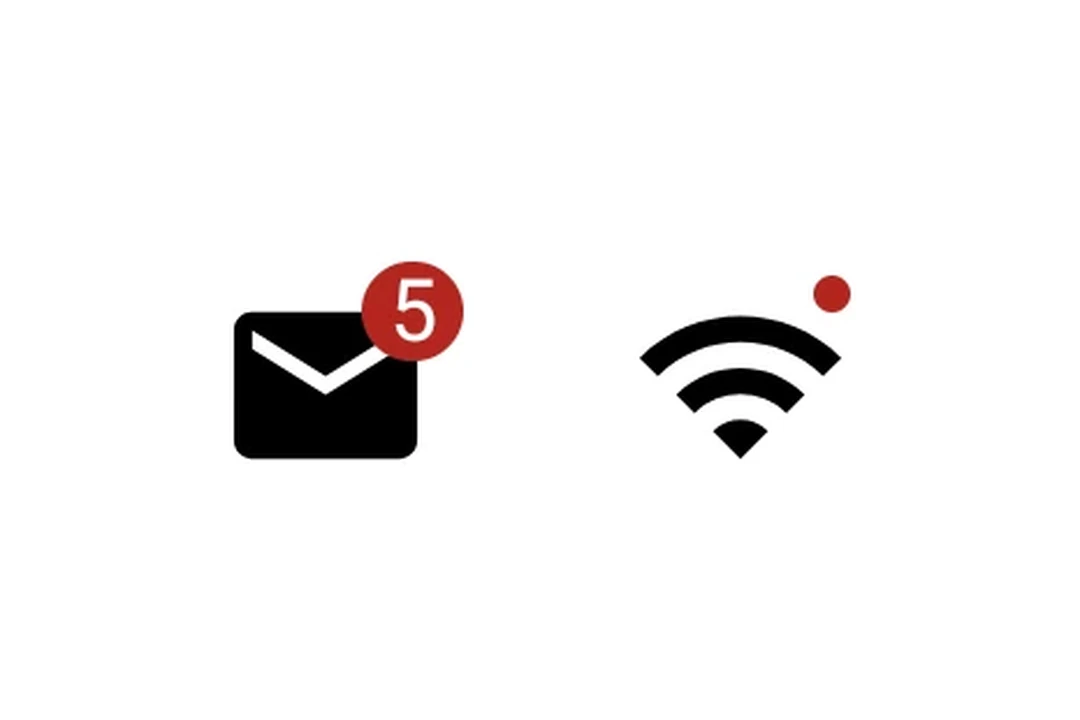
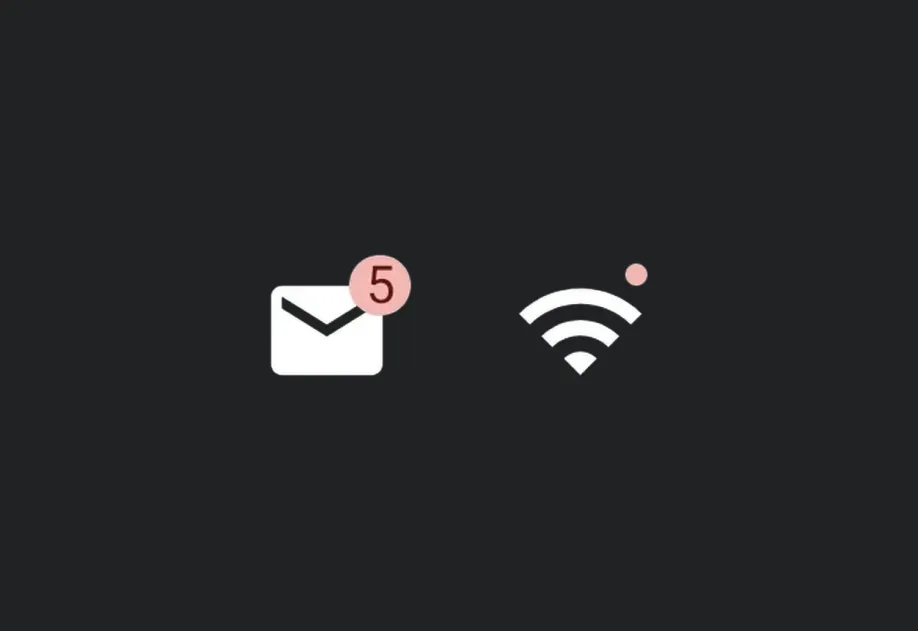
带有数量徽标 5 的邮件图标,以及带有小圆点徽标的 Wi‑Fi 图标

安装

Terminal
npx expo install @expo/ui

If you are installing this in an existing React Native app, make sure to install expo in your project.

使用

带徽标数量的图标

IconWithBadge.tsx
import { Host, Badge, BadgedBox, Icon, Text } from '@expo/ui/jetpack-compose'; // 替换为你自己的矢量 drawable 资源 const mailIcon = require('./assets/mail.xml'); export default function IconWithBadge() { return ( <Host matchContents> <BadgedBox> <BadgedBox.Badge> <Badge> <Text>5</Text> </Badge> </BadgedBox.Badge> <Icon source={mailIcon} size={24} /> </BadgedBox> </Host> ); }

交互式计数器

InteractiveBadge.tsx
import { useState } from 'react'; import { Host, Badge, BadgedBox, Icon, Button, Text, Column } from '@expo/ui/jetpack-compose'; // 替换为你自己的矢量 drawable 资源 const cartIcon = require('./assets/cart.xml'); export default function InteractiveBadge() { const [count, setCount] = useState(0); return ( <Host matchContents> <Column> <BadgedBox> <BadgedBox.Badge> {count > 0 ? ( <Badge> <Text>{String(count)}</Text> </Badge> ) : null} </BadgedBox.Badge> <Icon source={cartIcon} size={24} /> </BadgedBox> <Button onClick={() => setCount(c => c + 1)}> <Text>添加商品</Text> </Button> </Column> </Host> ); }

API

import { BadgedBox } from '@expo/ui/jetpack-compose';

Component

BadgedBox

Android

Type: React.Element<BadgedBoxProps>

A badged box matching Compose's BadgedBox. Overlays a badge on top of content (for example, an icon).

BadgedBoxProps

children

Android
Optional • Type: React.ReactNode

Children containing the main content and a BadgedBox.Badge slot.

modifiers

Android
Optional • Type: ModifierConfig[]

Modifiers for the component.