Reference version

单选按钮

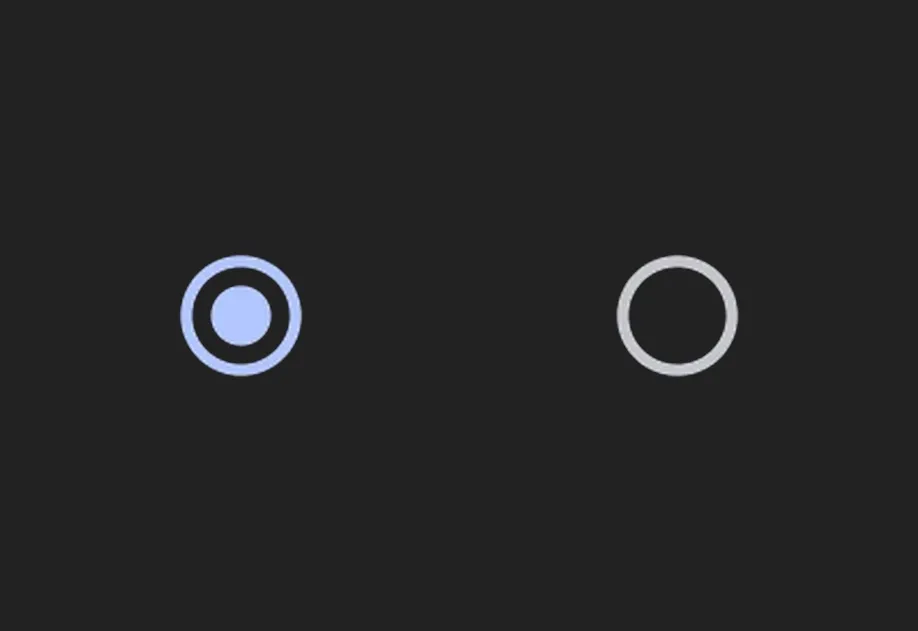
一个用于单选控制的 Jetpack Compose 单选按钮组件。

Android
Bundled version:
~55.0.0-beta.0

For the complete documentation index, see llms.txt. Use this Use this file to discover all available pages.

一个用于从一组选项中选择单个选项的单选按钮组件。映射到官方的 Jetpack Compose RadioButton API。

安装

Terminal
npx expo install @expo/ui

If you are installing this in an existing React Native app, make sure to install expo in your project.

用法

基本单选按钮

一个带有 onClick 处理程序的独立单选按钮。

BasicRadioButton.tsx
import { useState } from 'react'; import { Host, RadioButton } from '@expo/ui/jetpack-compose'; export default function BasicRadioButton() { const [selected, setSelected] = useState(false); return ( <Host matchContents> <RadioButton selected={selected} onClick={() => setSelected(!selected)} /> </Host> ); }

单选按钮组(推荐)

单选按钮组的推荐模式遵循 Compose 无障碍指南

  • 将该组包裹在带有 selectableGroup() 修饰符的 Column 中,这样屏幕阅读器会将这些选项视为一个组。
  • 在每个 Row 上应用带有 role: 'radioButton'selectable 修饰符,使整行(包括标签)都可点击。
  • 不要为 RadioButton 本身传入 onClick,由行来处理交互。这样可以提供更大的触控目标。
RadioGroup.tsx
import { useState } from 'react'; import { Host, Column, Row, RadioButton, Text } from '@expo/ui/jetpack-compose'; import { selectable, selectableGroup, fillMaxWidth, height, padding, } from '@expo/ui/jetpack-compose/modifiers'; export default function RadioGroup() { const [selectedOption, setSelectedOption] = useState('Calls'); const options = ['Calls', 'Missed', 'Friends']; return ( <Host matchContents> <Column modifiers={[selectableGroup()]}> {options.map(label => ( <Row key={label} verticalAlignment="center" modifiers={[ fillMaxWidth(), height(56), selectable(label === selectedOption, () => setSelectedOption(label), 'radioButton'), padding(16, 0, 16, 0), ]}> <RadioButton selected={label === selectedOption} /> <Text modifiers={[padding(16, 0, 0, 0)]}>{label}</Text> </Row> ))} </Column> </Host> ); }

API

import { RadioButton } from '@expo/ui/jetpack-compose';

Component

RadioButton

Android

Type: React.Element<RadioButtonProps>

A Material Design radio button.

RadioButtonProps

modifiers

Android
Optional • Type: ModifierConfig[]

Modifiers for the component.

onClick

Android
Optional • Type: () => void

Callback that is called when the radio button is clicked.

selected

Android
Type: boolean

Whether the radio button is selected.