Reference version

This documentation is available as Markdown for AI agents and LLMs. See the full Markdown index or append .md to any documentation URL.

PullToRefreshBox

一个用于下拉刷新交互的 Jetpack Compose PullToRefreshBox 组件。

Android
Included in Expo Go
Recommended version:
~57.0.0

Expo UI PullToRefreshBox 与官方 Jetpack Compose PullToRefreshBox API 一致。它会包装可滚动内容,并在下拉时显示刷新指示器。
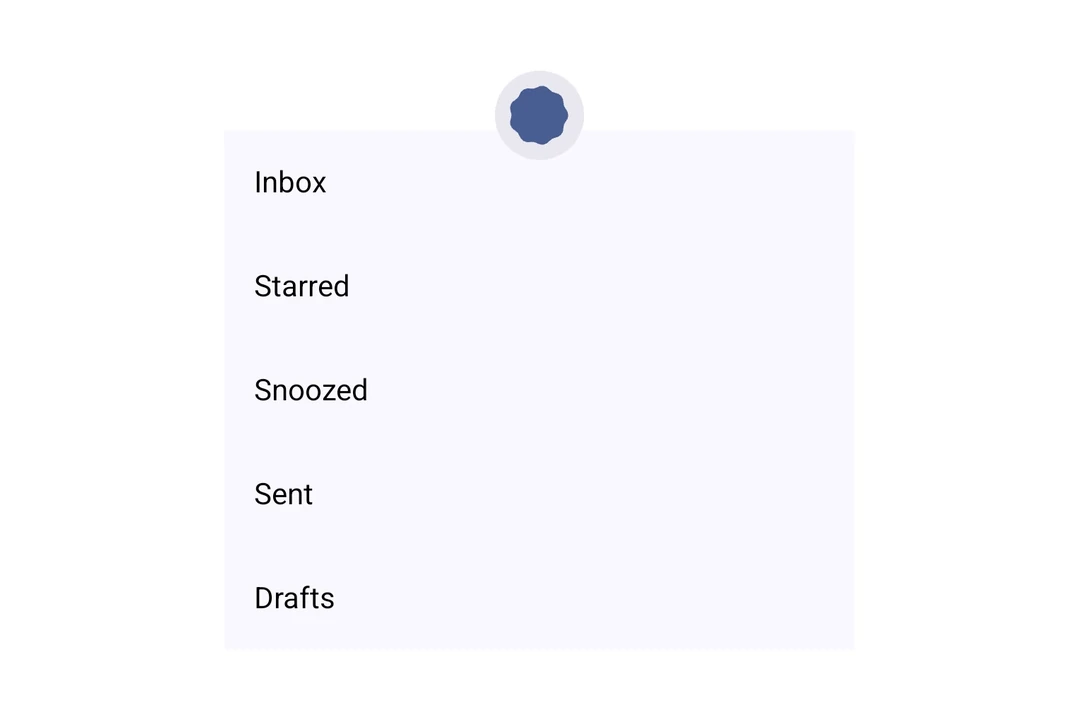
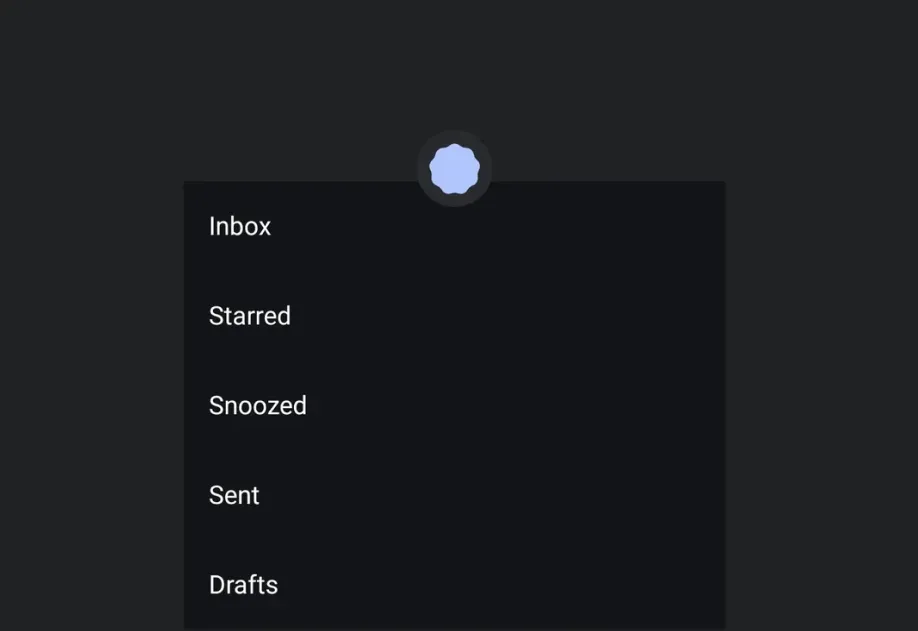
显示在列表上方的 Material 3 加载指示器的 PullToRefreshBox

安装

Terminal
npx expo install @expo/ui

If you are installing this in an existing React Native app, make sure to install expo in your project.

用法

基本下拉刷新

将可滚动内容包裹在 PullToRefreshBox 中,以添加下拉刷新行为。

BasicPullToRefresh.tsx
import { useState, useCallback } from 'react'; import { Host, PullToRefreshBox, LazyColumn, ListItem } from '@expo/ui/jetpack-compose'; export default function BasicPullToRefresh() { const [refreshing, setRefreshing] = useState(false); const onRefresh = useCallback(() => { setRefreshing(true); setTimeout(() => { setRefreshing(false); }, 2000); }, []); return ( <Host style={{ height: 400 }}> <PullToRefreshBox isRefreshing={refreshing} onRefresh={onRefresh}> <LazyColumn> <ListItem> <ListItem.HeadlineContent>项目 1</ListItem.HeadlineContent> </ListItem> <ListItem> <ListItem.HeadlineContent>项目 2</ListItem.HeadlineContent> </ListItem> <ListItem> <ListItem.HeadlineContent>项目 3</ListItem.HeadlineContent> </ListItem> <ListItem> <ListItem.HeadlineContent>项目 4</ListItem.HeadlineContent> </ListItem> <ListItem> <ListItem.HeadlineContent>项目 5</ListItem.HeadlineContent> </ListItem> </LazyColumn> </PullToRefreshBox> </Host> ); }

自定义指示器颜色

使用 indicator 属性来自定义加载旋转器和容器颜色。

CustomIndicatorColors.tsx
import { useState, useCallback } from 'react'; import { Host, PullToRefreshBox, LazyColumn, ListItem } from '@expo/ui/jetpack-compose'; export default function CustomIndicatorColors() { const [refreshing, setRefreshing] = useState(false); const onRefresh = useCallback(() => { setRefreshing(true); setTimeout(() => { setRefreshing(false); }, 2000); }, []); return ( <Host style={{ height: 400 }}> <PullToRefreshBox isRefreshing={refreshing} onRefresh={onRefresh} indicator={{ color: '#6200EE', containerColor: '#F5F5F5' }}> <LazyColumn> <ListItem> <ListItem.HeadlineContent>项目 1</ListItem.HeadlineContent> </ListItem> <ListItem> <ListItem.HeadlineContent>项目 2</ListItem.HeadlineContent> </ListItem> <ListItem> <ListItem.HeadlineContent>项目 3</ListItem.HeadlineContent> </ListItem> </LazyColumn> </PullToRefreshBox> </Host> ); }

API

import { PullToRefreshBox } from '@expo/ui/jetpack-compose';

Component

PullToRefreshBox

Android

Type: React.Element<PullToRefreshBoxProps>

A pull-to-refresh container that wraps scrollable content and shows a refresh indicator when pulled, matching Compose's PullToRefreshBox.

PullToRefreshBoxProps

children

Android
Type: ReactNode

The content to refresh.

contentAlignment

Android
Optional • Type: ContentAlignment • Default: 'topStart'

Alignment of children within the box.

indicator

Android
Optional • Type: PullToRefreshIndicatorProps

Configuration for the loading indicator shown during pull-to-refresh.

isRefreshing

Android
Optional • Type: boolean • Default: false

Whether the content is refreshing.

modifiers

Android
Optional • Type: ModifierConfig[]

Modifiers for the component.

onRefresh

Android
Optional • Type: () => void

Callback that is called when the user pulls to refresh.