分割线
用于创建视觉分隔符的 Jetpack Compose 分割线组件。
For the complete documentation index, see llms.txt. Use this file to discover all available pages.
Expo UI 提供 HorizontalDivider 和 VerticalDivider,与官方 Jetpack Compose Divider API 保持一致。

安装
- npx expo install @expo/uiIf you are installing this in an existing React Native app, make sure to install expo in your project.
用法
水平分隔线
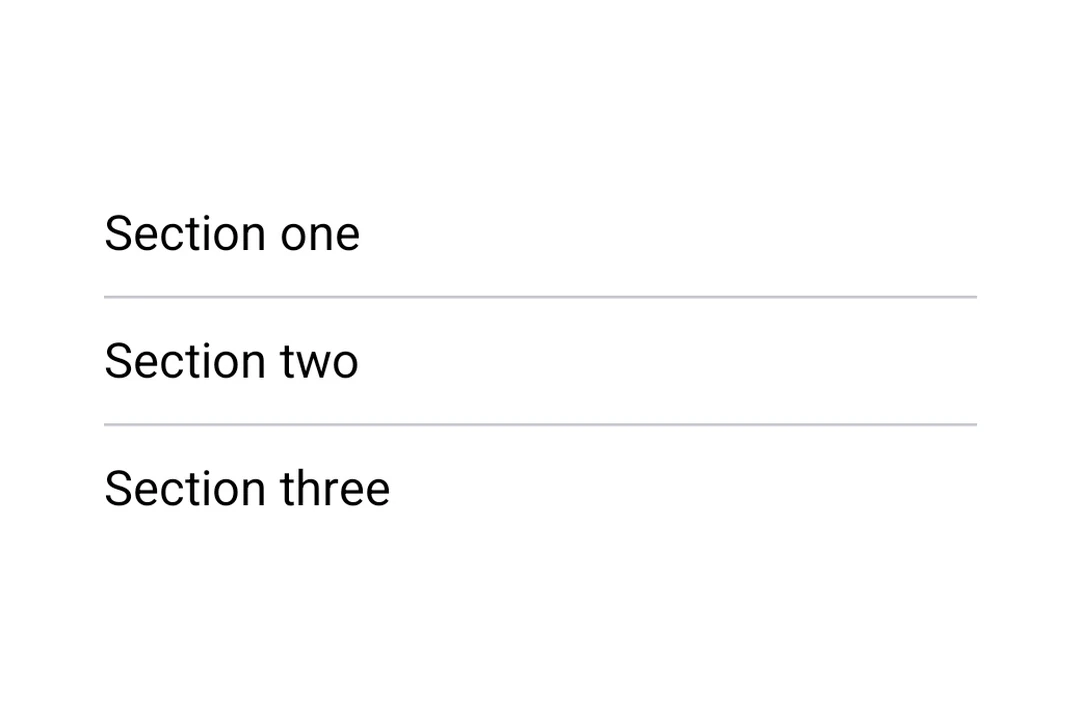
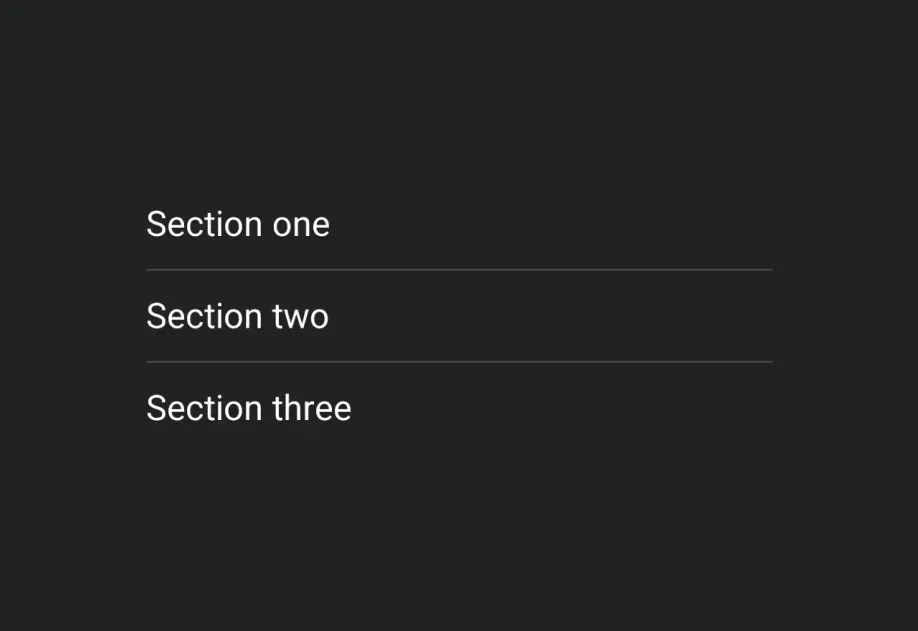
用于在列表和布局中以视觉方式分隔内容的细水平线。
import { Host, HorizontalDivider, Column, Text } from '@expo/ui/jetpack-compose'; export default function HorizontalDividerExample() { return ( <Host matchContents> <Column> <Text>第一部分</Text> <HorizontalDivider /> <Text>第二部分</Text> </Column> </Host> ); }
自定义粗细和颜色
HorizontalDivider 和 VerticalDivider 都接受 thickness 和 color 属性。使用 StyleSheet.hairlineWidth 可创建 1 像素的线,或者设置自定义的粗细和颜色。
import { Host, HorizontalDivider, Column, Text } from '@expo/ui/jetpack-compose'; import { StyleSheet } from 'react-native'; export default function CustomDividerExample() { return ( <Host matchContents> <Column> <Text>发丝线分隔线(1 像素)</Text> <HorizontalDivider thickness={StyleSheet.hairlineWidth} /> <Text>粗的彩色分隔线</Text> <HorizontalDivider thickness={4} color="#E91E63" /> <Text>下方</Text> </Column> </Host> ); }
垂直分隔线
用于在行布局中左右并排分隔项目的竖线。
import { Host, VerticalDivider, Row, Text } from '@expo/ui/jetpack-compose'; import { height } from '@expo/ui/jetpack-compose/modifiers'; export default function VerticalDividerExample() { return ( <Host matchContents> <Row verticalAlignment="center" modifiers={[height(48)]}> <Text>左侧</Text> <VerticalDivider /> <Text>右侧</Text> </Row> </Host> ); }
API
import { HorizontalDivider, VerticalDivider } from '@expo/ui/jetpack-compose';
Components
Type: React.Element<ComponentType<DividerCommonConfig>>
A horizontal divider line that groups content in lists and layouts,
matching Compose's HorizontalDivider.
Type: React.Element<ComponentType<DividerCommonConfig>>
A vertical divider line that groups content in layouts,
matching Compose's VerticalDivider.
Types
| Property | Type | Description |
|---|---|---|
| color(optional) | ColorValue | Color of the divider line. |
| modifiers(optional) | ModifierConfig[] | Modifiers for the component. |
| thickness(optional) | number | Thickness of the divider line. Accepts dp values; use |