This documentation is available as Markdown for AI agents and LLMs. See the full Markdown index or append .md to any documentation URL.
TextField
用于文本输入的 SwiftUI TextField 组件。
如需跨平台使用,请参阅通用的
TextInput——它会根据平台渲染相应的原生组件。
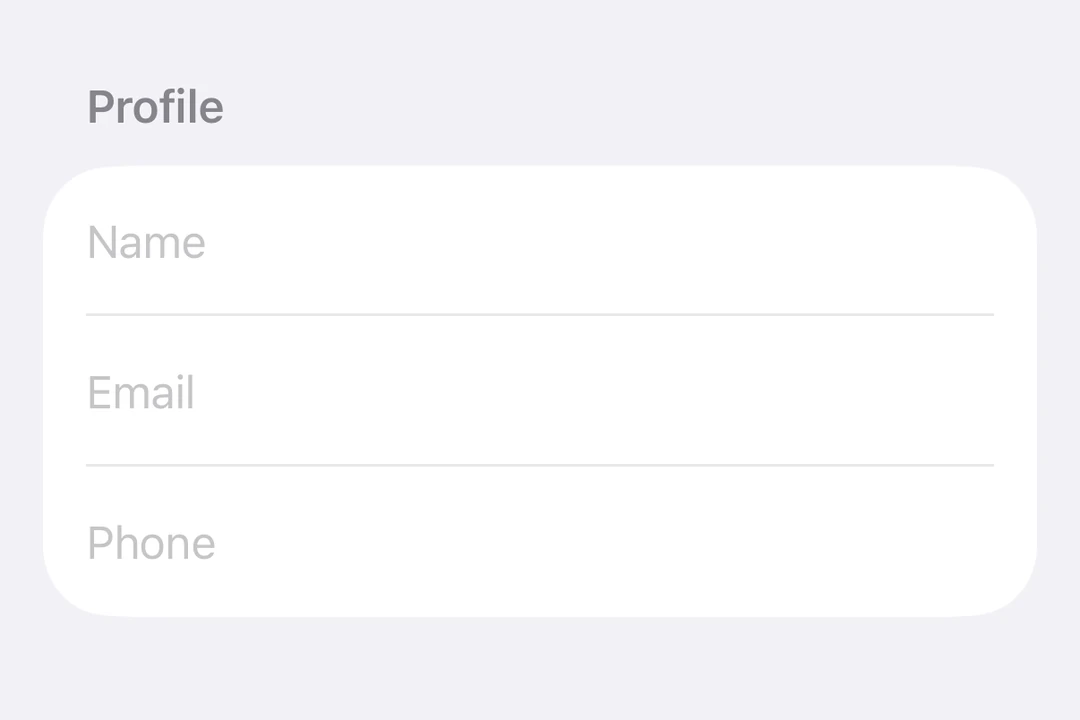
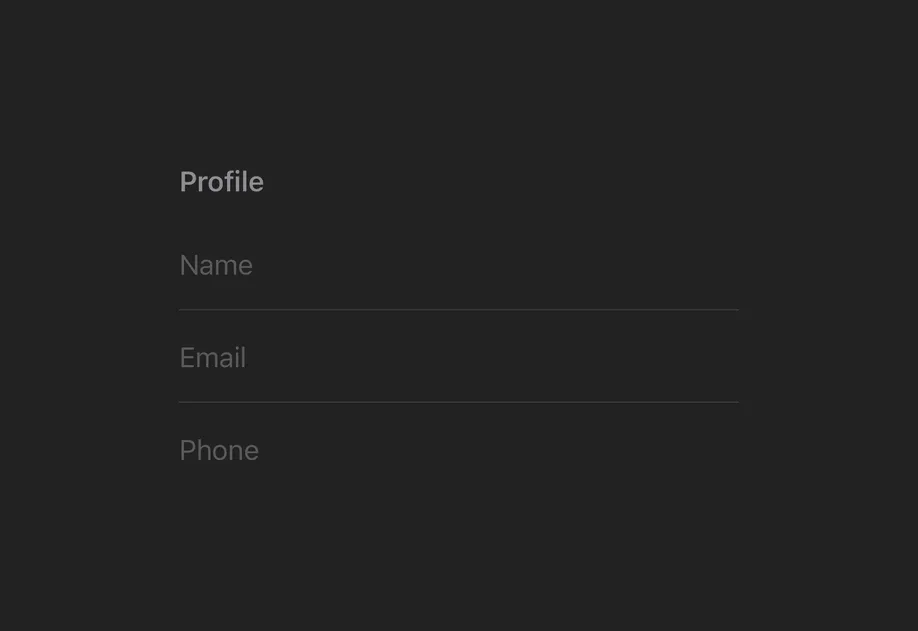
Expo UI TextField 与官方 SwiftUI TextField API 一致,支持单行和多行输入、键盘配置、提交处理,以及用于程序化控制的命令式 ref。
安装
If you are installing this in an existing React Native app, make sure to install expo in your project.
用法
非受控文本字段
将 useNativeState observable 绑定到 text。字段会自行跟踪用户输入,你可以从 textState.value 读取当前值。
受控文本字段
传入一个 onTextChange worklet 来转换或验证输入,并将结果写回 useNativeState observable 状态。下面的示例会在输入时将文本转换为大写。
注意: Worklet 需要安装
react-native-worklets。
多行文本字段
设置 axis="vertical" 以允许文本字段纵向扩展。使用 lineLimit 修饰符控制可见行数。为 Host 指定明确的尺寸,以便字段在其中按需扩展宽度。
键盘类型
使用 keyboardType 修饰符显示特定的键盘布局。
提交处理
使用 submitLabel 修饰符自定义回车键,并使用 onSubmit 处理提交操作。
命令式 ref
使用 ref 以命令式方式设置文本、聚焦、失焦或选择文本。
注意:
setSelection需要 iOS 18.0+ / tvOS 18.0+。其他 ref 方法在所有受支持的版本上均可使用。
Worklet 文本遮罩
当 onTextChange 标记了 'worklet' 指令时,它会在 UI 线程上同步运行,因此回调中对 useNativeState observable 的写入会在下一帧之前生效。输入文本和遮罩后的文本之间不会出现闪烁。下面的示例会在用户输入时对电话号码进行遮罩,并从 worklet 写入 text 和 selection,使光标停留在格式化后文本的末尾。
注意: Worklet 需要安装
react-native-worklets。selection属性需要 iOS 18.0+ / tvOS 18.0+。在较旧版本上,worklet 仍可更新文本,但无法定位光标。
API
import { TextField } from '@expo/ui/swift-ui';
Component
Type: React.Element<TextFieldProps>
Renders a SwiftUI TextField.
boolean • Default: falseIf true, the text field will be focused automatically when mounted.
string • Default: 'horizontal'The axis along which the text field grows when content exceeds a single line.
'horizontal'— single line (default).'vertical'— expands vertically for multiline content. UselineLimitmodifier to cap visible lines.
Acceptable values are: 'horizontal' | 'vertical'
ReactNodeSlot children — supports <TextField.Placeholder> with a <Text> child
(any text-styling modifiers on that Text are preserved as the
placeholder's styling).
numberMaximum number of characters allowed. Truncates natively as the user types.
(focused: boolean) => voidA callback triggered when the field gains or loses focus.
(selection: {
  end: number,
  start: number
}) => void
A callback triggered when the text selection range changes.
(text: string) => voidA callback triggered when the text value changes.
If the callback is marked with the 'worklet' directive, it runs synchronously
on the UI thread; otherwise it is delivered asynchronously as a regular JS event.
Ref<TextFieldRef>ObservableState<TextFieldSelection>Observable state the field writes the current selection to.
Create with useNativeState<TextFieldSelection>({ start: 0, end: 0 }).
Use ref.setSelection(start, end) to set programmatically.
ObservableState<string>An observable state that holds the current text.
Create one with useNativeState('') or useNativeState('initial value').
If omitted, the field manages its own internal state.
Types
Observable state shared between JavaScript and native views (Jetpack Compose on Android and SwiftUI on iOS).
Type: SharedObject extended by:
Can be used for imperatively focusing and setting text/selection on the TextField component.