Reference version

This documentation is available as Markdown for AI agents and LLMs. See the full Markdown index or append .md to any documentation URL.

Overlay

用于在另一个视图上叠加内容的 SwiftUI Overlay 组件。

iOS
tvOS
Included in Expo Go
Recommended version:
~58.0.1

Expo UI Overlay 与官方 SwiftUI overlay 修饰符相匹配,提供了一种将次要内容叠加到视图之上,并按照指定对齐方式定位的方法。
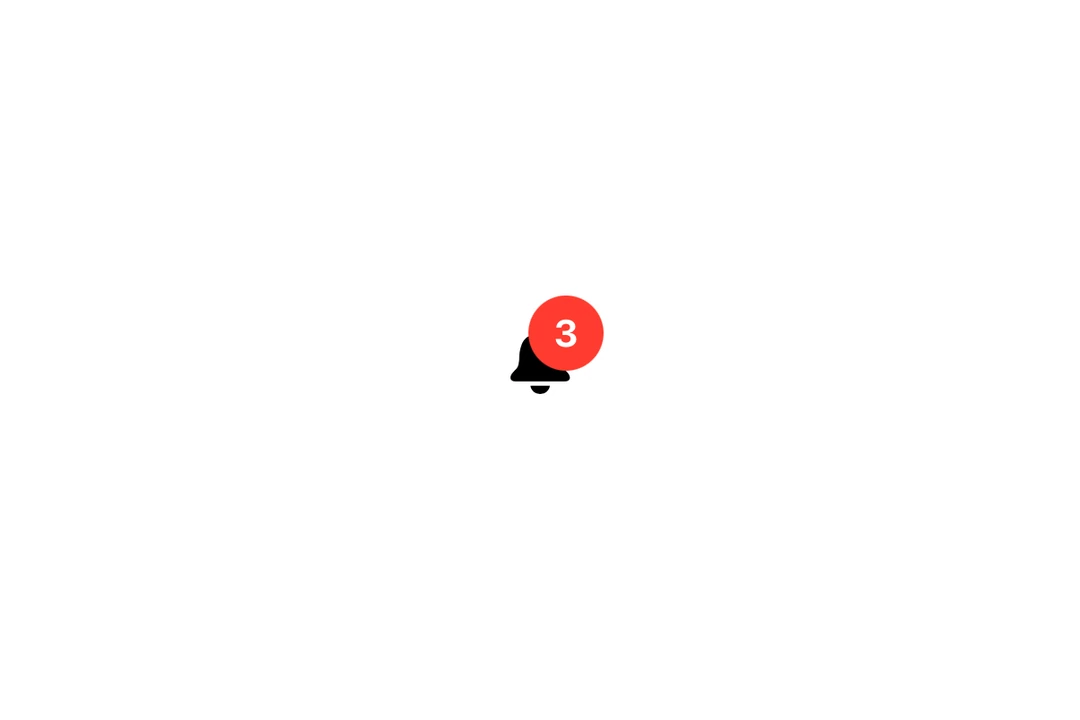
一个铃铛图标,右上角叠加了红色的 3 通知徽标一个铃铛图标,右上角叠加了红色的 3 通知徽标

安装

Terminal
- npx expo install @expo/ui
- yarn expo install @expo/ui
- pnpm expo install @expo/ui
- bun expo install @expo/ui

If you are installing this in an existing React Native app, make sure to install expo in your project.

用法

OverlayExample.tsx
import { Host, Overlay, Text, Image } from '@expo/ui/swift-ui'; import { foregroundStyle, frame, font, background, clipShape, offset, } from '@expo/ui/swift-ui/modifiers'; export default function OverlayExample() { return ( <Host matchContents> <Overlay alignment="topTrailing"> <Image systemName="bell.fill" modifiers={[ font({ size: 28 }), foregroundStyle('#007AFF'), ]} /> <Overlay.Content> <Text modifiers={[ font({ size: 11, weight: 'bold' }), foregroundStyle('#FFFFFF'), frame({ width: 18, height: 18 }), background('#FF3B30'), clipShape('circle'), offset({ x: 8, y: -8 }), ]}> 3 </Text> </Overlay.Content> </Overlay> </Host> ); }

API

import { Overlay } from '@expo/ui/swift-ui';

Component

Overlay

iOS
tvOS

Type: React.Element<OverlayProps>

OverlayProps

alignment

iOS
tvOS
Optional • Type: Alignment • Default: 'center'

The alignment of the overlay content relative to the base content.

children

iOS
tvOS
Type: ReactNode