This documentation is available as Markdown for AI agents and LLMs. See the full Markdown index or append .md to any documentation URL.
SecureField
用于密码输入的 SwiftUI SecureField 组件。
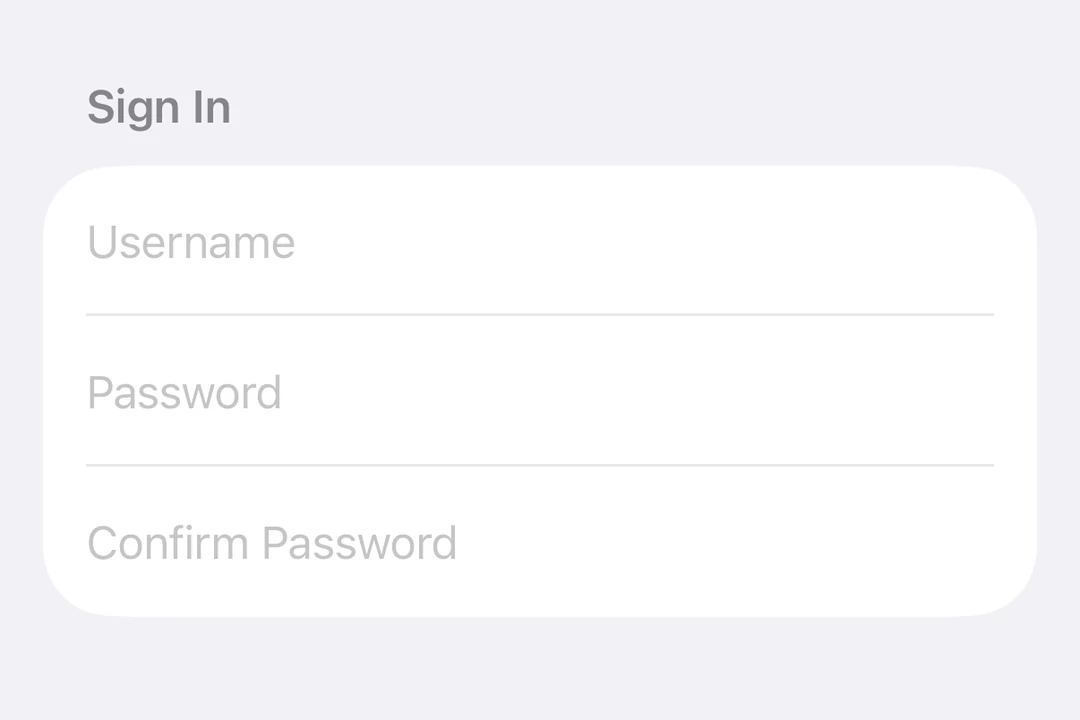
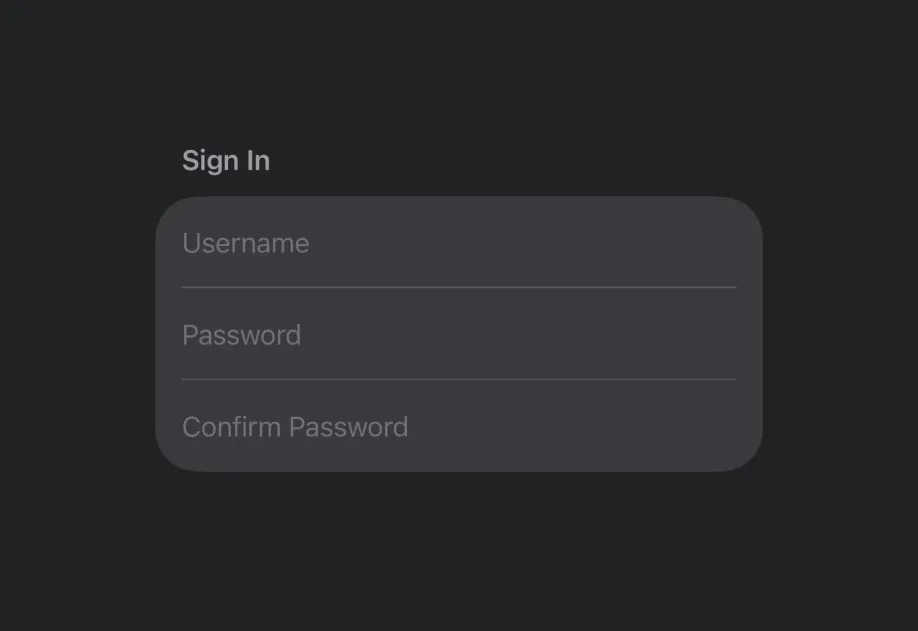
Expo UI SecureField 与官方 SwiftUI SecureField API 相匹配,提供一个可遮蔽用户输入内容的文本字段,适用于密码和其他敏感文本。
安装
If you are installing this in an existing React Native app, make sure to install expo in your project.
用法
基本安全文本字段
提交处理
使用 submitLabel 和 onSubmit 修饰符处理键盘表单提交。
命令式 ref
使用 ref 命令式地设置文本、聚焦或取消聚焦安全文本字段。
API
import { SecureField } from '@expo/ui/swift-ui';
Component
Type: React.Element<SecureFieldProps>
Renders a SwiftUI SecureField for password input.
boolean • Default: falseIf true, the secure field will be focused automatically when mounted.
ReactNodeSlot children - supports <SecureField.Placeholder> with a <Text> child
numberMaximum number of characters allowed. Truncates natively as the user types.
(focused: boolean) => voidA callback triggered when the field gains or loses focus.
(text: string) => voidA callback triggered when the text value changes.
If the callback is marked with the 'worklet' directive, it runs synchronously
on the UI thread; otherwise it is delivered asynchronously as a regular JS event.
Ref<SecureFieldRef>ObservableState<string>An observable state that holds the current text.
Create one with useNativeState('') or useNativeState('initial value').
If omitted, the field manages its own internal state.