Reference version

This documentation is available as Markdown for AI agents and LLMs. See the full Markdown index or append .md to any documentation URL.

Spacer

用于灵活间距的 SwiftUI Spacer 组件

iOS
tvOS
Included in Expo Go
Recommended version:
~58.0.1

Expo UI Spacer 与官方 SwiftUI Spacer API 相匹配,并会扩展以填满堆栈中的可用空间。
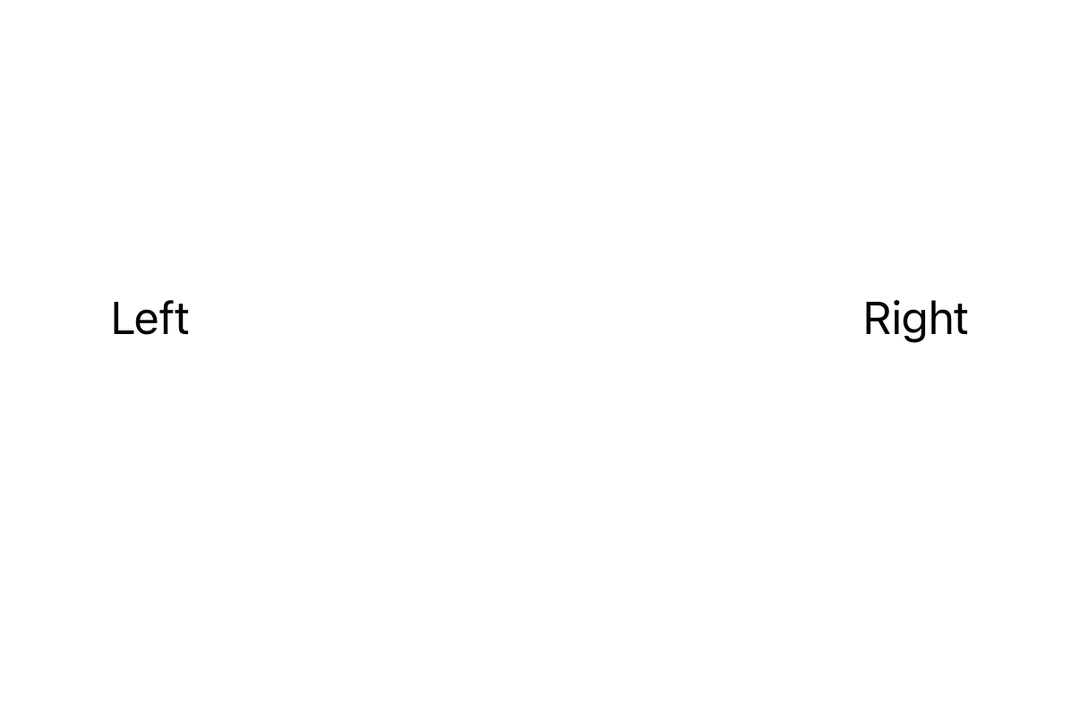
一个红色的 A 方块位于 HStack 的起始边缘,一个蓝色的 B 方块位于末尾边缘,两者之间由 Spacer 分隔一个红色的 A 方块位于 HStack 的起始边缘,一个蓝色的 B 方块位于末尾边缘,两者之间由 Spacer 分隔

安装

Terminal
- npx expo install @expo/ui
- yarn expo install @expo/ui
- pnpm expo install @expo/ui
- bun expo install @expo/ui

If you are installing this in an existing React Native app, make sure to install expo in your project.

用法

HStack 中的基本 Spacer

使用 Spacer 将内容推向水平堆栈的两端。

SpacerHStackExample.tsx
import { Host, HStack, Text, Spacer } from '@expo/ui/swift-ui'; export default function SpacerHStackExample() { return ( <Host style={{ flex: 1 }}> <HStack> <Text>Left</Text> <Spacer /> <Text>Right</Text> </HStack> </Host> ); }

VStack 中的基本 Spacer

使用 Spacer 将内容推向垂直堆栈的两端。

SpacerVStackExample.tsx
import { Host, VStack, Text, Spacer } from '@expo/ui/swift-ui'; export default function SpacerVStackExample() { return ( <Host style={{ flex: 1 }}> <VStack> <Text>Top</Text> <Spacer /> <Text>Bottom</Text> </VStack> </Host> ); }

API

import { Spacer } from '@expo/ui/swift-ui';

Component

Spacer

iOS
tvOS

Type: React.Element<SpacerProps>

SpacerProps

minLength

iOS
tvOS
Optional • Type: number

The minimum length of the spacer. This is the minimum amount of space that the spacer will take up.