Reference version

This is documentation for the next SDK version. For up-to-date documentation, see the latest version (SDK 55).

BadgedBox

一个用于在内容上叠加徽标的 Jetpack Compose BadgedBox 组件。

Android

For the complete documentation index, see llms.txt. Use this Use this file to discover all available pages.

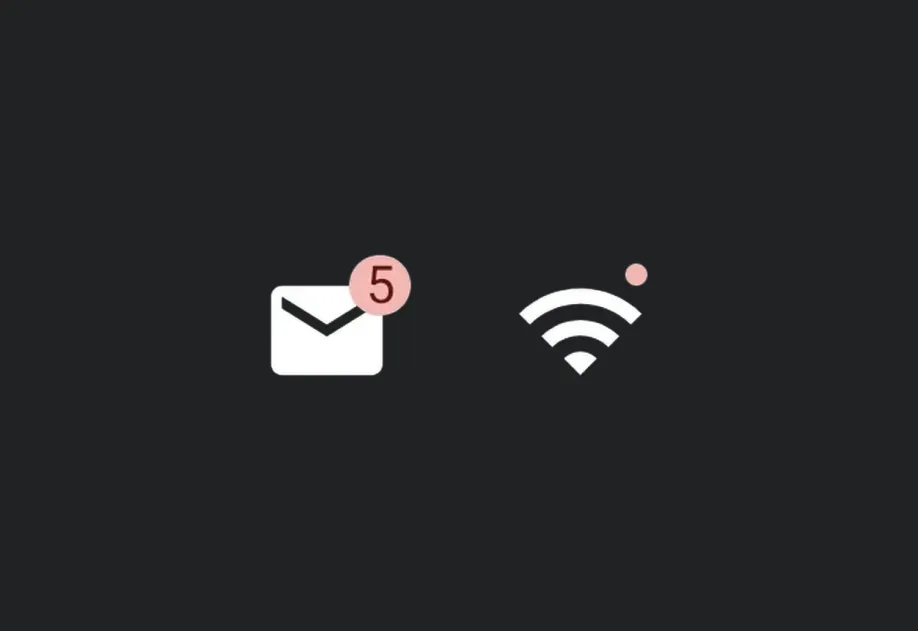
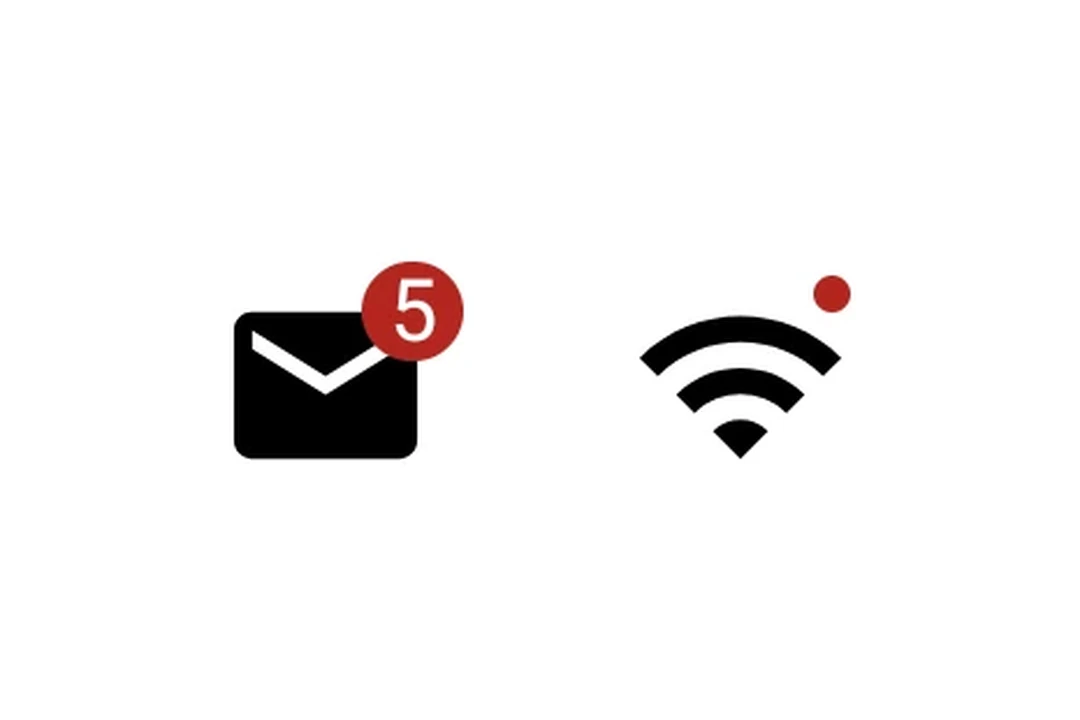
Expo UI BadgedBox 与官方 Jetpack Compose BadgedBox API 保持一致。它会在图标等内容上方叠加一个徽标。
安装

Terminal
npx expo install @expo/ui

If you are installing this in an existing React Native app, make sure to install expo in your project.

用法

带徽标数量的图标

IconWithBadge.tsx
import { Host, Badge, BadgedBox, Icon, Text } from '@expo/ui/jetpack-compose'; // 替换为你自己的矢量 drawable 资源 const mailIcon = require('./assets/mail.xml'); export default function IconWithBadge() { return ( <Host matchContents> <BadgedBox> <BadgedBox.Badge> <Badge> <Text>5</Text> </Badge> </BadgedBox.Badge> <Icon source={mailIcon} size={24} /> </BadgedBox> </Host> ); }

交互式计数器

InteractiveBadge.tsx
import { useState } from 'react'; import { Host, Badge, BadgedBox, Icon, Button, Text, Column } from '@expo/ui/jetpack-compose'; // 替换为你自己的矢量 drawable 资源 const cartIcon = require('./assets/cart.xml'); export default function InteractiveBadge() { const [count, setCount] = useState(0); return ( <Host matchContents> <Column> <BadgedBox> <BadgedBox.Badge> {count > 0 ? ( <Badge> <Text>{String(count)}</Text> </Badge> ) : null} </BadgedBox.Badge> <Icon source={cartIcon} size={24} /> </BadgedBox> <Button onClick={() => setCount(c => c + 1)}> <Text>添加项目</Text> </Button> </Column> </Host> ); }

API

import { BadgedBox } from '@expo/ui/jetpack-compose';

Component

BadgedBox

Android

Type: React.Element<BadgedBoxProps>

A badged box matching Compose's BadgedBox. Overlays a badge on top of content (e.g., an icon).

BadgedBoxProps

children

Android
Optional • Type: React.ReactNode

Children containing the main content and a BadgedBox.Badge slot.

modifiers

Android
Optional • Type: ModifierConfig[]

Modifiers for the component.