This is documentation for the next SDK version. For up-to-date documentation, see the latest version (SDK 55).
BasicAlertDialog
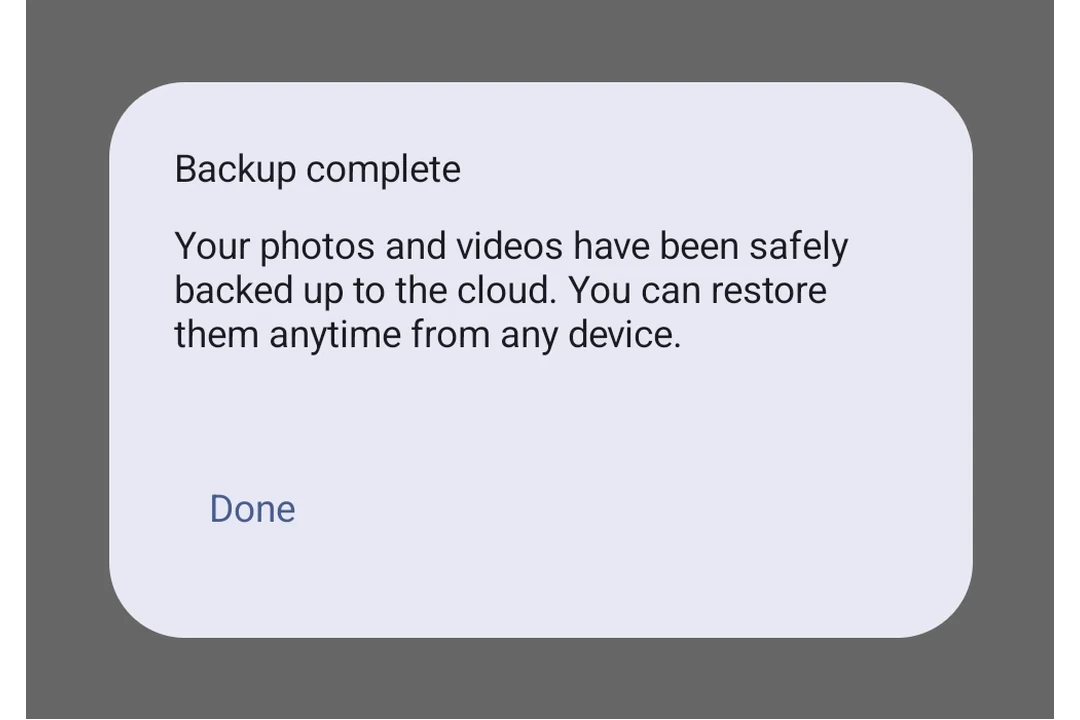
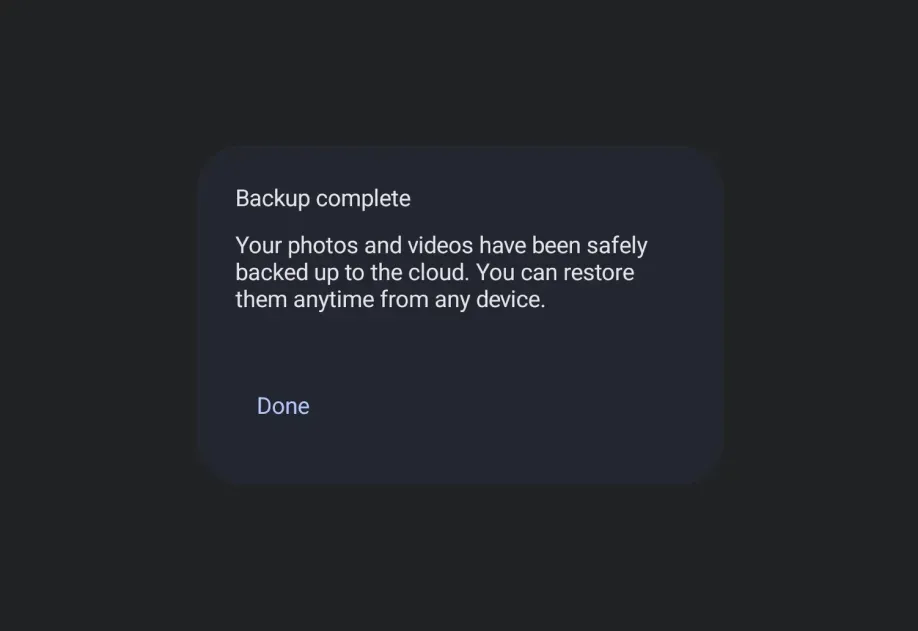
一个用于显示自定义内容对话框的 Jetpack Compose BasicAlertDialog 组件。
For the complete documentation index, see llms.txt. Use this Use this file to discover all available pages.
Expo UI BasicAlertDialog 与官方的 Jetpack Compose BasicAlertDialog API 一致,并显示一个可接受自定义子组件作为内容的最小化对话框,让你可以完全控制对话框布局。
安装
- npx expo install @expo/uiIf you are installing this in an existing React Native app, make sure to install expo in your project.
用法
带自定义内容的基础对话框
import { useState } from 'react'; import { Host, BasicAlertDialog, Button, TextButton, Text, Surface, Column, Spacer, } from '@expo/ui/jetpack-compose'; import { padding, wrapContentWidth, wrapContentHeight, clip, height, align, Shapes, } from '@expo/ui/jetpack-compose/modifiers'; export default function BasicAlertDialogExample() { const [visible, setVisible] = useState(false); return ( <Host matchContents> <Button onClick={() => setVisible(true)}> <Text>打开对话框</Text> </Button> {visible && ( <BasicAlertDialog onDismissRequest={() => setVisible(false)}> <Surface tonalElevation={6} modifiers={[wrapContentWidth(), wrapContentHeight(), clip(Shapes.RoundedCorner(28))]}> <Column modifiers={[padding(16, 16, 16, 16)]}> <Text> 此区域通常包含辅助文本,用于呈现有关对话框用途的详细信息。 </Text> <Spacer modifiers={[height(24)]} /> <TextButton onClick={() => setVisible(false)} modifiers={[align('centerEnd')]}> <Text>确认</Text> </TextButton> </Column> </Surface> </BasicAlertDialog> )} </Host> ); }
API
import { BasicAlertDialog } from '@expo/ui/jetpack-compose';
Component
Type: React.Element<BasicAlertDialogProps>
A basic alert dialog that provides a blank container for custom content.
Unlike AlertDialog, this component does not have structured title/text/buttons slots.
() => voidCallback that is called when the user tries to dismiss the dialog (e.g. by tapping outside of it or pressing the back button).
Types
Properties for the dialog window, matching DialogProperties in Compose.
| Property | Type | Description |
|---|---|---|
| decorFitsSystemWindows(optional) | boolean | Whether the dialog's decor fits system windows. Default: true |
| dismissOnBackPress(optional) | boolean | Whether the dialog can be dismissed by pressing the back button. Default: true |
| dismissOnClickOutside(optional) | boolean | Whether the dialog can be dismissed by clicking outside of it. Default: true |
| usePlatformDefaultWidth(optional) | boolean | Whether the dialog should use the platform default width. Default: true |