This documentation is available as Markdown for AI agents and LLMs. See the full Markdown index or append .md to any documentation URL.
This is documentation for the next SDK version. For up-to-date documentation, see the latest version (SDK 57).
FlowRow
一个用于在水平方向换行子项的 Jetpack Compose FlowRow 组件。
Android
Included in Expo Go
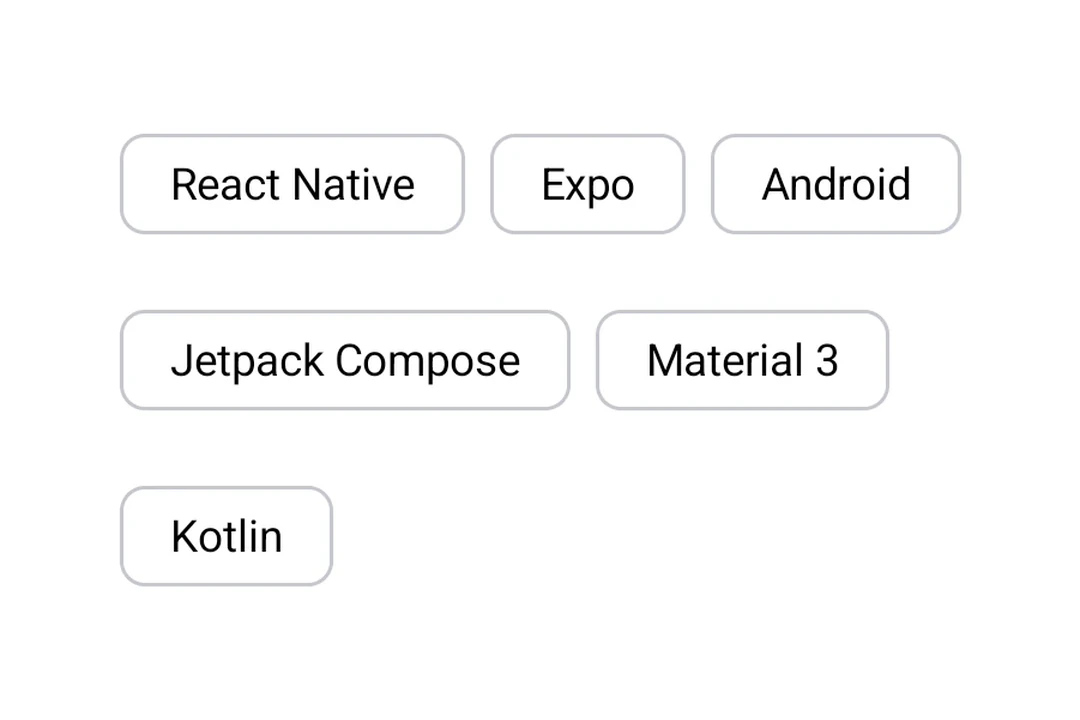
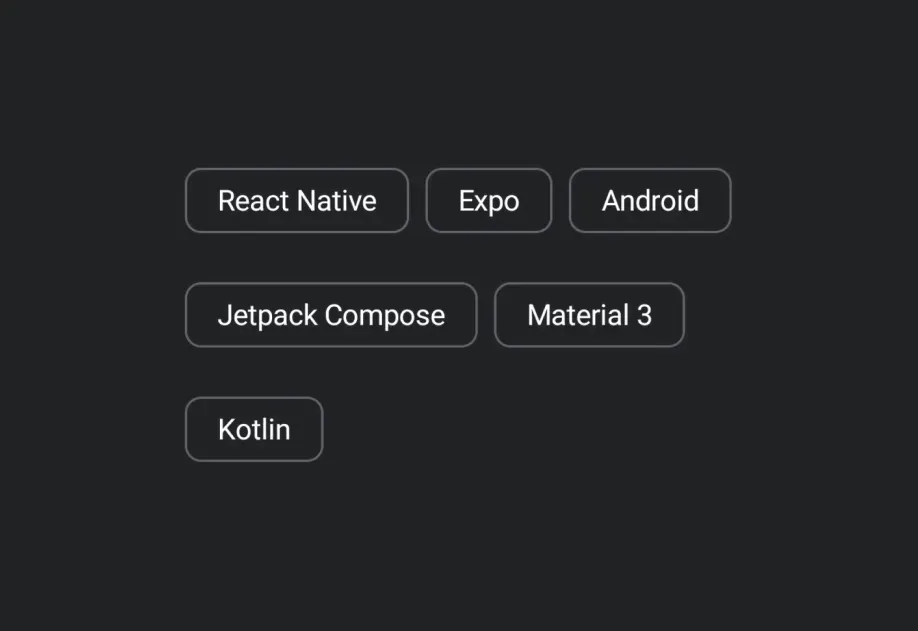
Expo UI FlowRow 与官方 Jetpack Compose FlowRow API 一致,并以水平流式方式排列子元素,在空间不足时会换行到下一行。
安装
Terminal
If you are installing this in an existing React Native app, make sure to install expo in your project.
用法
FlowRow 以水平流式方式排列子元素,在空间不足时会换行到下一行。
FlowRowExample.tsx
API
import { FlowRow } from '@expo/ui/jetpack-compose';
Component
Type: React.Element<FlowRowProps>
Optional • Type:
ReactNodeOptional • Type:
HorizontalArrangementHorizontal arrangement of children.