Reference version

This is documentation for the next SDK version. For up-to-date documentation, see the latest version (SDK 55).

分段按钮

用于单选或多选的 Jetpack Compose 分段按钮组件。

Android

For the complete documentation index, see llms.txt. Use this Use this file to discover all available pages.

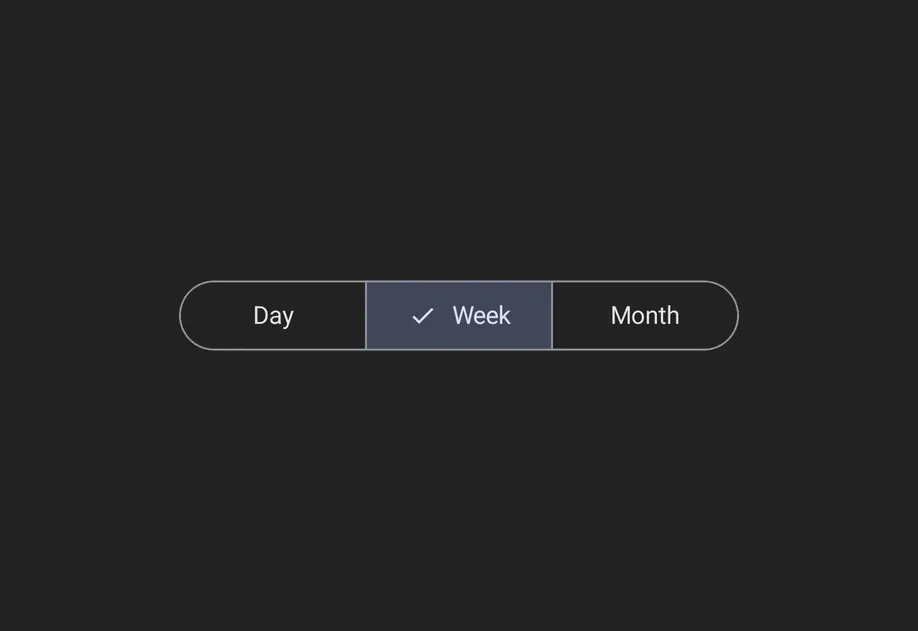
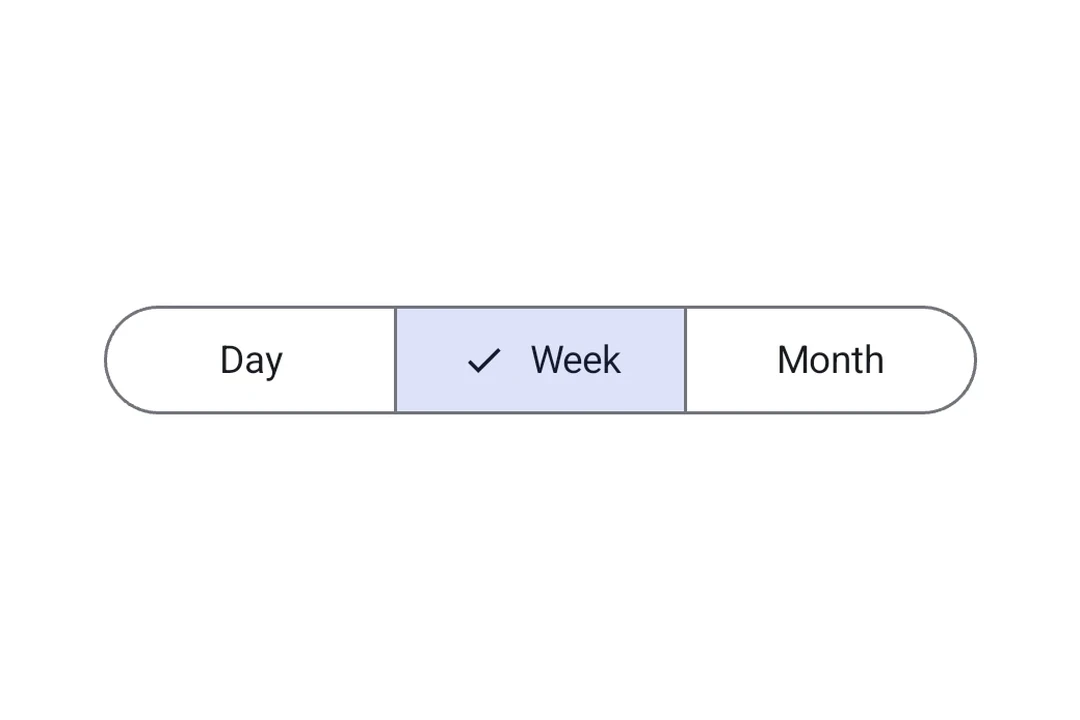
分段按钮让应用用户可以从一行并排显示的一组小选项中进行选择。它们对应官方的 Jetpack Compose 分段按钮 API。

有两种容器类型:

  • SingleChoiceSegmentedButtonRow:同一时间只能选择一个按钮(类似单选按钮)。
  • MultiChoiceSegmentedButtonRow:多个按钮可以独立切换(类似复选框)。
安装

Terminal
npx expo install @expo/ui

If you are installing this in an existing React Native app, make sure to install expo in your project.

用法

单选分段按钮

当同一时间只能激活一个选项时,使用 SingleChoiceSegmentedButtonRow。每个 SegmentedButton 接受 selectedonClick 属性。

SingleChoiceExample.tsx
import { useState } from 'react'; import { Host, SingleChoiceSegmentedButtonRow, SegmentedButton, Text, } from '@expo/ui/jetpack-compose'; export default function SingleChoiceExample() { const [selectedIndex, setSelectedIndex] = useState(0); const options = ['Day', 'Week', 'Month', 'Year']; return ( <Host matchContents> <SingleChoiceSegmentedButtonRow> {options.map((label, index) => ( <SegmentedButton key={label} selected={index === selectedIndex} onClick={() => setSelectedIndex(index)}> <SegmentedButton.Label> <Text>{label}</Text> </SegmentedButton.Label> </SegmentedButton> ))} </SingleChoiceSegmentedButtonRow> </Host> ); }

多选分段按钮

当多个选项可以独立切换时,使用 MultiChoiceSegmentedButtonRow。每个 SegmentedButton 接受 checkedonCheckedChange 属性。

MultiChoiceExample.tsx
import { useState } from 'react'; import { Host, MultiChoiceSegmentedButtonRow, SegmentedButton, Text, } from '@expo/ui/jetpack-compose'; export default function MultiChoiceExample() { const [checkedItems, setCheckedItems] = useState([false, false, false, false]); const options = ['Wi-Fi', 'Bluetooth', 'NFC', 'GPS']; return ( <Host matchContents> <MultiChoiceSegmentedButtonRow> {options.map((label, index) => ( <SegmentedButton key={label} checked={checkedItems[index]} onCheckedChange={checked => { setCheckedItems(prev => { const next = [...prev]; next[index] = checked; return next; }); }}> <SegmentedButton.Label> <Text>{label}</Text> </SegmentedButton.Label> </SegmentedButton> ))} </MultiChoiceSegmentedButtonRow> </Host> ); }

自定义颜色

SegmentedButton 上使用 colors 属性,可以自定义其在激活、未激活和禁用状态下的外观。

CustomColorsExample.tsx
import { useState } from 'react'; import { Host, SingleChoiceSegmentedButtonRow, SegmentedButton, Text, } from '@expo/ui/jetpack-compose'; export default function CustomColorsExample() { const [selectedIndex, setSelectedIndex] = useState(0); const options = ['$', '$$', '$$$', '$$$$']; return ( <Host matchContents> <SingleChoiceSegmentedButtonRow> {options.map((label, index) => ( <SegmentedButton key={label} selected={index === selectedIndex} onClick={() => setSelectedIndex(index)} colors={{ activeContainerColor: '#6200EE', activeContentColor: '#FFFFFF', }}> <SegmentedButton.Label> <Text>{label}</Text> </SegmentedButton.Label> </SegmentedButton> ))} </SingleChoiceSegmentedButtonRow> </Host> ); }

API

import { SingleChoiceSegmentedButtonRow, MultiChoiceSegmentedButtonRow, SegmentedButton, } from '@expo/ui/jetpack-compose';

Components

MultiChoiceSegmentedButtonRow

Android

Type: React.Element<MultiChoiceSegmentedButtonRowProps>

A row container for multi-choice SegmentedButton children. Maps to Material 3 MultiChoiceSegmentedButtonRow.

MultiChoiceSegmentedButtonRowProps

children

Android
Type: React.ReactNode

SegmentedButton children.

modifiers

Android
Optional • Type: ModifierConfig[]

Modifiers for the component.

SegmentedButton

Android

Type: React.Element<SegmentedButtonProps>

A Material 3 segmented button. Must be used inside a SingleChoiceSegmentedButtonRow or MultiChoiceSegmentedButtonRow.

SegmentedButtonProps

checked

Android
Optional • Type: boolean

Whether the button is currently checked (used inside MultiChoiceSegmentedButtonRow).

children

Android
Optional • Type: React.ReactNode

Children containing a Label slot.

colors

Android
Optional • Type: SegmentedButtonColors

Colors for the button in different states.

enabled

Android
Optional • Type: boolean • Default: true

Whether the button is enabled.

modifiers

Android
Optional • Type: ModifierConfig[]

Modifiers for the component.

onCheckedChange

Android
Optional • Type: (checked: boolean) => void

Callback that is called when the checked state changes (used inside MultiChoiceSegmentedButtonRow).

onClick

Android
Optional • Type: () => void

Callback that is called when the button is clicked (used inside SingleChoiceSegmentedButtonRow).

selected

Android
Optional • Type: boolean

Whether the button is currently selected (used inside SingleChoiceSegmentedButtonRow).

SingleChoiceSegmentedButtonRow

Android

Type: React.Element<SingleChoiceSegmentedButtonRowProps>

A row container for single-choice SegmentedButton children. Maps to Material 3 SingleChoiceSegmentedButtonRow.

SingleChoiceSegmentedButtonRowProps

children

Android
Type: React.ReactNode

SegmentedButton children.

modifiers

Android
Optional • Type: ModifierConfig[]

Modifiers for the component.

Types

SegmentedButtonColors

Android

Colors for the segmented button in different states.

PropertyTypeDescription
activeBorderColor(optional)ColorValue
-
activeContainerColor(optional)ColorValue
-
activeContentColor(optional)ColorValue
-
disabledActiveBorderColor(optional)ColorValue
-
disabledActiveContainerColor(optional)ColorValue
-
disabledActiveContentColor(optional)ColorValue
-
disabledInactiveBorderColor(optional)ColorValue
-
disabledInactiveContainerColor(optional)ColorValue
-
disabledInactiveContentColor(optional)ColorValue
-
inactiveBorderColor(optional)ColorValue
-
inactiveContainerColor(optional)ColorValue
-
inactiveContentColor(optional)ColorValue
-