This is documentation for the next SDK version. For up-to-date documentation, see the latest version (SDK 56).
Snackbar
一条简短的通知,会出现在屏幕底部,在不打断用户的情况下提供反馈。
For the complete documentation index, see llms.txt. Use this file to discover all available pages.
Expo UI 提供了两个与 Jetpack Compose 的 Snackbar API 对应的组件:
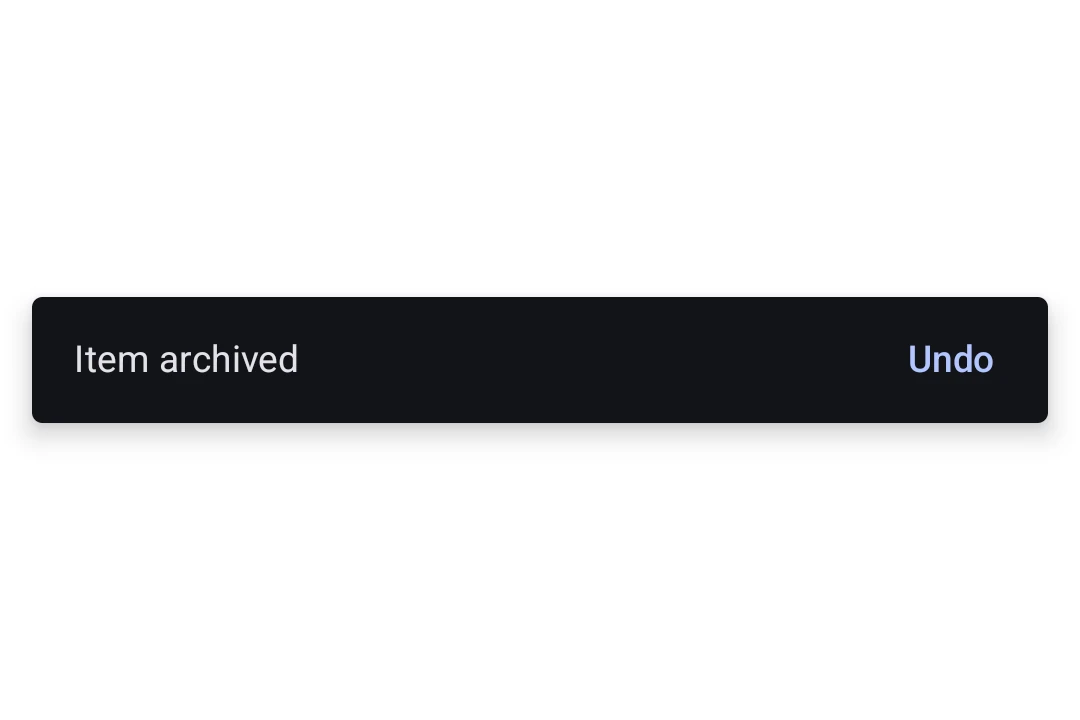
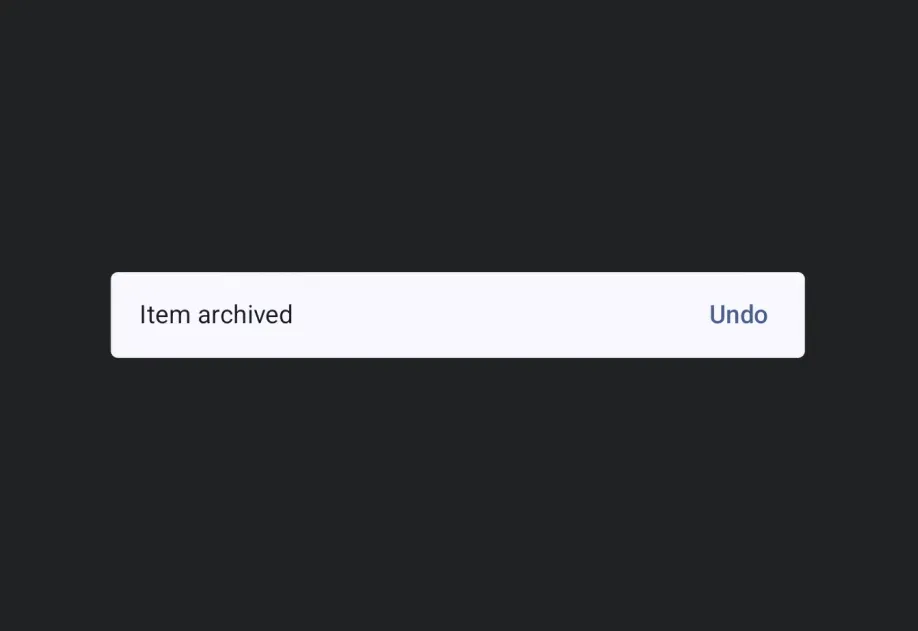
SnackbarHost封装了 Compose 的 SnackbarHost 和 SnackbarHostState。将其放在布局中一次即可,然后在ref上调用showSnackbar。Snackbar 会根据duration自动消失,也可以通过操作按钮或可选的关闭图标手动关闭。Snackbar是SnackbarHost的仅样式子组件。传入它可覆盖颜色,或将操作按钮放到新的一行。
安装
- npx expo install @expo/uiIf you are installing this in an existing React Native app, make sure to install expo in your project.
用法
显示 snackbar
在布局中放置一次 SnackbarHost,然后在它的 ref 上调用 showSnackbar 来显示消息。返回的 promise 会在 snackbar 消失后解析为 'actionPerformed' 或 'dismissed'。
import { useRef } from 'react'; import { Box, Button, Column, Host, SnackbarHost, Text, type SnackbarHostRef, } from '@expo/ui/jetpack-compose'; import { align, fillMaxSize, fillMaxWidth, padding } from '@expo/ui/jetpack-compose/modifiers'; export default function SnackbarExample() { const hostRef = useRef<SnackbarHostRef>(null); const onArchive = async () => { const result = await hostRef.current?.showSnackbar({ message: 'Item archived', actionLabel: 'Undo', duration: 'short', }); if (result === 'actionPerformed') { // 用户点击了 Undo,恢复该项目。 } }; return ( <Host style={{ flex: 1 }}> <Box modifiers={[fillMaxSize()]}> <Column modifiers={[padding(16, 16, 16, 16)]}> <Button onClick={onArchive}> <Text>Archive</Text> </Button> </Column> <Box modifiers={[align('bottomCenter'), fillMaxWidth()]}> <SnackbarHost ref={hostRef} /> </Box> </Box> </Host> ); }
自定义样式
向 SnackbarHost 传入一个 Snackbar 子组件,可覆盖颜色,或将操作按钮放到新的一行。Snackbar 本身不包含任何内容,消息和操作都来自每次 showSnackbar 调用。
import { useRef } from 'react'; import { Box, Button, Column, Host, Snackbar, SnackbarHost, Text, type SnackbarHostRef, } from '@expo/ui/jetpack-compose'; import { align, fillMaxSize, fillMaxWidth, padding } from '@expo/ui/jetpack-compose/modifiers'; export default function StyledSnackbar() { const hostRef = useRef<SnackbarHostRef>(null); const onSave = () => { hostRef.current?.showSnackbar({ message: 'Saved', actionLabel: 'Undo', }); }; return ( <Host style={{ flex: 1 }}> <Box modifiers={[fillMaxSize()]}> <Column modifiers={[padding(16, 16, 16, 16)]}> <Button onClick={onSave}> <Text>Save</Text> </Button> </Column> <Box modifiers={[align('bottomCenter'), fillMaxWidth()]}> <SnackbarHost ref={hostRef}> <Snackbar containerColor="#1E1E2E" contentColor="#CDD6F4" actionContentColor="#F38BA8" dismissActionContentColor="#CDD6F4" /> </SnackbarHost> </Box> </Box> </Host> ); }
API
import { Snackbar, SnackbarHost } from '@expo/ui/jetpack-compose';
Components
Type: React.Element<SnackbarProps>
Styling configuration for the snackbar shown by SnackbarHost. Pass as a
child to override colors or place the action on a new line.
boolean • Default: falseWhether the action should be placed on a new line below the message. Useful for long action labels.
ColorValueThe preferred content color used for the message text.
ColorValueThe content color used for the dismiss-action icon button.
Type: React.Element<SnackbarHostProps>
A Material 3 SnackbarHost
that displays snackbars triggered via its ref's showSnackbar method.
React.ReactNodeOptional Snackbar child supplying styling for shown snackbars. Mirrors
Compose's SnackbarHost(hostState) { data -> Snackbar(data, ...) } lambda.
Types
Literal Type: string
How long the snackbar is shown. Mirrors Compose's SnackbarDuration enum.
Acceptable values are: 'short' | 'long' | 'indefinite'
| Property | Type | Description |
|---|---|---|
| showSnackbar | (options: SnackbarShowOptions) => Promise<SnackbarResult> | Shows a snackbar and resolves with |
Literal Type: string
Reason a snackbar invocation resolved. Mirrors Compose's SnackbarResult enum.
Acceptable values are: 'actionPerformed' | 'dismissed'
| Property | Type | Description |
|---|---|---|
| actionLabel(optional) | string | Label for the optional action button. When omitted, no action button is shown. |
| duration(optional) | SnackbarDuration | How long to show the snackbar. Defaults to |
| message | string | The message body of the snackbar. |
| withDismissAction(optional) | boolean | Whether to show a trailing close (X) icon button to dismiss the snackbar. Default: false |