This documentation is available as Markdown for AI agents and LLMs. See the full Markdown index or append .md to any documentation URL.
This is documentation for the next SDK version.
Image
用于显示图像的 Jetpack Compose Image 组件。
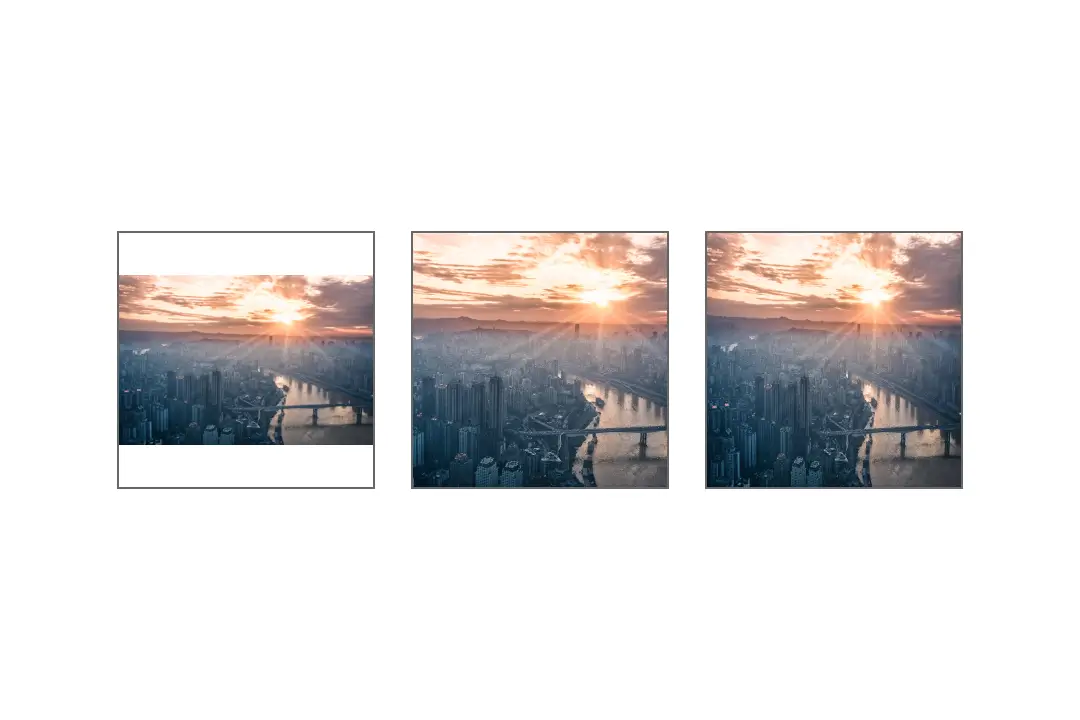
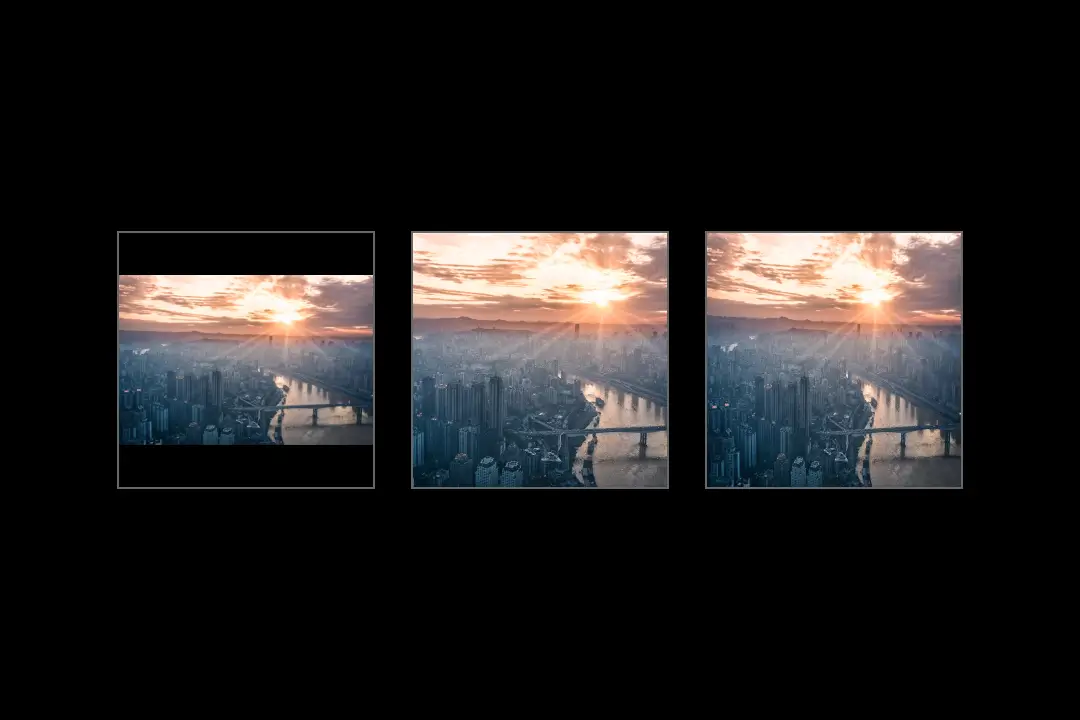
Expo UI Image 封装了官方的 Jetpack Compose Image API,可显示打包在应用中的图片或远程图片。使用 size、width 或 fillMaxWidth 等修饰符设置尺寸,然后通过 contentScale 控制图片在这些边界内的填充方式。
安装
If you are installing this in an existing React Native app, make sure to install expo in your project.
用法
API
import { Image } from '@expo/ui/jetpack-compose';
Component
Type: React.Element<ImageProps>
Displays an image using Jetpack Compose.
Size the image with modifiers such as size, width, height, or fillMaxSize.
Example
import { Image } from '@expo/ui/jetpack-compose';
import { size } from '@expo/ui/jetpack-compose/modifiers';

<Image
  source={require('./photo.png')}
  contentScale="crop"
  contentDescription="A mountain at sunset"
  modifiers={[size(160, 100)]}
/>
ContentAlignment • Default: 'center'How the image should be aligned within its bounds.
number • Default: 1Opacity of the image between 0 and 1.
Example
<Image source={require('./icon.png')} alpha={0.5} />
unionAccessibility label for the image.
Used by screen readers to describe the image to users.
Use null for decorative images.
Example
<Image
  source={require('./photo.png')}
  contentDescription="A mountain at sunset"
/>
Acceptable values are: string | null
ImageContentScale • Default: 'fit'How the image should be scaled to fit its bounds.
Example
<Image source={require('./photo.png')} contentScale="crop" />
(error: string) => voidCallback that is called when the image fails to load.
ImageSourceA bundled image or an object containing a single local or remote URI.
Example
<Image source={require('./photo.png')} />
<Image source={{ uri: 'file:///path/to/photo.png' }} />
ColorValueOptional color applied to every non-transparent image pixel.
Example
<Image source={require('./icon.png')} tint="#007AFF" />
<Image source={require('./icon.png')} tint="blue" />
Types
Literal type: string
Controls how an image is scaled inside its bounds.
Acceptable values are: 'fit' | 'crop' | 'fillBounds' | 'fillWidth' | 'fillHeight' | 'inside' | 'none'