This documentation is available as Markdown for AI agents and LLMs. See the full Markdown index or append .md to any documentation URL.
HorizontalPager
一个用于可滑动页面的 Jetpack Compose HorizontalPager 组件。
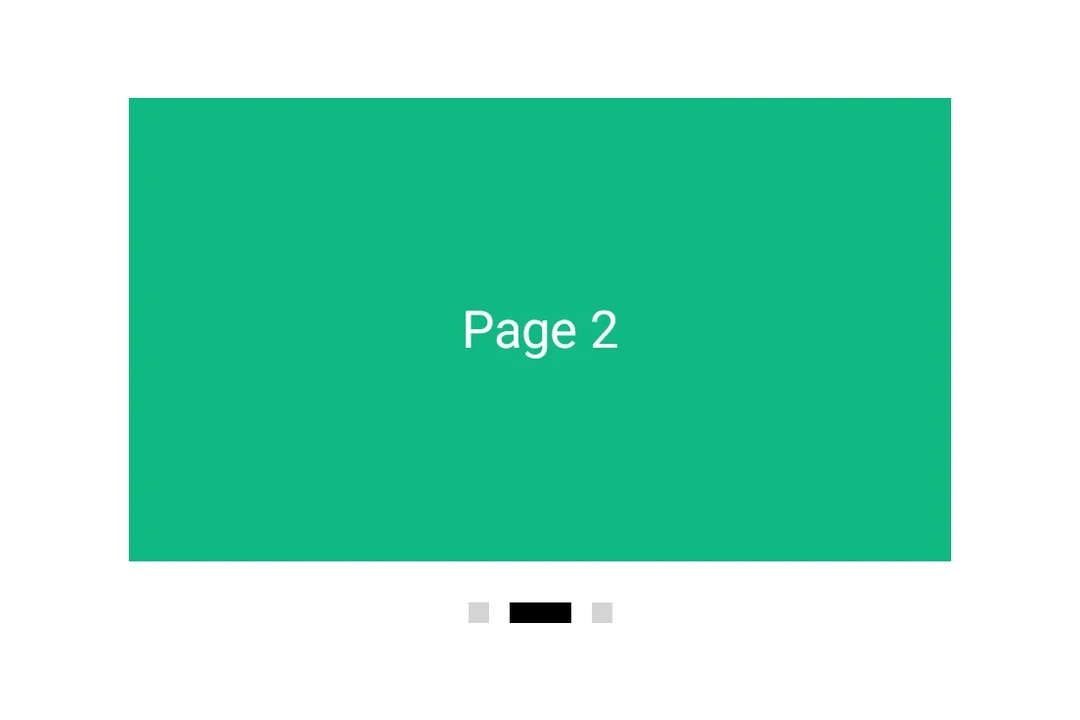
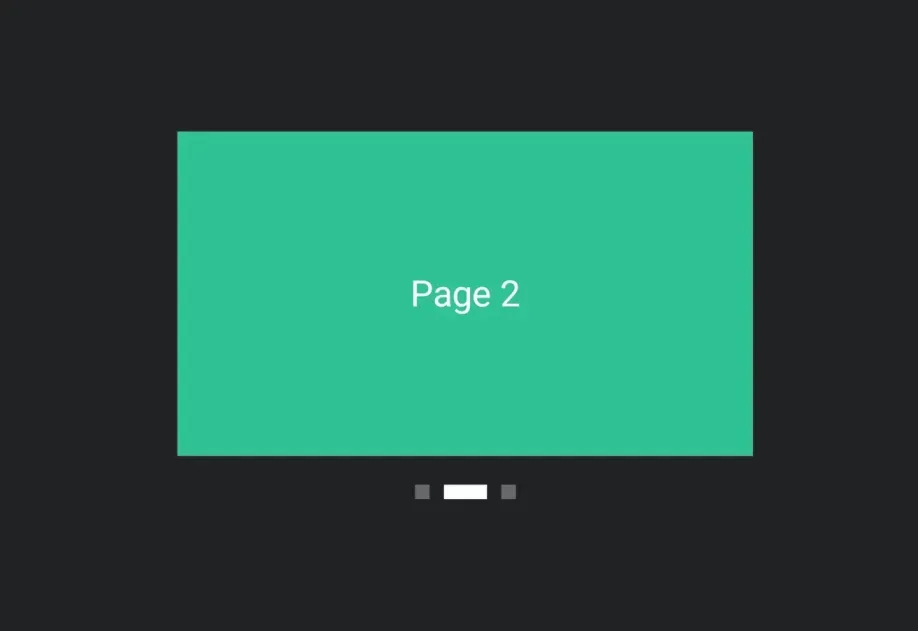
Expo UI HorizontalPager 与 Jetpack Compose 的 HorizontalPager 匹配——这是一个水平滚动的分页器,会吸附到各个单独页面。
HorizontalPager 不会强制设定自身的高度——请使用 height 修饰符为其指定高度,或将其放置在具有有限高度的父容器中。
安装
- npx expo install @expo/uiIf you are installing this in an existing React Native app, make sure to install expo in your project.
用法
非受控
分页器原生管理其滚动位置。使用 initialPage 选择起始页,并通过 onCurrentPageChange 监听变化(在滑动过程中、snap 目标切换时触发),或通过 onSettledPageChange 监听变化(仅在滑动结束并稳定后触发)。
import { Box, Column, Host, HorizontalPager, Text } from '@expo/ui/jetpack-compose'; import { background, fillMaxSize, fillMaxWidth, height } from '@expo/ui/jetpack-compose/modifiers'; import { useState } from 'react'; export default function UncontrolledPagerExample() { const [currentPage, setCurrentPage] = useState(1); const [settledPage, setSettledPage] = useState(1); return ( <Host matchContents={{ vertical: true }} style={{ width: '100%' }}> <Column verticalArrangement={{ spacedBy: 12 }} modifiers={[fillMaxWidth()]}> <Text style={{ typography: 'titleLarge' }}> currentPage: {currentPage} · settledPage: {settledPage} </Text> <HorizontalPager initialPage={1} onCurrentPageChange={setCurrentPage} onSettledPageChange={setSettledPage} modifiers={[fillMaxWidth(), height(240)]}> <Page label="第 1 页" color="#6200EE" /> <Page label="第 2 页" color="#03DAC5" /> <Page label="第 3 页" color="#FF5722" /> </HorizontalPager> </Column> </Host> ); } function Page({ label, color }: { label: string; color: string }) { return ( <Box modifiers={[fillMaxSize(), background(color)]} contentAlignment="center"> <Text color="#FFFFFF" style={{ typography: 'headlineLarge' }}> {label} </Text> </Box> ); }
程序化导航
附加一个 ref,然后在其上调用 animateScrollToPage 或 scrollToPage。这两个方法分别对应 Compose 的 PagerState.animateScrollToPage 和 PagerState.scrollToPage。
import { Box, Button, Column, Host, HorizontalPager, type HorizontalPagerHandle, Row, Text, } from '@expo/ui/jetpack-compose'; import { background, fillMaxSize, fillMaxWidth, height } from '@expo/ui/jetpack-compose/modifiers'; import { useRef, useState } from 'react'; const PAGE_COUNT = 5; export default function ProgrammaticPagerExample() { const pagerRef = useRef<HorizontalPagerHandle>(null); const [page, setPage] = useState(0); return ( <Host matchContents={{ vertical: true }} style={{ width: '100%' }}> <Column verticalArrangement={{ spacedBy: 12 }} modifiers={[fillMaxWidth()]}> <Text style={{ typography: 'titleLarge' }}> 第 {page + 1} 页 / {PAGE_COUNT} </Text> <HorizontalPager ref={pagerRef} onSettledPageChange={setPage} modifiers={[fillMaxWidth(), height(200)]}> {Array.from({ length: PAGE_COUNT }).map((_, i) => ( <Page key={i} label={`第 ${i + 1} 页`} color={COLORS[i]} /> ))} </HorizontalPager> <Row horizontalArrangement={{ spacedBy: 8 }}> <Button onClick={() => pagerRef.current?.animateScrollToPage(Math.max(0, page - 1))}> <Text>上一页</Text> </Button> <Button onClick={() => pagerRef.current?.animateScrollToPage(Math.min(PAGE_COUNT - 1, page + 1)) }> <Text>下一页</Text> </Button> <Button onClick={() => pagerRef.current?.scrollToPage(0)}> <Text>跳转到第一页</Text> </Button> </Row> </Column> </Host> ); } const COLORS = ['#6200EE', '#03DAC5', '#FF5722', '#4CAF50', '#2196F3']; function Page({ label, color }: { label: string; color: string }) { return ( <Box modifiers={[fillMaxSize(), background(color)]} contentAlignment="center"> <Text color="#FFFFFF" style={{ typography: 'headlineLarge' }}> {label} </Text> </Box> ); }
页面间距和内容内边距
使用 pageSpacing 在页面之间添加间隙(在滑动时可见),并使用 contentPadding 为分页器添加内边距,使相邻页面在静止时露出一部分。
import { Box, Host, HorizontalPager, Text } from '@expo/ui/jetpack-compose'; import { background, fillMaxSize, fillMaxWidth, height } from '@expo/ui/jetpack-compose/modifiers'; export default function PagerLayoutExample() { return ( <Host matchContents={{ vertical: true }} style={{ width: '100%' }}> <HorizontalPager pageSpacing={12} contentPadding={{ start: 32, end: 32 }} modifiers={[fillMaxWidth(), height(180)]}> <Page label="第 1 页" color="#6200EE" /> <Page label="第 2 页" color="#03DAC5" /> <Page label="第 3 页" color="#FF5722" /> </HorizontalPager> </Host> ); } function Page({ label, color }: { label: string; color: string }) { return ( <Box modifiers={[fillMaxSize(), background(color)]} contentAlignment="center"> <Text color="#FFFFFF" style={{ typography: 'headlineLarge' }}> {label} </Text> </Box> ); }
API
import { HorizontalPager } from '@expo/ui/jetpack-compose';
Component
Type: React.Element<HorizontalPagerProps>
A horizontally scrolling pager that snaps to individual pages,
matching Compose's HorizontalPager.
number • Default: 0Number of pages to compose and keep beyond the visible viewport.
union • Default: 0Padding for pager content (dp or per-side object).
Acceptable values are: number | PaddingValuesRecord
number • Default: 0Page to mount on. Mirrors rememberPagerState(initialPage = …). Subsequent
changes have no effect — use the ref methods to navigate after mount.
(page: number) => voidFires when Compose's PagerState.currentPage changes — i.e. when the page
closest to the snap position flips, including mid-swipe as the user
crosses between pages.
(kind: HorizontalPagerDragInteraction) => voidFires for each drag interaction emitted by PagerState.interactionSource.
Combine with onScrollInProgressChange to distinguish user dragging from
fling/snap-settling.
(currentPage: number, currentPageOffsetFraction: number) => voidFires continuously while a swipe is in progress. Mirrors Compose's
PagerState.currentPage and currentPageOffsetFraction — the latter is
the signed fractional offset from currentPage, in the [-0.5, 0.5] range.
If the callback is marked with the 'worklet' directive, it runs
synchronously on the UI thread; otherwise it is delivered asynchronously
as a regular JS event.
(isScrollInProgress: boolean) => voidFires when Compose's PagerState.isScrollInProgress toggles — true while
the pager is being dragged or animating to a snap target, false once it
has settled.
(page: number) => voidFires when Compose's PagerState.settledPage changes — i.e. after a
swipe or programmatic scroll has fully settled.
Ref<HorizontalPagerHandle>Imperative handle for programmatic navigation. Mirrors the methods on
Compose's PagerState.
Types
Literal type: string
Kind of drag interaction reported by onDragInteraction. Mirrors Compose's
DragInteraction.Start / DragInteraction.Stop / DragInteraction.Cancel.
Acceptable values are: 'start' | 'stop' | 'cancel'