Reference version

This is documentation for the next SDK version. For up-to-date documentation, see the latest version (SDK 55).

仪表

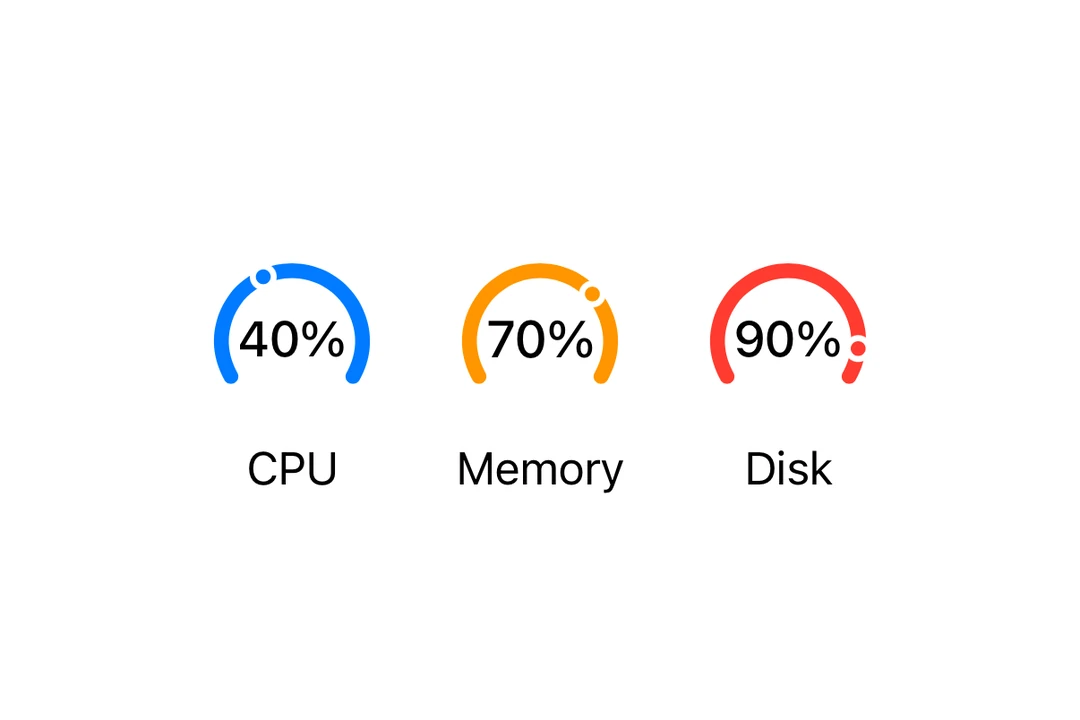
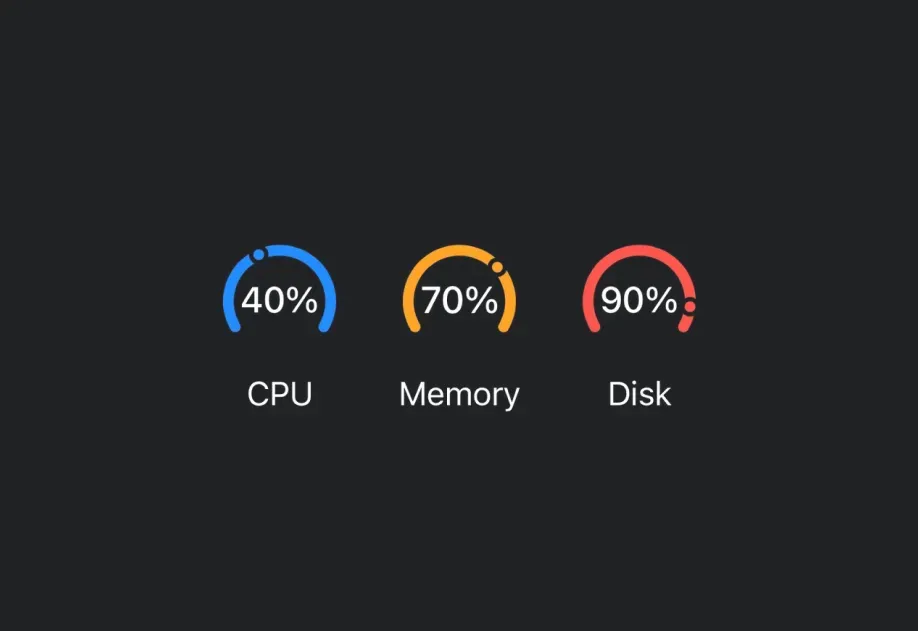
一个用于显示带有视觉指示器进度的 SwiftUI 仪表组件。

iOS

For the complete documentation index, see llms.txt. Use this Use this file to discover all available pages.

Expo UI Gauge 与官方 SwiftUI Gauge API 保持一致,并支持通过 gaugeStyle 修饰符进行样式设置。

安装

Terminal
npx expo install @expo/ui

If you are installing this in an existing React Native app, make sure to install expo in your project.

用法

基础仪表

BasicGaugeExample.tsx
import { Host, Gauge } from '@expo/ui/swift-ui'; export default function BasicGaugeExample() { return ( <Host matchContents> <Gauge value={0.5} /> </Host> ); }

带标签

你可以将自定义组件作为 children 传入,为仪表提供标签。

LabelExample.tsx
import { Host, Gauge, Text } from '@expo/ui/swift-ui'; export default function LabelExample() { return ( <Host matchContents> <Gauge value={0.7}> <Text>进度</Text> </Gauge> </Host> ); }

带数值标签

使用 currentValueLabelminimumValueLabelmaximumValueLabel 属性来显示数值信息。

ValueLabelsExample.tsx
import { Host, Gauge, Text } from '@expo/ui/swift-ui'; export default function ValueLabelsExample() { return ( <Host matchContents> <Gauge value={50} min={0} max={100} currentValueLabel={<Text>50%</Text>} minimumValueLabel={<Text>0</Text>} maximumValueLabel={<Text>100</Text>}> <Text>用量</Text> </Gauge> </Host> ); }

仪表样式

使用 gaugeStyle 修饰符来更改仪表的外观。可用样式有:automaticcircularcircularCapacitylinearlinearCapacity

GaugeStylesExample.tsx
import { Host, Gauge, Text, VStack } from '@expo/ui/swift-ui'; import { gaugeStyle } from '@expo/ui/swift-ui/modifiers'; export default function GaugeStylesExample() { return ( <Host matchContents> <VStack spacing={16}> <Gauge value={0.5} modifiers={[gaugeStyle('circular')]}> <Text>圆形</Text> </Gauge> <Gauge value={0.5} modifiers={[gaugeStyle('circularCapacity')]}> <Text>圆形容量</Text> </Gauge> <Gauge value={0.5} modifiers={[gaugeStyle('linear')]}> <Text>线性</Text> </Gauge> <Gauge value={0.5} modifiers={[gaugeStyle('linearCapacity')]}> <Text>线性容量</Text> </Gauge> </VStack> </Host> ); }

着色仪表

使用 tint 修饰符来更改仪表的颜色。

TintedGaugeExample.tsx
import { Host, Gauge, VStack } from '@expo/ui/swift-ui'; import { gaugeStyle, tint } from '@expo/ui/swift-ui/modifiers'; export default function TintedGaugeExample() { return ( <Host matchContents> <VStack spacing={16}> <Gauge value={0.7} modifiers={[gaugeStyle('circular'), tint('green')]} /> <Gauge value={0.3} modifiers={[gaugeStyle('linear'), tint('red')]} /> </VStack> </Host> ); }

API

import { Gauge } from '@expo/ui/swift-ui';

Component

Gauge

iOS

Type: React.Element<GaugeProps>

Renders a SwiftUI Gauge component.

GaugeProps

children

iOS
Optional • Type: React.ReactNode

A label describing the gauge's purpose.

currentValueLabel

iOS
Optional • Type: React.ReactNode

A label showing the current value. Use Text or Label to display the value.

max

iOS
Optional • Type: number • Default: 1

The maximum value of the gauge range.

maximumValueLabel

iOS
Optional • Type: React.ReactNode

A label showing the maximum value. Use Text or Label to display the value.

min

iOS
Optional • Type: number • Default: 0

The minimum value of the gauge range.

minimumValueLabel

iOS
Optional • Type: React.ReactNode

A label showing the minimum value. Use Text or Label to display the value.

value

iOS
Type: number

The current value of the gauge.