This documentation is available as Markdown for AI agents and LLMs. See the full Markdown index or append .md to any documentation URL.
This is documentation for the next SDK version. For up-to-date documentation, see the latest version (SDK 57).
颜色选择器
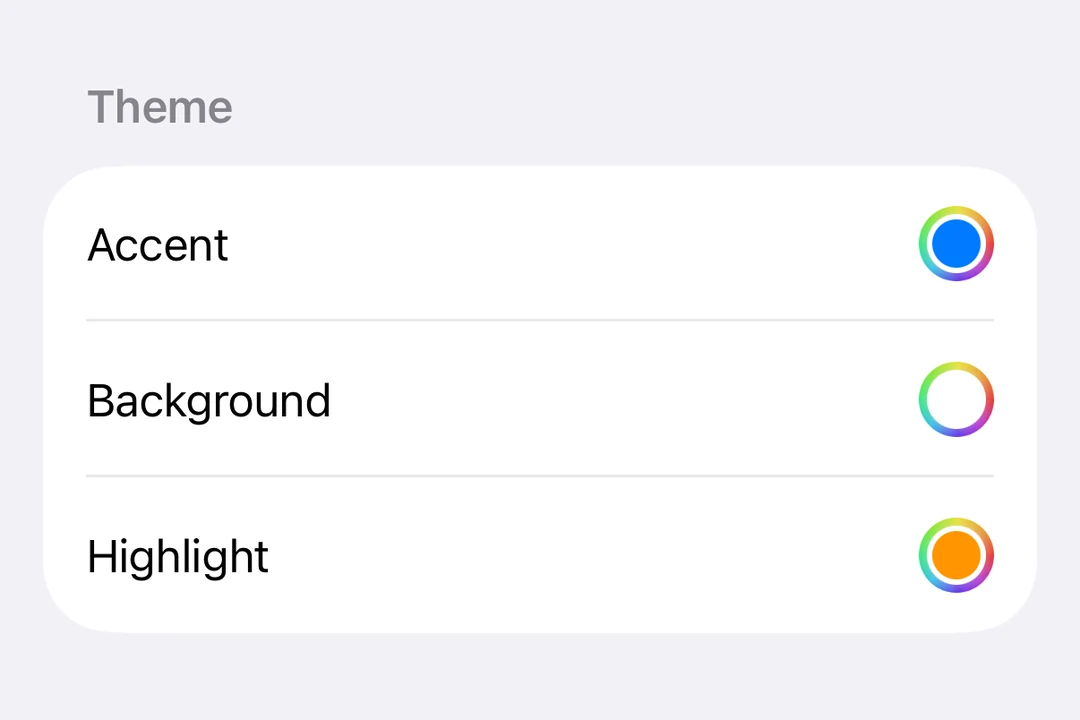
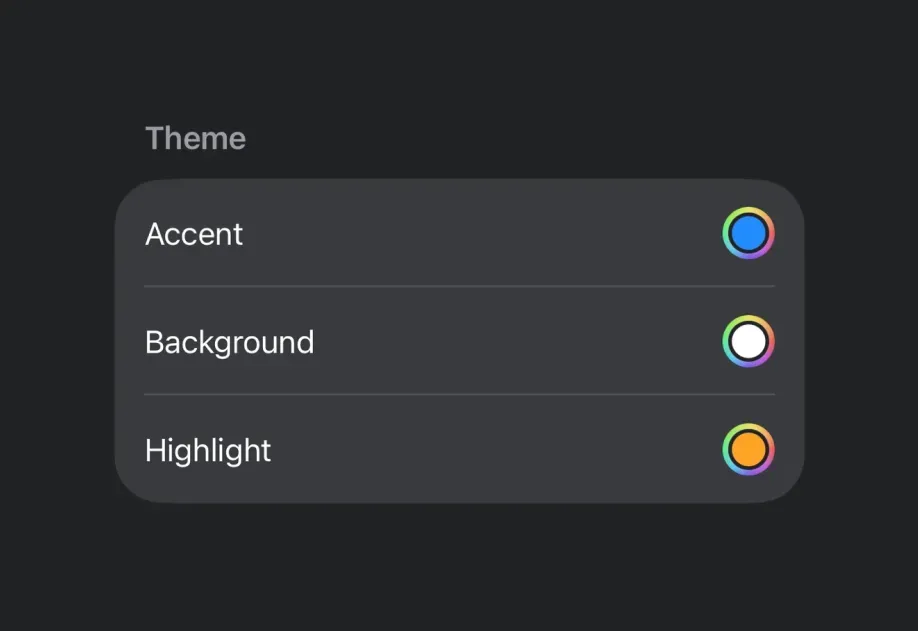
一个用于选择颜色的 SwiftUI ColorPicker 组件。
iOS
Included in Expo Go
Expo UI ColorPicker 与官方 SwiftUI ColorPicker API 保持一致,并允许应用用户从调色板中选择颜色。
安装
Terminal
If you are installing this in an existing React Native app, make sure to install expo in your project.
用法
基本颜色选择器
ColorPickerExample.tsx
支持不透明度的颜色选择器
使用 supportsOpacity 属性可让用户选择带有 alpha 透明度的颜色。
ColorPickerOpacityExample.tsx
API
import { ColorPicker } from '@expo/ui/swift-ui';
Component
Type: React.Element<ColorPickerProps>
Renders a ColorPicker component using SwiftUI.