Reference version

This is documentation for the next SDK version. For up-to-date documentation, see the latest version (SDK 55).

ZStack

一个用于重叠布局的 SwiftUI ZStack 组件。

iOS
tvOS

For the complete documentation index, see llms.txt. Use this Use this file to discover all available pages.

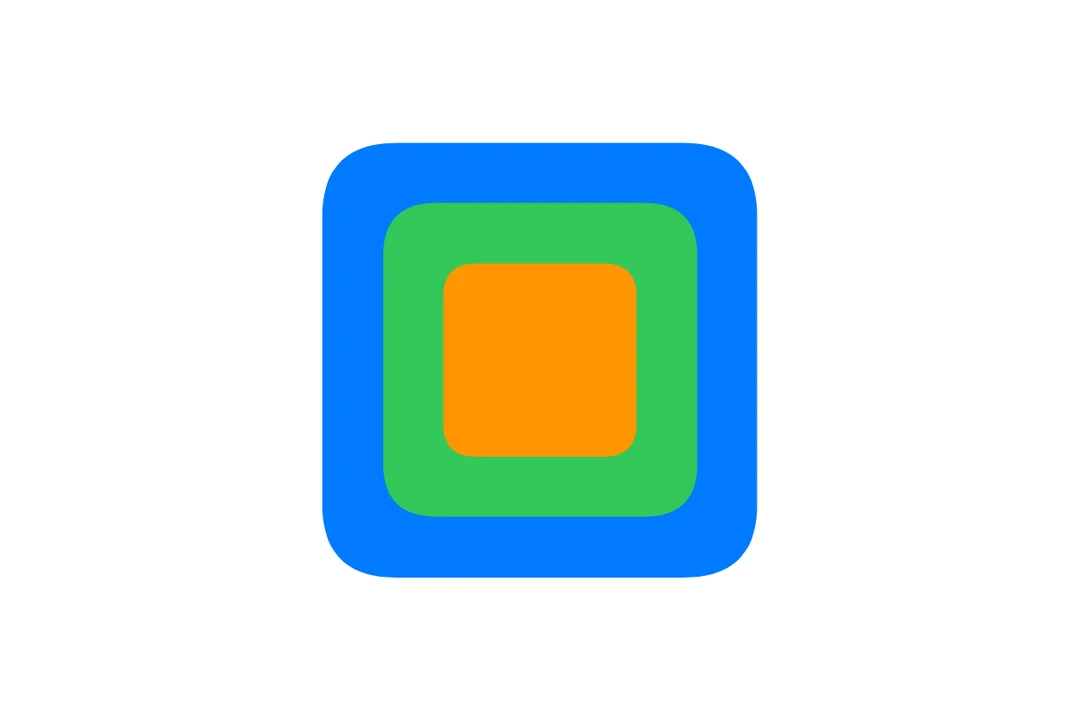
Expo UI ZStack 与官方 SwiftUI ZStack API 保持一致,并将其子元素相互叠加显示。
安装

Terminal
npx expo install @expo/ui

If you are installing this in an existing React Native app, make sure to install expo in your project.

用法

基本重叠栈

BasicZStackExample.tsx
import { Host, ZStack, Rectangle, Text } from '@expo/ui/swift-ui'; import { frame, foregroundStyle } from '@expo/ui/swift-ui/modifiers'; export default function BasicZStackExample() { return ( <Host matchContents> <ZStack> <Rectangle modifiers={[frame({ width: 100, height: 100 })]} /> <Text modifiers={[foregroundStyle({ color: 'white' })]}>覆盖层</Text> </ZStack> </Host> ); }

使用对齐

alignment 属性控制子元素在栈内的定位方式。可用选项包括:centerleadingtrailingtopbottomtopLeadingtopTrailingbottomLeadingbottomTrailing

ZStackAlignmentExample.tsx
import { Host, ZStack, Rectangle, Circle } from '@expo/ui/swift-ui'; import { frame, foregroundStyle } from '@expo/ui/swift-ui/modifiers'; export default function ZStackAlignmentExample() { return ( <Host matchContents> <ZStack alignment="bottomTrailing"> <Rectangle modifiers={[frame({ width: 100, height: 100 }), foregroundStyle({ color: 'blue' })]} /> <Circle modifiers={[frame({ width: 30, height: 30 }), foregroundStyle({ color: 'red' })]} /> </ZStack> </Host> ); }

创建徽标覆盖层

ZStackBadgeExample.tsx
import { Host, ZStack, Circle, Text, Image } from '@expo/ui/swift-ui'; import { frame, foregroundStyle } from '@expo/ui/swift-ui/modifiers'; export default function ZStackBadgeExample() { return ( <Host matchContents> <ZStack alignment="topTrailing"> <Image systemName="bell.fill" size={32} color="blue" /> <Circle modifiers={[frame({ width: 16, height: 16 }), foregroundStyle({ color: 'red' })]} /> </ZStack> </Host> ); }

API

import { ZStack } from '@expo/ui/swift-ui';

Component

ZStack

iOS
tvOS

Type: React.Element<ZStackProps>

ZStackProps

alignment

iOS
tvOS
Optional • Literal type: string

The alignment of children within the stack.

Acceptable values are: 'center' | 'leading' | 'trailing' | 'top' | 'bottom' | 'topLeading' | 'topTrailing' | 'bottomLeading' | 'bottomTrailing' | 'centerFirstTextBaseline' | 'centerLastTextBaseline' | 'leadingFirstTextBaseline' | 'leadingLastTextBaseline' | 'trailingFirstTextBaseline' | 'trailingLastTextBaseline'

children

iOS
tvOS
Type: React.ReactNode