This documentation is available as Markdown for AI agents and LLMs. See the full Markdown index or append .md to any documentation URL.
This is documentation for the next SDK version. For up-to-date documentation, see the latest version (SDK 57).
文本字段
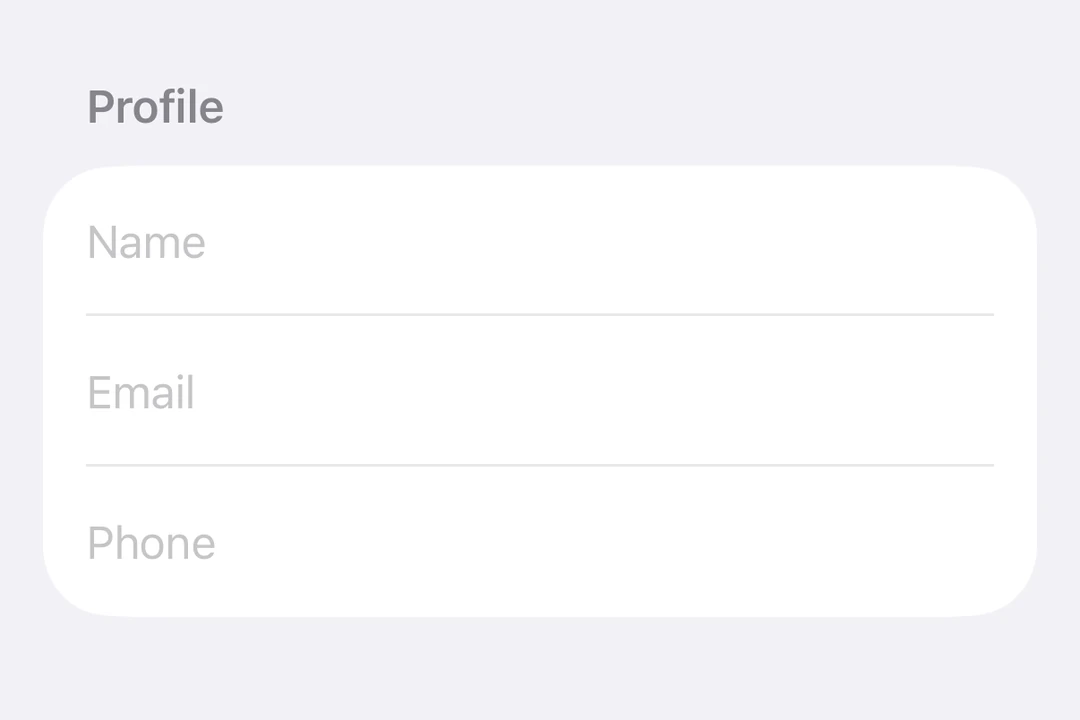
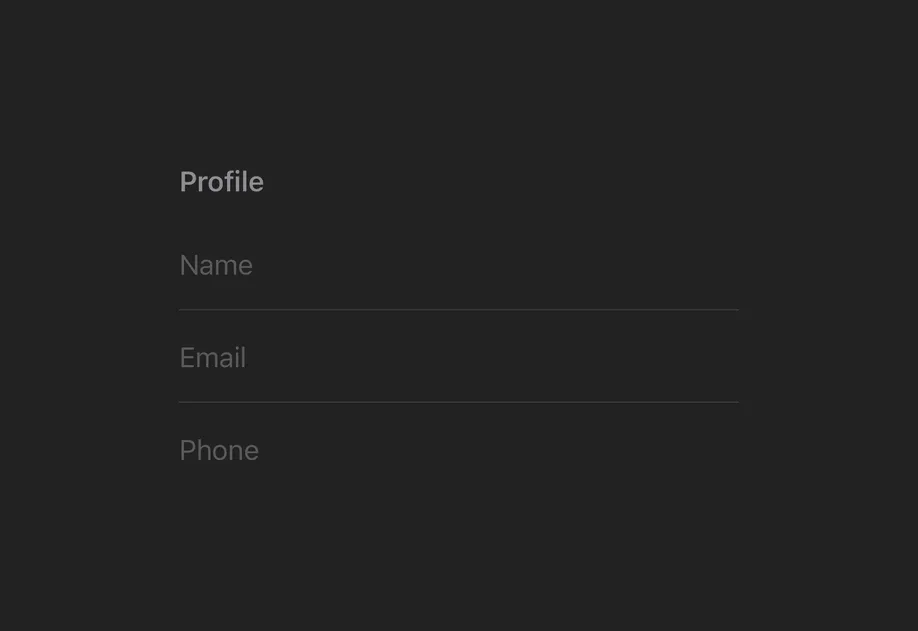
一个用于文本输入的 SwiftUI TextField 组件。
信息 有关跨平台用法,请参见通用的
TextInput—— 它会针对每个平台渲染相应的原生组件。
Expo UI TextField 与官方 SwiftUI TextField API 保持一致,支持单行和多行输入、键盘配置、提交处理,以及用于程序化控制的命令式 ref。
安装
If you are installing this in an existing React Native app, make sure to install expo in your project.
用法
非受控文本框
将一个 useNativeState 可观察对象绑定到 text。文本框会自行跟踪用户输入,你可以从 textState.value 读取当前值。
受控文本框
传入一个 onTextChange worklet,用于转换或校验输入,并将结果写回 useNativeState 可观察状态。下面的示例会在输入时将文本转换为大写。
注意: Worklets 需要安装
react-native-worklets.
多行文本框
设置 axis="vertical" 以允许文本框垂直扩展。使用 lineLimit 修饰符控制可见行数。为 Host 指定明确的尺寸,以便文本框有可扩展的宽度。
键盘类型
使用 keyboardType 修饰符显示特定的键盘布局。
提交处理
使用 submitLabel 修饰符自定义回车键,并使用 onSubmit 处理提交操作。
命令式 ref
使用 ref 可以以命令式方式设置文本、聚焦、失焦或选中文本。
注意:
setSelection需要 iOS 18.0+ / tvOS 18.0+。其他 ref 方法可在所有受支持的版本上工作。
Worklet 文本遮罩
当 onTextChange 使用 'worklet' 指令标记时,它会在 UI 线程上同步运行,因此在回调中对 useNativeState 可观察对象的写入会在下一帧之前生效。输入文本和遮罩后的文本之间不会出现闪烁。下面的示例会在用户输入时对电话号码进行遮罩,并从 worklet 中同时写入 text 和 selection,以保持光标位于格式化值的末尾。
注意: Worklets 需要安装
react-native-worklets.selection属性需要 iOS 18.0+ / tvOS 18.0+。在较旧版本上,worklet 仍然可以更新文本,但无法进行光标定位。
API
import { TextField } from '@expo/ui/swift-ui';
Component
Type: React.Element<TextFieldProps>
Renders a SwiftUI TextField.
boolean • Default: falseIf true, the text field will be focused automatically when mounted.
string • Default: 'horizontal'The axis along which the text field grows when content exceeds a single line.
'horizontal'— single line (default).'vertical'— expands vertically for multiline content. UselineLimitmodifier to cap visible lines.
Acceptable values are: 'horizontal' | 'vertical'
ReactNodeSlot children — supports <TextField.Placeholder> with a <Text> child
(any text-styling modifiers on that Text are preserved as the
placeholder's styling).
numberMaximum number of characters allowed. Truncates natively as the user types.
(focused: boolean) => voidA callback triggered when the field gains or loses focus.
(selection: {
  end: number,
  start: number
}) => void
A callback triggered when the text selection range changes.
(text: string) => voidA callback triggered when the text value changes.
If the callback is marked with the 'worklet' directive, it runs synchronously
on the UI thread; otherwise it is delivered asynchronously as a regular JS event.
Ref<TextFieldRef>ObservableState<TextFieldSelection>Observable state the field writes the current selection to.
Create with useNativeState<TextFieldSelection>({ start: 0, end: 0 }).
Use ref.setSelection(start, end) to set programmatically.
ObservableState<string>An observable state that holds the current text.
Create one with useNativeState('') or useNativeState('initial value').
If omitted, the field manages its own internal state.
Types
Observable state shared between JavaScript and native views (Jetpack Compose on Android and SwiftUI on iOS).
Type: SharedObject extended by:
Can be used for imperatively focusing and setting text/selection on the TextField component.