This is documentation for the next SDK version. For up-to-date documentation, see the latest version (SDK 56).
展开组
用于显示可展开内容的 SwiftUI DisclosureGroup 组件。
iOS
Included in Expo Go
For the complete documentation index, see llms.txt. Use this file to discover all available pages.
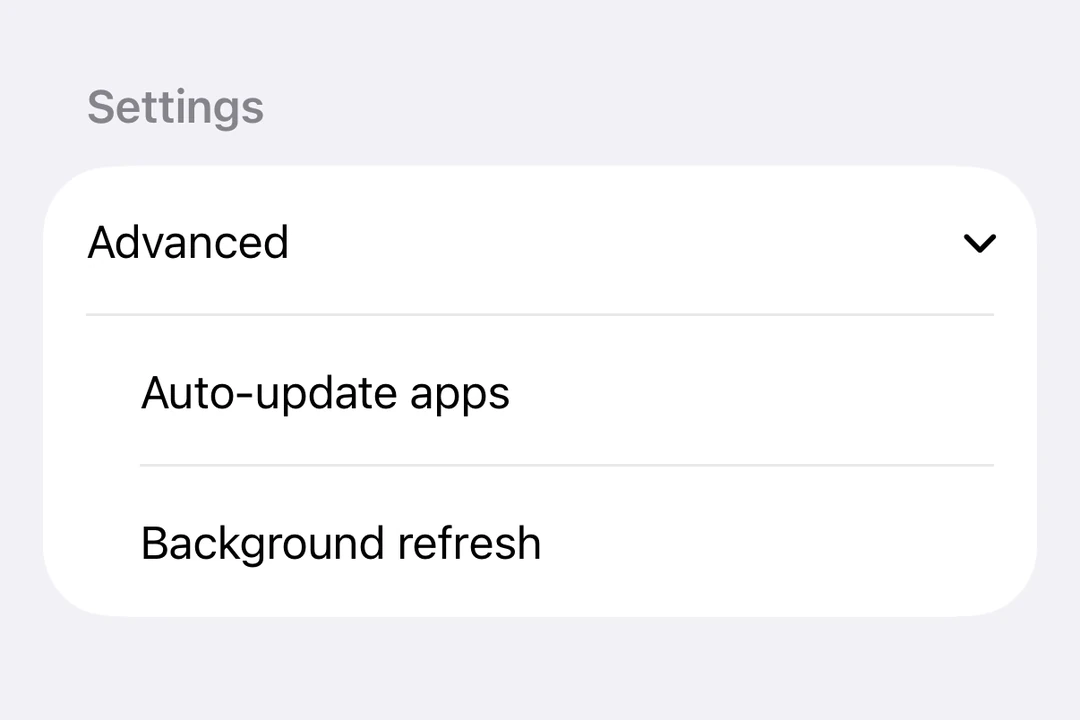
Expo UI DisclosureGroup 与官方 SwiftUI DisclosureGroup API 保持一致,并显示一个披露指示器,用于展开或隐藏内容。
安装
Terminal
- npx expo install @expo/uiIf you are installing this in an existing React Native app, make sure to install expo in your project.
用法
基础披露组
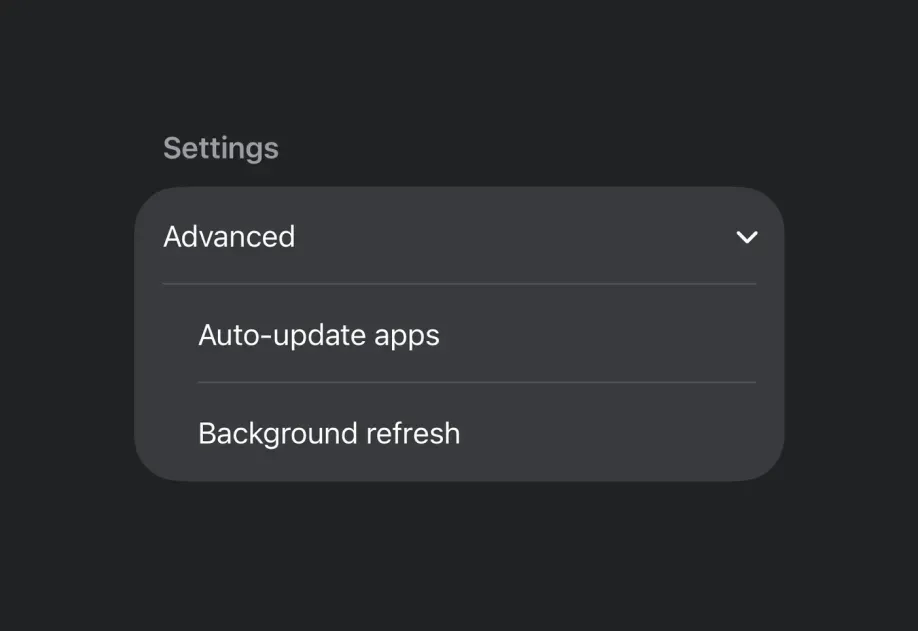
DisclosureGroup 最常用于 Form 中,因此它会沿用带有展开指示箭头的标准 iOS 列表样式。
BasicDisclosureGroupExample.tsx
import { useState } from 'react'; import { DisclosureGroup, Form, Host, Section, Text } from '@expo/ui/swift-ui'; export default function BasicDisclosureGroupExample() { const [isExpanded, setIsExpanded] = useState(true); return ( <Host style={{ flex: 1 }}> <Form> <Section> <DisclosureGroup label="高级设置" isExpanded={isExpanded} onIsExpandedChange={setIsExpanded}> <Text>自动更新应用</Text> <Text>应用下载</Text> <Text>卸载未使用的应用</Text> </DisclosureGroup> </Section> </Form> </Host> ); }
初始展开
将 isExpanded 初始设置为 true,即可默认显示内容。
InitiallyExpandedExample.tsx
import { useState } from 'react'; import { Host, DisclosureGroup, Text } from '@expo/ui/swift-ui'; export default function InitiallyExpandedExample() { const [isExpanded, setIsExpanded] = useState(true); return ( <Host matchContents> <DisclosureGroup label="详情" isExpanded={isExpanded} onIsExpandedChange={setIsExpanded}> <Text>此内容默认可见。</Text> </DisclosureGroup> </Host> ); }
自定义标签
当标签需要自定义的 SwiftUI 内容或修饰器,而不是 label 字符串属性时,请使用 DisclosureGroup.Label。
CustomLabelDisclosureGroupExample.tsx
import { useState } from 'react'; import { DisclosureGroup, Form, Host, Section, Text } from '@expo/ui/swift-ui'; import { font, foregroundStyle } from '@expo/ui/swift-ui/modifiers'; export default function CustomLabelDisclosureGroupExample() { const [isExpanded, setIsExpanded] = useState(false); return ( <Host style={{ flex: 1 }}> <Form> <Section> <DisclosureGroup isExpanded={isExpanded} onIsExpandedChange={setIsExpanded}> <DisclosureGroup.Label> <Text modifiers={[font({ weight: 'semibold' }), foregroundStyle('#0a7ea4')]}> Network options </Text> </DisclosureGroup.Label> <Text>Wi-Fi</Text> <Text>Bluetooth</Text> <Text>Cellular data</Text> </DisclosureGroup> </Section> </Form> </Host> ); }
API
import { DisclosureGroup } from '@expo/ui/swift-ui';
Component
Type: React.Element<DisclosureGroupProps>
Type:
ReactNodeOptional • Type:
stringText label for the disclosure group. Use DisclosureGroup.Label for custom label content.
Optional • Type:
(isExpanded: boolean) => voidA callback that is called when the expansion state changes.