Reference version

This is documentation for the next SDK version. For up-to-date documentation, see the latest version (SDK 55).

滑块

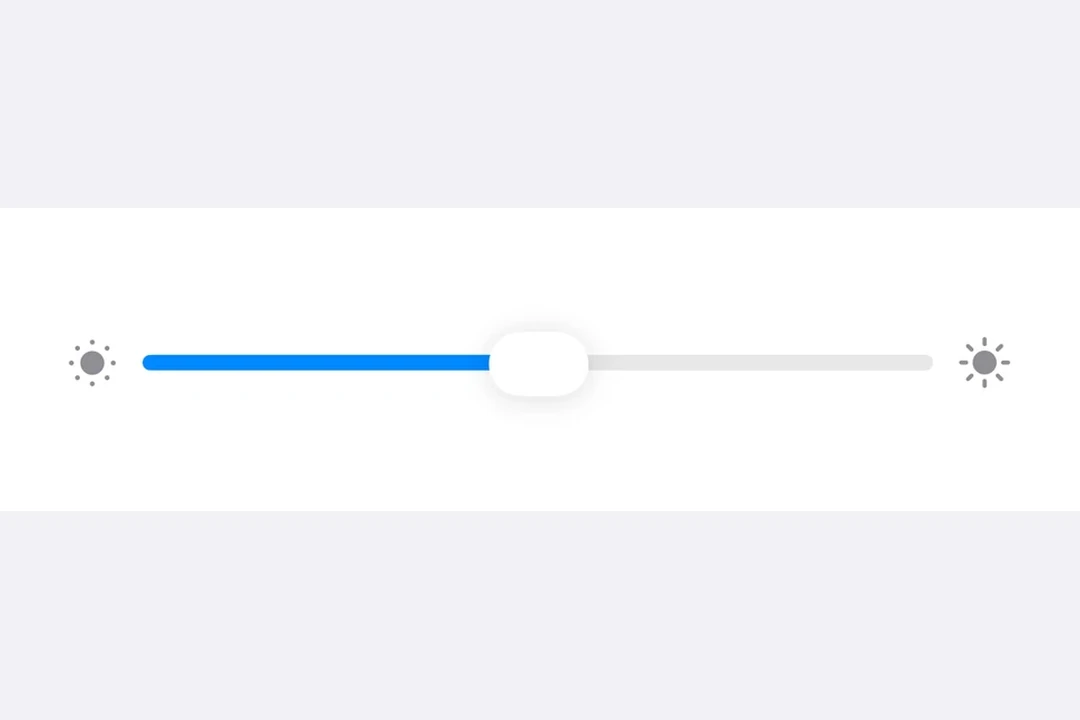
一个用于从范围中选择值的 SwiftUI Slider 组件。

iOS

For the complete documentation index, see llms.txt. Use this Use this file to discover all available pages.

Expo UI Slider 与官方 SwiftUI Slider API 保持一致,可用于在有限范围内选择数值。
安装

Terminal
npx expo install @expo/ui

If you are installing this in an existing React Native app, make sure to install expo in your project.

用法

注意: Slider 是一个可变宽度组件,它会扩展以填满可用的水平空间,并且没有固有宽度。在 Host 上使用 matchContents 时,应对 Slider 应用 frame 修饰符以为其提供明确宽度。或者,使用 styleHost 指定明确尺寸(例如,style={{ width: 300 }}style={{ flex: 1 }}),或者将 Slider 放在像 Form 这样的 SwiftUI 容器中,由其提供宽度约束。

基础滑块

BasicSliderExample.tsx
import { useState } from 'react'; import { Host, Slider } from '@expo/ui/swift-ui'; export default function BasicSliderExample() { const [value, setValue] = useState(0.5); return ( <Host style={{ flex: 1 }}> <Slider value={value} onValueChange={setValue} /> </Host> ); }

自定义范围的滑块

CustomRangeSliderExample.tsx
import { useState } from 'react'; import { Host, Slider } from '@expo/ui/swift-ui'; export default function CustomRangeSliderExample() { const [value, setValue] = useState(50); return ( <Host style={{ flex: 1 }}> <Slider value={value} min={0} max={100} onValueChange={setValue} /> </Host> ); }

带步进的滑块

使用 step 属性来定义离散增量。将 step 设置为 0 可表示连续值。

SteppedSliderExample.tsx
import { useState } from 'react'; import { Host, Slider } from '@expo/ui/swift-ui'; export default function SteppedSliderExample() { const [value, setValue] = useState(0); return ( <Host style={{ flex: 1 }}> <Slider value={value} min={0} max={100} step={10} onValueChange={setValue} /> </Host> ); }

带标签的滑块

你可以为滑块添加标签,以说明其用途,并标记最小值和最大值的位置。

LabeledSliderExample.tsx
import { useState } from 'react'; import { Host, Slider, Text } from '@expo/ui/swift-ui'; export default function LabeledSliderExample() { const [value, setValue] = useState(50); return ( <Host style={{ flex: 1 }}> <Slider value={value} min={0} max={100} label={<Text>音量</Text>} minimumValueLabel={<Text>0</Text>} maximumValueLabel={<Text>100</Text>} onValueChange={setValue} /> </Host> ); }

API

import { Slider } from '@expo/ui/swift-ui';

Component

Slider

iOS

Type: React.Element<SliderProps>

SliderProps

label

iOS
Optional • Type: React.ReactNode

A label describing the slider's purpose.

max

iOS
Optional • Type: number

The maximum value of the slider. Updating this value does not trigger callbacks if the current value is above max.

maximumValueLabel

iOS
Optional • Type: React.ReactNode

A label displayed at the maximum value position.

min

iOS
Optional • Type: number

The minimum value of the slider. Updating this value does not trigger callbacks if the current value is below min.

minimumValueLabel

iOS
Optional • Type: React.ReactNode

A label displayed at the minimum value position.

onEditingChanged

iOS
Optional • Type: (isEditing: boolean) => void

Callback triggered when the user starts or ends editing the slider.

onValueChange

iOS
Optional • Type: (value: number) => void

Callback triggered on dragging along the slider.

step

iOS
Optional • Type: number

The step increment for the slider.

value

iOS
Optional • Type: number

The current value of the slider.