Reference version

滑块

一个用于从范围中选择数值的 SwiftUI Slider 组件。

iOS
Included in Expo Go
Bundled version:
~56.0.6

For the complete documentation index, see llms.txt. Use this file to discover all available pages.

有关跨平台用法,请参见通用的 Slider — 它会根据平台渲染相应的原生组件。

Expo UI Slider 与官方 SwiftUI Slider API 保持一致,允许从有界范围中选择数值。

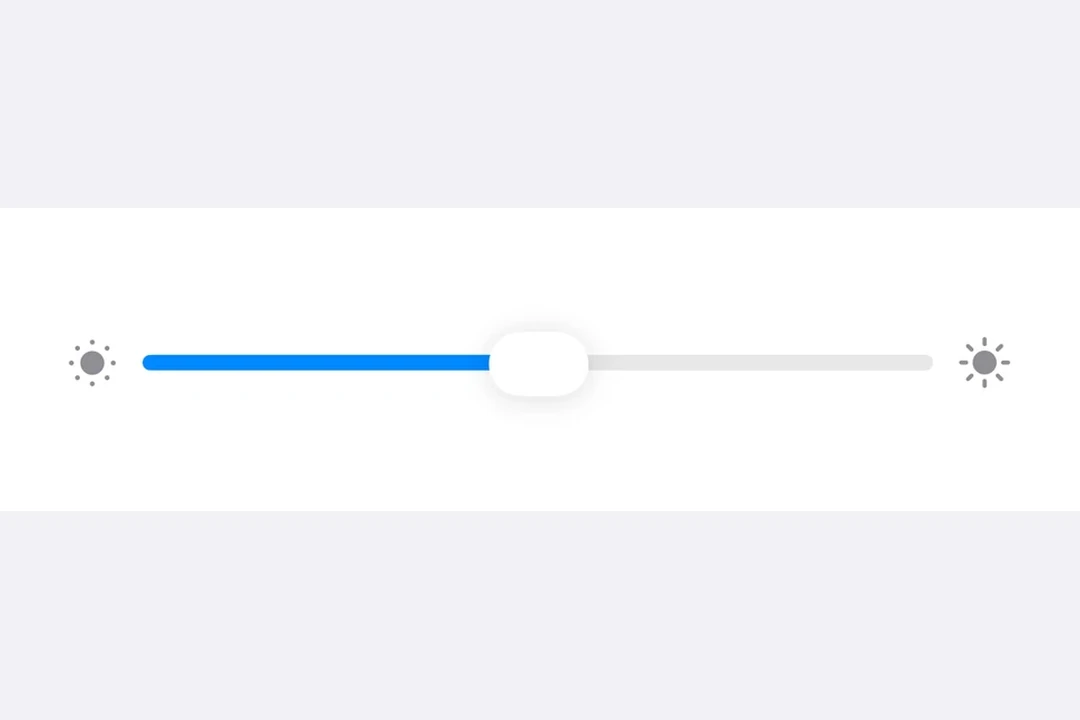
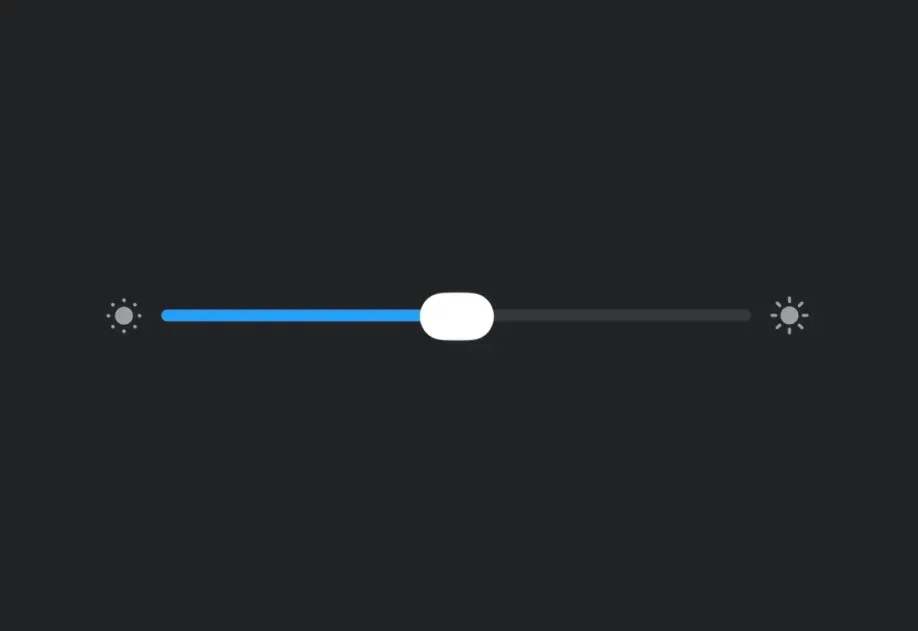
Slider with brightness icons on either side, in a Form section

安装

Terminal
npx expo install @expo/ui

If you are installing this in an existing React Native app, make sure to install expo in your project.

用法

注意: Slider 是一个可变宽度组件,它会扩展以填充可用的水平空间,并且没有内在宽度。当在 Host 上使用 matchContents 时,你应该在 Slider 上应用 frame 修饰符,为其提供明确的宽度。或者,也可以通过 styleHost 指定明确的尺寸(例如,style={{ width: 300 }}style={{ flex: 1 }}),或者将 Slider 放在像 Form 这样提供宽度约束的 SwiftUI 容器中。

基础滑块

BasicSliderExample.tsx
import { useState } from 'react'; import { Host, Slider } from '@expo/ui/swift-ui'; export default function BasicSliderExample() { const [value, setValue] = useState(0.5); return ( <Host style={{ flex: 1 }}> <Slider value={value} onValueChange={setValue} /> </Host> ); }

自定义范围的滑块

CustomRangeSliderExample.tsx
import { useState } from 'react'; import { Host, Slider } from '@expo/ui/swift-ui'; export default function CustomRangeSliderExample() { const [value, setValue] = useState(50); return ( <Host style={{ flex: 1 }}> <Slider value={value} min={0} max={100} onValueChange={setValue} /> </Host> ); }

带步进的滑块

使用 step 属性来定义离散增量。将 step 设为 0 以表示连续值。

SteppedSliderExample.tsx
import { useState } from 'react'; import { Host, Slider } from '@expo/ui/swift-ui'; export default function SteppedSliderExample() { const [value, setValue] = useState(0); return ( <Host style={{ flex: 1 }}> <Slider value={value} min={0} max={100} step={10} onValueChange={setValue} /> </Host> ); }

带标签的滑块

你可以为滑块添加标签,以描述其用途,并标记最小值和最大值的位置。

LabeledSliderExample.tsx
import { useState } from 'react'; import { Host, Slider, Text } from '@expo/ui/swift-ui'; export default function LabeledSliderExample() { const [value, setValue] = useState(50); return ( <Host style={{ flex: 1 }}> <Slider value={value} min={0} max={100} label={<Text>音量</Text>} minimumValueLabel={<Text>0</Text>} maximumValueLabel={<Text>100</Text>} onValueChange={setValue} /> </Host> ); }

API

import { Slider } from '@expo/ui/swift-ui';

Component

Slider

iOS

Type: React.Element<SliderProps>

SliderProps

label

iOS
Optional • Type: React.ReactNode

A label describing the slider's purpose.

lowerLimit

iOS
Optional • Type: number

Lower limit the user can drag the thumb to. The visible track still spans min..max, but the thumb stops at lowerLimit during drag.

max

iOS
Optional • Type: number

The maximum value of the slider. Updating this value does not trigger callbacks if the current value is above max.

maximumValueLabel

iOS
Optional • Type: React.ReactNode

A label displayed at the maximum value position.

min

iOS
Optional • Type: number

The minimum value of the slider. Updating this value does not trigger callbacks if the current value is below min.

minimumValueLabel

iOS
Optional • Type: React.ReactNode

A label displayed at the minimum value position.

onEditingChanged

iOS
Optional • Type: (isEditing: boolean) => void

Callback triggered when the user starts or ends editing the slider.

onValueChange

iOS
Optional • Type: (value: number) => void

Callback triggered on dragging along the slider.

step

iOS
Optional • Type: number

The step increment for the slider.

upperLimit

iOS
Optional • Type: number

Upper limit the user can drag the thumb to. The visible track still spans min..max, but the thumb stops at upperLimit during drag.

value

iOS
Optional • Type: number

The current value of the slider.