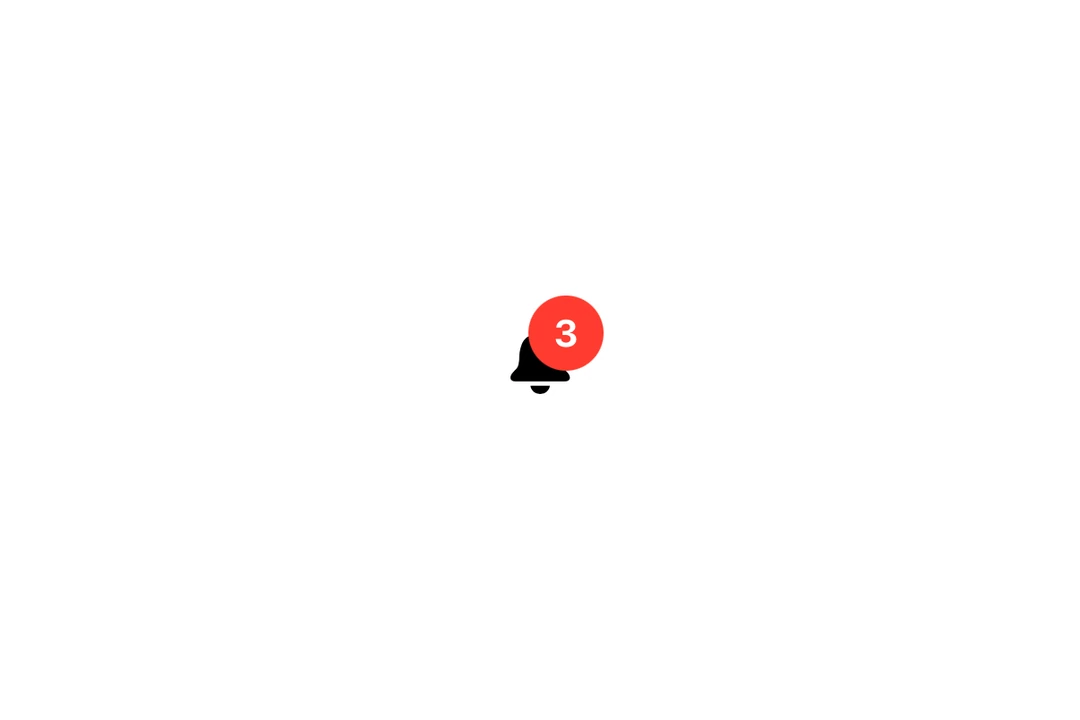
覆盖层
一个 SwiftUI 覆盖层组件,用于在另一个视图上方叠加内容。
iOS
tvOS
Included in Expo Go
For the complete documentation index, see llms.txt. Use this file to discover all available pages.
Expo UI Overlay 与官方 SwiftUI overlay 修饰器相匹配,并提供了一种将辅助内容层叠在视图之上的方式,且可使用指定的对齐方式进行定位。

安装
Terminal
- npx expo install @expo/uiIf you are installing this in an existing React Native app, make sure to install expo in your project.
用法
OverlayExample.tsx
import { Host, Overlay, Text, Image } from '@expo/ui/swift-ui'; import { foregroundStyle, frame, font, background, clipShape, offset, } from '@expo/ui/swift-ui/modifiers'; export default function OverlayExample() { return ( <Host style={{ flex: 1, justifyContent: 'center', alignItems: 'center' }}> <Overlay alignment="topTrailing"> <Image systemName="bell.fill" modifiers={[font({ size: 28 }), foregroundStyle('#007AFF')]} /> <Overlay.Content> <Text modifiers={[ font({ size: 11, weight: 'bold' }), foregroundStyle('#FFFFFF'), frame({ width: 18, height: 18 }), background('#FF3B30'), clipShape('circle'), offset({ x: 8, y: -8 }), ]}> 3 </Text> </Overlay.Content> </Overlay> </Host> ); }
API
import { Overlay } from '@expo/ui/swift-ui';
Component
Type: React.Element<OverlayProps>
Optional • Type:
Alignment • Default: 'center'The alignment of the overlay content relative to the base content.