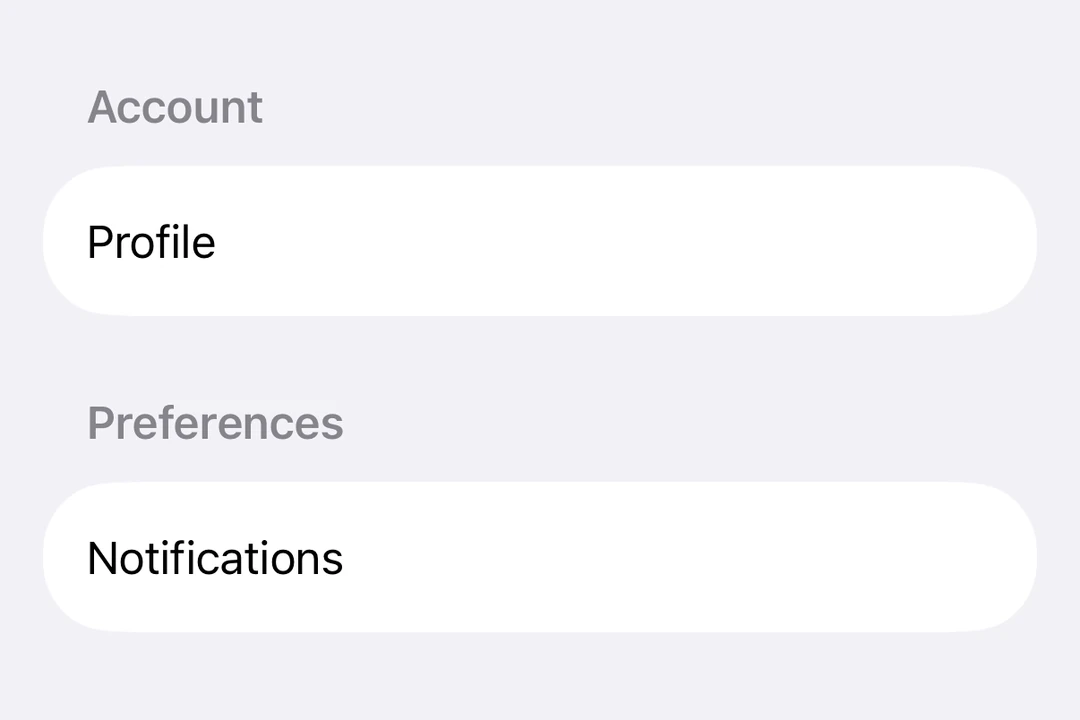
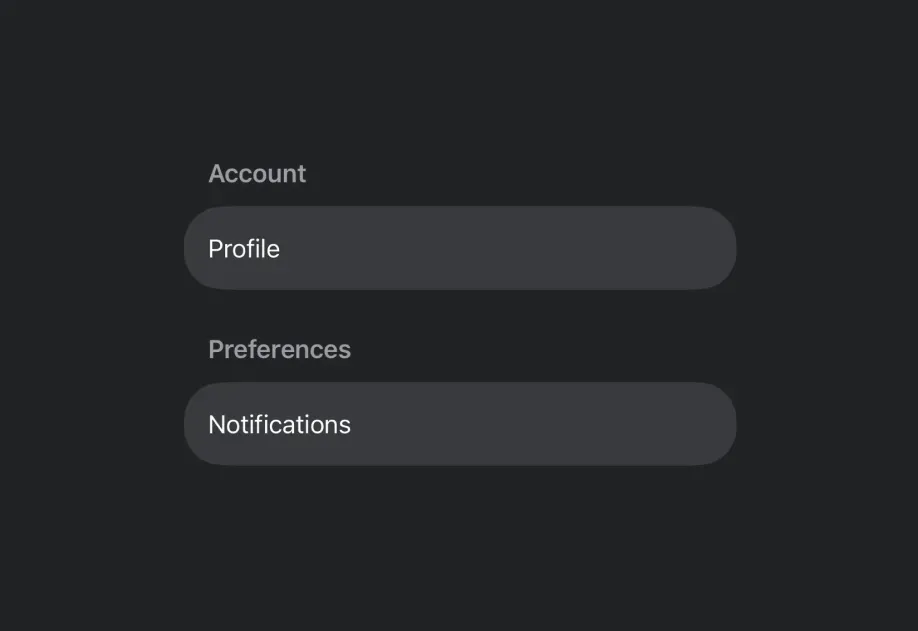
Reference version

表单

用于以结构化布局收集用户输入的 SwiftUI 表单组件。

iOS
tvOS
Bundled version:
~55.0.0-beta.0

For the complete documentation index, see llms.txt. Use this Use this file to discover all available pages.

Expo UI Form 与官方 SwiftUI Form API 保持一致。它提供了一个容器,用于分组用于数据输入的控件,例如设置或检查面板中使用的控件。

安装

Terminal
npx expo install @expo/ui

If you are installing this in an existing React Native app, make sure to install expo in your project.

用法

基础表单

BasicFormExample.tsx
import { useState } from 'react'; import { Host, Form, TextField } from '@expo/ui/swift-ui'; export default function BasicFormExample() { return ( <Host style={{ flex: 1 }}> <Form> <TextField placeholder="输入你的名字" /> </Form> </Host> ); }

带分组的表单

使用 Section 组件在表单内分组相关控件。

FormWithSectionsExample.tsx
import { useState } from 'react'; import { Host, Form, Section, TextField, Toggle, Button } from '@expo/ui/swift-ui'; export default function FormWithSectionsExample() { const [notifications, setNotifications] = useState(false); const [darkMode, setDarkMode] = useState(false); return ( <Host style={{ flex: 1 }}> <Form> <Section title="个人资料"> <TextField placeholder="姓名" /> <TextField placeholder="邮箱" /> </Section> <Section title="偏好设置"> <Toggle label="启用通知" isOn={notifications} onIsOnChange={setNotifications} /> <Toggle label="深色模式" isOn={darkMode} onIsOnChange={setDarkMode} /> </Section> <Section> <Button label="保存更改" onPress={() => console.log('已保存!')} /> </Section> </Form> </Host> ); }

带自定义背景的表单

使用 scrollContentBackground 修饰符来自定义或隐藏表单的背景。

FormBackgroundExample.tsx
import { useState } from 'react'; import { Host, Form, Section, TextField } from '@expo/ui/swift-ui'; import { scrollContentBackground, background } from '@expo/ui/swift-ui/modifiers'; export default function FormBackgroundExample() { return ( <Host style={{ flex: 1 }}> <Form modifiers={[scrollContentBackground('hidden'), background('#F0F0F0')]}> <Section title="自定义背景"> <TextField placeholder="输入文本" /> </Section> </Form> </Host> ); }

不可滚动表单

使用 scrollDisabled 修饰符来阻止表单滚动。

注意: scrollDisabled 修饰符仅适用于 iOS 16+ 和 tvOS 16+。

NonScrollableFormExample.tsx
import { useState } from 'react'; import { Host, Form, Section, TextField, Toggle } from '@expo/ui/swift-ui'; import { scrollDisabled } from '@expo/ui/swift-ui/modifiers'; export default function NonScrollableFormExample() { const [isOn, setIsOn] = useState(false); return ( <Host style={{ flex: 1 }}> <Form modifiers={[scrollDisabled()]}> <Section title="设置"> <Toggle label="启用功能" isOn={isOn} onIsOnChange={setIsOn} /> </Section> </Form> </Host> ); }

下拉刷新表单

使用 refreshable 修饰符添加下拉刷新功能。

RefreshableFormExample.tsx
import { useState, useCallback } from 'react'; import { Host, Form, Section, Text } from '@expo/ui/swift-ui'; import { refreshable } from '@expo/ui/swift-ui/modifiers'; export default function RefreshableFormExample() { const [lastRefresh, setLastRefresh] = useState(new Date()); const handleRefresh = useCallback(async () => { // 模拟网络请求 await new Promise(resolve => setTimeout(resolve, 1500)); setLastRefresh(new Date()); }, []); return ( <Host style={{ flex: 1 }}> <Form modifiers={[refreshable(handleRefresh)]}> <Section title="下拉刷新"> <Text>上次刷新:{lastRefresh.toLocaleTimeString()}</Text> </Section> </Form> </Host> ); }

API

import { Form } from '@expo/ui/swift-ui';

Component

Form

iOS
tvOS

Type: React.Element<FormProps>

FormProps

children

iOS
tvOS
Type: ReactNode

The content of the form.