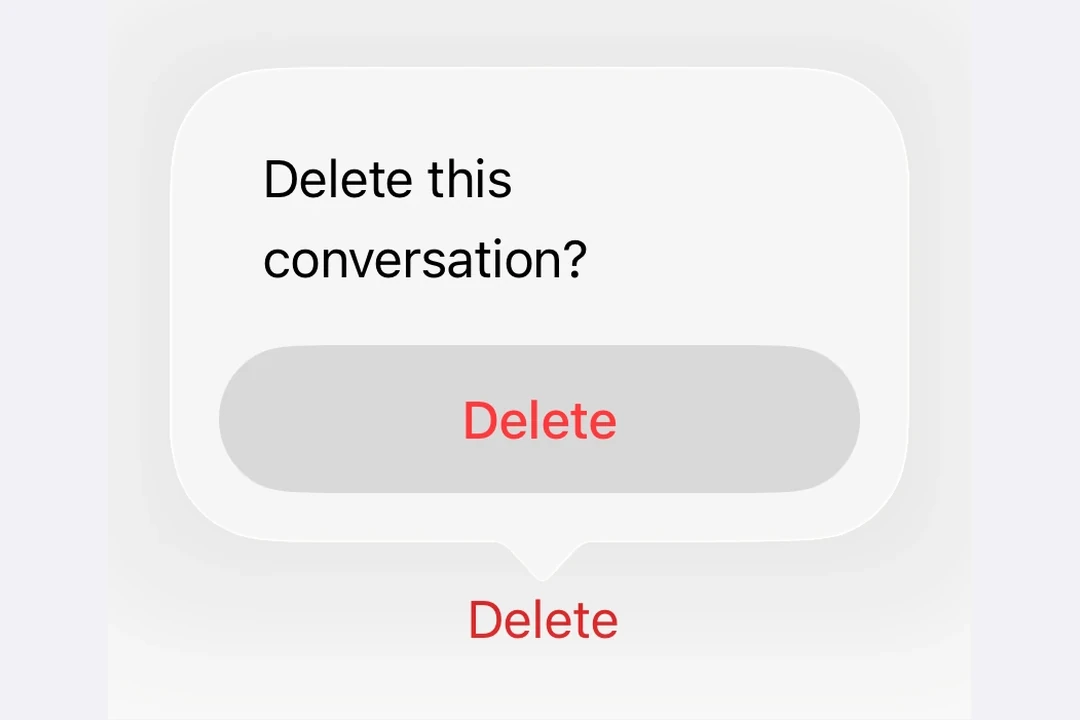
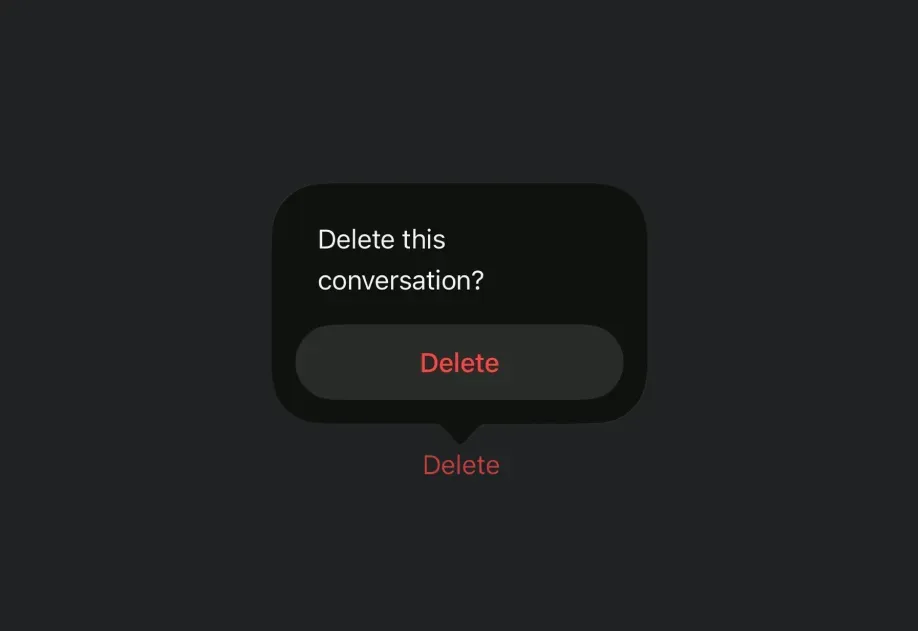
Reference version

ConfirmationDialog

用于展示确认提示的 SwiftUI ConfirmationDialog 组件。

iOS
tvOS
Bundled version:
~55.0.0-beta.0

For the complete documentation index, see llms.txt. Use this Use this file to discover all available pages.

Expo UI ConfirmationDialog 与官方 SwiftUI confirmationDialog API 一致,并以带标题、操作和可选消息的操作表样式对话框形式呈现。

安装

Terminal
npx expo install @expo/ui

If you are installing this in an existing React Native app, make sure to install expo in your project.

使用

基础确认对话框

使用 ConfirmationDialog.Trigger 定义可见元素,并使用 ConfirmationDialog.Actions 提供对话框按钮。

BasicConfirmationDialogExample.tsx
import { useState } from 'react'; import { Host, ConfirmationDialog, Button, Text } from '@expo/ui/swift-ui'; export default function BasicConfirmationDialogExample() { const [isPresented, setIsPresented] = useState(false); return ( <Host matchContents> <ConfirmationDialog title="Are you sure?" isPresented={isPresented} onIsPresentedChange={setIsPresented} titleVisibility="visible"> <ConfirmationDialog.Trigger> <Button label="Show Dialog" onPress={() => setIsPresented(true)} /> </ConfirmationDialog.Trigger> <ConfirmationDialog.Actions> <Button label="Confirm" onPress={() => setIsPresented(false)} /> <Button label="Cancel" role="cancel" /> </ConfirmationDialog.Actions> </ConfirmationDialog> </Host> ); }

危险操作确认

ConfirmationDialog.Actions 内的 Button 上使用 role="destructive" 将其样式设置为危险操作。

DestructiveConfirmationDialogExample.tsx
import { useState } from 'react'; import { Host, ConfirmationDialog, Button, Text } from '@expo/ui/swift-ui'; export default function DestructiveConfirmationDialogExample() { const [isPresented, setIsPresented] = useState(false); return ( <Host matchContents> <ConfirmationDialog title="Delete Item?" isPresented={isPresented} onIsPresentedChange={setIsPresented} titleVisibility="visible"> <ConfirmationDialog.Trigger> <Button label="Delete" role="destructive" onPress={() => setIsPresented(true)} /> </ConfirmationDialog.Trigger> <ConfirmationDialog.Actions> <Button label="Delete" role="destructive" onPress={() => { console.log('Deleted'); setIsPresented(false); }} /> <Button label="Cancel" role="cancel" /> </ConfirmationDialog.Actions> <ConfirmationDialog.Message> <Text>此操作无法撤销。</Text> </ConfirmationDialog.Message> </ConfirmationDialog> </Host> ); }

带消息和多个操作

使用 ConfirmationDialog.Message 在标题下方显示描述性消息,并为不同选择包含多个操作按钮。

MultiActionConfirmationDialogExample.tsx
import { useState } from 'react'; import { Host, ConfirmationDialog, Button, Text } from '@expo/ui/swift-ui'; export default function MultiActionConfirmationDialogExample() { const [isPresented, setIsPresented] = useState(false); return ( <Host matchContents> <ConfirmationDialog title="Save Changes?" isPresented={isPresented} onIsPresentedChange={setIsPresented} titleVisibility="visible"> <ConfirmationDialog.Trigger> <Button label="Close Document" onPress={() => setIsPresented(true)} /> </ConfirmationDialog.Trigger> <ConfirmationDialog.Actions> <Button label="Save" onPress={() => console.log('Saved')} /> <Button label="Discard" role="destructive" onPress={() => console.log('Discarded')} /> <Button label="Cancel" role="cancel" /> </ConfirmationDialog.Actions> <ConfirmationDialog.Message> <Text>您有未保存的更改。您想怎么做?</Text> </ConfirmationDialog.Message> </ConfirmationDialog> </Host> ); }

隐藏标题

设置 titleVisibility="hidden" 可隐藏对话框标题,同时仍显示操作和消息。出于可访问性考虑,仍应提供 title

HiddenTitleConfirmationDialogExample.tsx
import { useState } from 'react'; import { Host, ConfirmationDialog, Button, Text } from '@expo/ui/swift-ui'; export default function HiddenTitleConfirmationDialogExample() { const [isPresented, setIsPresented] = useState(false); return ( <Host matchContents> <ConfirmationDialog title="Hidden Title" isPresented={isPresented} onIsPresentedChange={setIsPresented} titleVisibility="hidden"> <ConfirmationDialog.Trigger> <Button label="Show Dialog" onPress={() => setIsPresented(true)} /> </ConfirmationDialog.Trigger> <ConfirmationDialog.Actions> <Button label="OK" onPress={() => setIsPresented(false)} /> <Button label="Cancel" role="cancel" /> </ConfirmationDialog.Actions> <ConfirmationDialog.Message> <Text>只有消息和操作可见。</Text> </ConfirmationDialog.Message> </ConfirmationDialog> </Host> ); }

API

import { ConfirmationDialog } from '@expo/ui/swift-ui';

Component

ConfirmationDialog

iOS
tvOS

Type: React.Element<ConfirmationDialogProps>

ConfirmationDialog presents a confirmation dialog with a title, optional message, and action buttons.

Props of the ConfirmationDialog component.

ConfirmationDialogProps

children

iOS
tvOS
Type: React.ReactNode

The contents of the confirmation dialog. Should include ConfirmationDialog.Trigger, ConfirmationDialog.Actions, and optionally ConfirmationDialog.Message.

isPresented

iOS
tvOS
Optional • Type: boolean

Whether the confirmation dialog is presented.

onIsPresentedChange

iOS
tvOS
Optional • Type: (isPresented: boolean) => void

A callback that is called when the isPresented state changes.

title

iOS
tvOS
Type: string

The title of the confirmation dialog.

titleVisibility

iOS
tvOS
Optional • Literal type: string • Default: 'automatic'

The visibility of the dialog title.

Acceptable values are: 'automatic' | 'visible' | 'hidden'