Reference version

HStack

一个用于水平布局的 SwiftUI HStack 组件。

iOS
tvOS
Included in Expo Go
Bundled version:
~56.0.6

For the complete documentation index, see llms.txt. Use this file to discover all available pages.

有关跨平台用法,请参阅通用的 Row — 它会根据平台渲染相应的原生组件。

Expo UI HStack 与官方 SwiftUI HStack API 保持一致,并将其子元素水平排列。

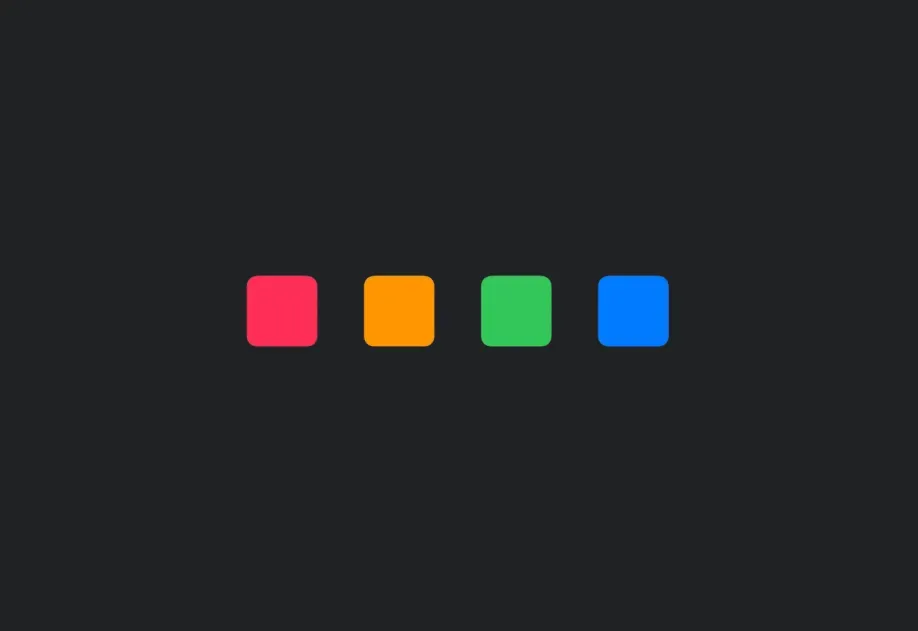
在 HStack 中水平排列的四个带编号的彩色圆角方块

安装

Terminal
npx expo install @expo/ui

If you are installing this in an existing React Native app, make sure to install expo in your project.

使用

基本水平堆栈

BasicHStackExample.tsx
import { Host, HStack, Text } from '@expo/ui/swift-ui'; export default function BasicHStackExample() { return ( <Host matchContents> <HStack spacing={12}> <Text>第一</Text> <Text>第二</Text> <Text>第三</Text> </HStack> </Host> ); }

带对齐

alignment 属性控制子元素的垂直对齐方式。可选项有:topcenterbottomfirstTextBaselinelastTextBaseline

HStackAlignmentExample.tsx
import { Host, HStack, Rectangle } from '@expo/ui/swift-ui'; import { frame } from '@expo/ui/swift-ui/modifiers'; export default function HStackAlignmentExample() { return ( <Host matchContents> <HStack spacing={12} alignment="top"> <Rectangle modifiers={[frame({ width: 50, height: 50 })]} /> <Rectangle modifiers={[frame({ width: 50, height: 100 })]} /> <Rectangle modifiers={[frame({ width: 50, height: 75 })]} /> </HStack> </Host> ); }

API

import { HStack } from '@expo/ui/swift-ui';

Component

HStack

iOS
tvOS

Type: React.Element<HStackProps>

HStackProps

alignment

iOS
tvOS
Optional • Literal type: string

The vertical alignment of children within the stack.

Acceptable values are: 'top' | 'center' | 'bottom' | 'firstTextBaseline' | 'lastTextBaseline'

children

iOS
tvOS
Type: React.ReactNode

spacing

iOS
tvOS
Optional • Type: number

The spacing between children.