Reference version

量表

一个用于显示带有可视化指示器进度的 SwiftUI 量表组件。

iOS
Included in Expo Go
Bundled version:
~56.0.6

For the complete documentation index, see llms.txt. Use this file to discover all available pages.

Expo UI Gauge 与官方 SwiftUI Gauge API 保持一致,并支持通过 gaugeStyle 修饰符进行样式设置。

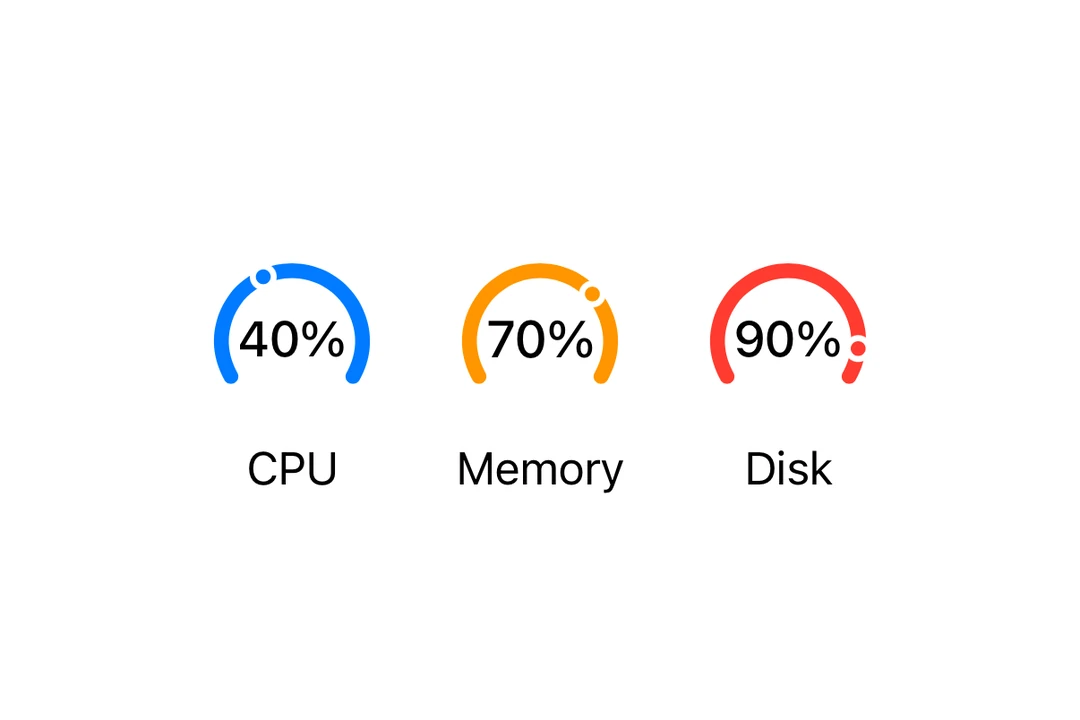
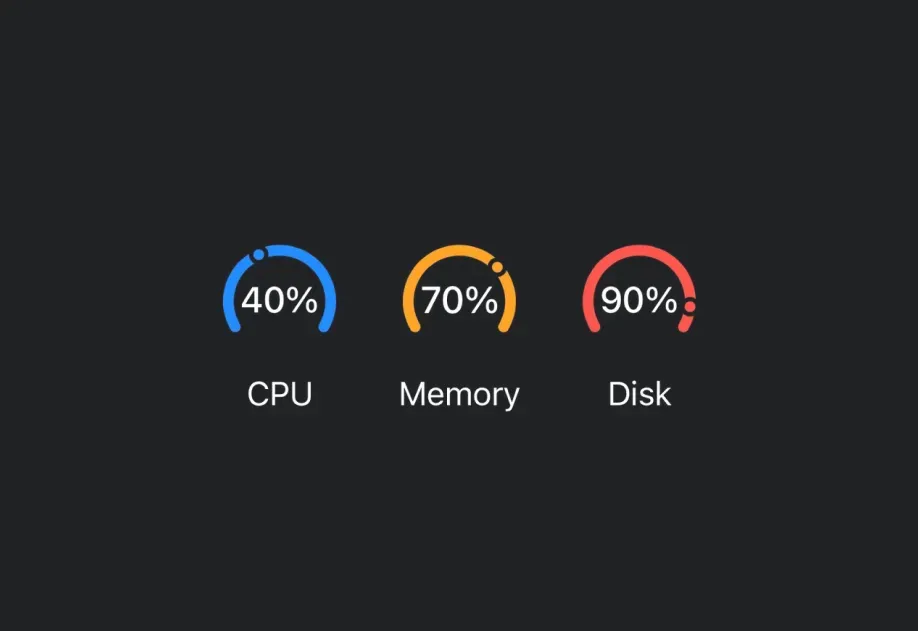
显示 70% 的圆形容量 Gauge

安装

Terminal
npx expo install @expo/ui

If you are installing this in an existing React Native app, make sure to install expo in your project.

用法

基础 Gauge

BasicGaugeExample.tsx
import { Host, Gauge } from '@expo/ui/swift-ui'; export default function BasicGaugeExample() { return ( <Host matchContents> <Gauge value={0.5} /> </Host> ); }

带标签

你可以传入自定义组件作为 children,为 Gauge 提供标签。

LabelExample.tsx
import { Host, Gauge, Text } from '@expo/ui/swift-ui'; export default function LabelExample() { return ( <Host matchContents> <Gauge value={0.7}> <Text>进度</Text> </Gauge> </Host> ); }

带数值标签

使用 currentValueLabelminimumValueLabelmaximumValueLabel 属性来显示数值信息。

ValueLabelsExample.tsx
import { Host, Gauge, Text } from '@expo/ui/swift-ui'; export default function ValueLabelsExample() { return ( <Host matchContents> <Gauge value={50} min={0} max={100} currentValueLabel={<Text>50%</Text>} minimumValueLabel={<Text>0</Text>} maximumValueLabel={<Text>100</Text>}> <Text>用量</Text> </Gauge> </Host> ); }

Gauge 样式

使用 gaugeStyle 修饰符来更改 Gauge 的外观。可用样式有:automaticcircularcircularCapacitylinearlinearCapacity

GaugeStylesExample.tsx
import { Host, Gauge, Text, VStack } from '@expo/ui/swift-ui'; import { gaugeStyle } from '@expo/ui/swift-ui/modifiers'; export default function GaugeStylesExample() { return ( <Host matchContents> <VStack spacing={16}> <Gauge value={0.5} modifiers={[gaugeStyle('circular')]}> <Text>圆形</Text> </Gauge> <Gauge value={0.5} modifiers={[gaugeStyle('circularCapacity')]}> <Text>圆形容量</Text> </Gauge> <Gauge value={0.5} modifiers={[gaugeStyle('linear')]}> <Text>线性</Text> </Gauge> <Gauge value={0.5} modifiers={[gaugeStyle('linearCapacity')]}> <Text>线性容量</Text> </Gauge> </VStack> </Host> ); }

着色 Gauge

使用 tint 修饰符来更改 Gauge 的颜色。

TintedGaugeExample.tsx
import { Host, Gauge, VStack } from '@expo/ui/swift-ui'; import { gaugeStyle, tint } from '@expo/ui/swift-ui/modifiers'; export default function TintedGaugeExample() { return ( <Host matchContents> <VStack spacing={16}> <Gauge value={0.7} modifiers={[gaugeStyle('circular'), tint('green')]} /> <Gauge value={0.3} modifiers={[gaugeStyle('linear'), tint('red')]} /> </VStack> </Host> ); }

API

import { Gauge } from '@expo/ui/swift-ui';

Component

Gauge

iOS

Type: React.Element<GaugeProps>

Renders a SwiftUI Gauge component.

GaugeProps

children

iOS
Optional • Type: React.ReactNode

A label describing the gauge's purpose.

currentValueLabel

iOS
Optional • Type: React.ReactNode

A label showing the current value. Use Text or Label to display the value.

max

iOS
Optional • Type: number • Default: 1

The maximum value of the gauge range.

maximumValueLabel

iOS
Optional • Type: React.ReactNode

A label showing the maximum value. Use Text or Label to display the value.

min

iOS
Optional • Type: number • Default: 0

The minimum value of the gauge range.

minimumValueLabel

iOS
Optional • Type: React.ReactNode

A label showing the minimum value. Use Text or Label to display the value.

value

iOS
Type: number

The current value of the gauge.