Reference version

颜色选择器

一个用于选择颜色的 SwiftUI 颜色选择器组件。

iOS
Bundled version:
~55.0.0-beta.0

For the complete documentation index, see llms.txt. Use this Use this file to discover all available pages.

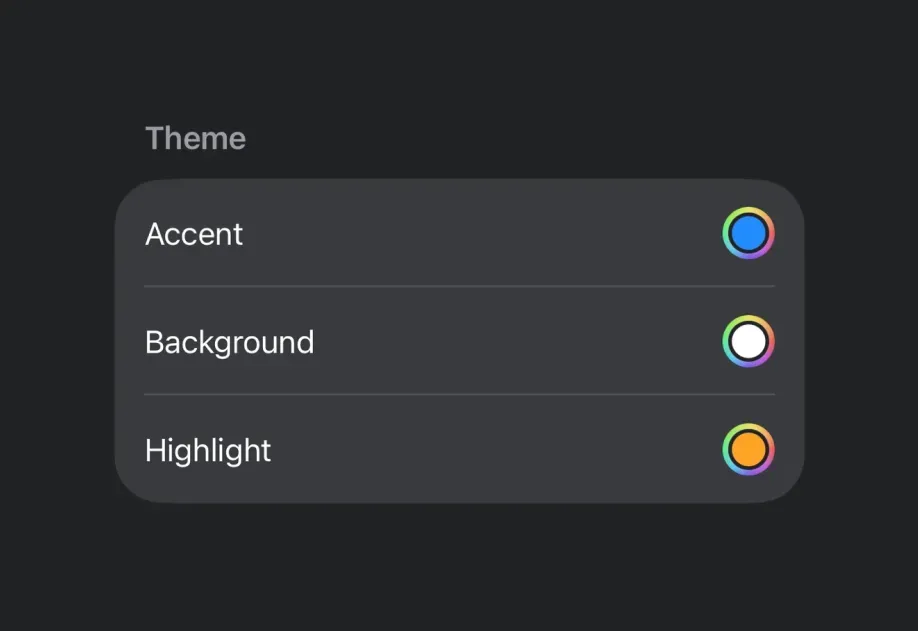
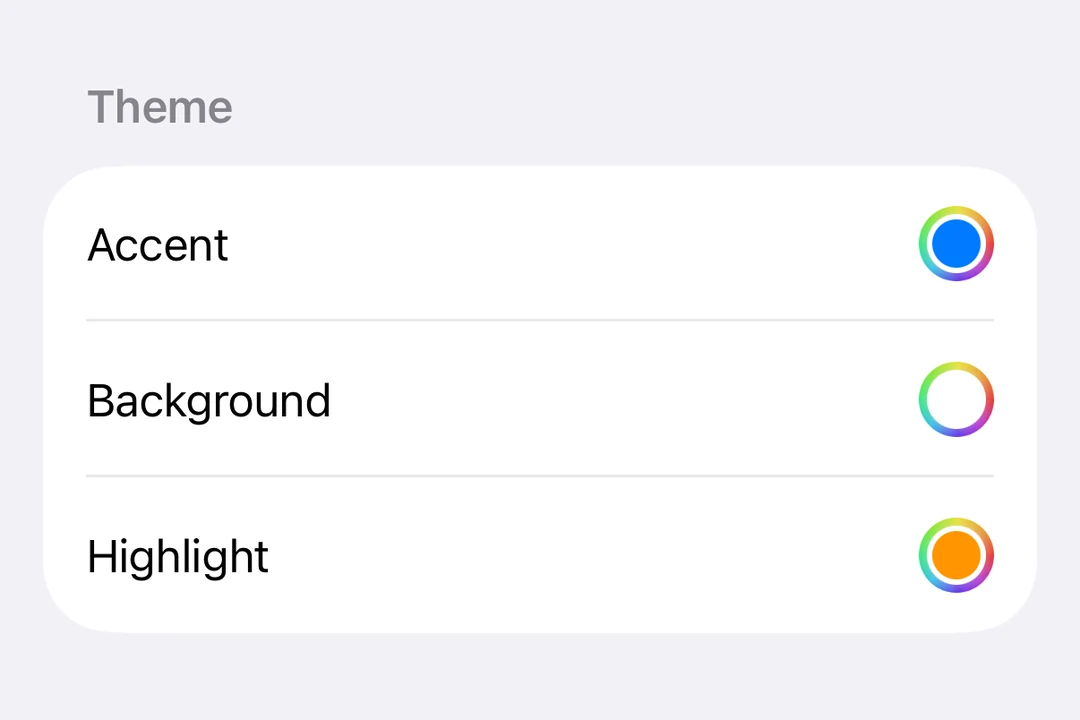
Expo UI ColorPicker 与官方 SwiftUI ColorPicker API 保持一致,并允许应用用户从调色板中选择颜色。
安装

Terminal
npx expo install @expo/ui

If you are installing this in an existing React Native app, make sure to install expo in your project.

用法

基本颜色选择器

ColorPickerExample.tsx
import { useState } from 'react'; import { Host, ColorPicker } from '@expo/ui/swift-ui'; export default function ColorPickerExample() { const [color, setColor] = useState('#FF6347'); return ( <Host matchContents> <ColorPicker label="选择一种颜色" selection={color} onSelectionChange={setColor} /> </Host> ); }

支持透明度的颜色选择器

使用 supportsOpacity 属性,允许用户选择带 alpha 透明度的颜色。

ColorPickerOpacityExample.tsx
import { useState } from 'react'; import { Host, ColorPicker } from '@expo/ui/swift-ui'; export default function ColorPickerOpacityExample() { const [color, setColor] = useState('#FF634780'); return ( <Host matchContents> <ColorPicker label="选择一种带透明度的颜色" selection={color} onSelectionChange={setColor} supportsOpacity /> </Host> ); }

API

import { ColorPicker } from '@expo/ui/swift-ui';

Component

ColorPicker

iOS

Type: React.Element<ColorPickerProps>

Renders a ColorPicker component using SwiftUI.

ColorPickerProps

label

iOS
Optional • Type: string

A label displayed on the ColorPicker.

onSelectionChange

iOS
Optional • Type: (value: string) => void

Callback function that is called when a new color is selected.

selection

iOS
Literal type: union

The currently selected color in the format #RRGGBB or #RRGGBBAA.

Acceptable values are: string | null

supportsOpacity

iOS
Optional • Type: boolean

Whether the color picker should support opacity.