This is documentation for the next SDK version. For up-to-date documentation, see the latest version (SDK 55).
切换
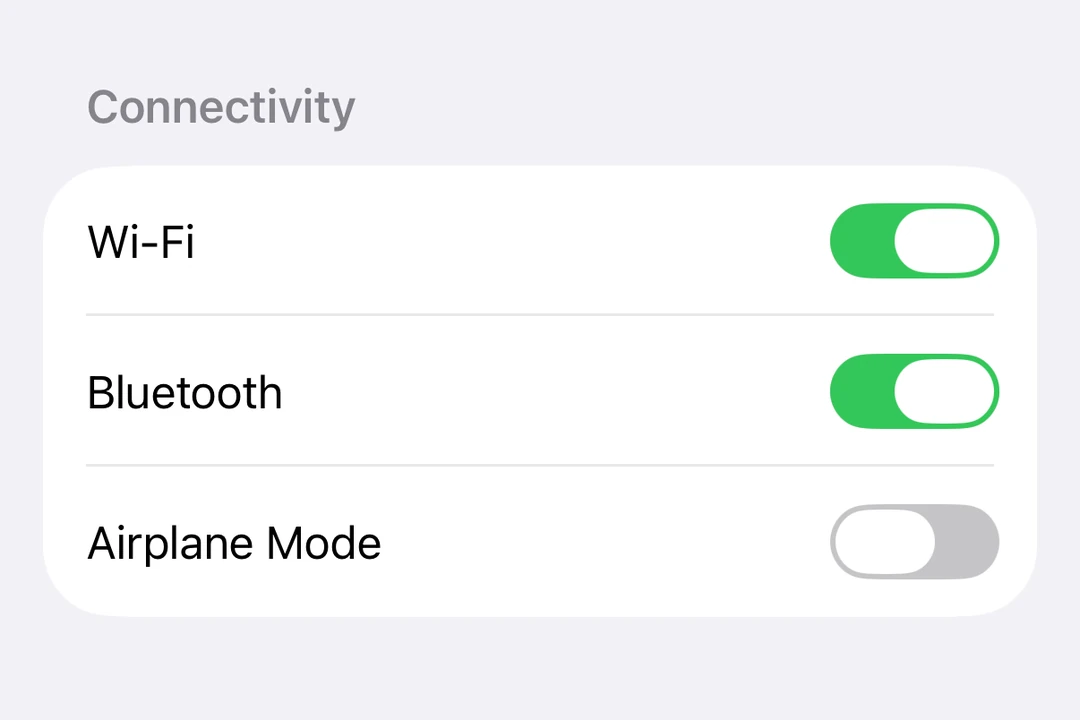
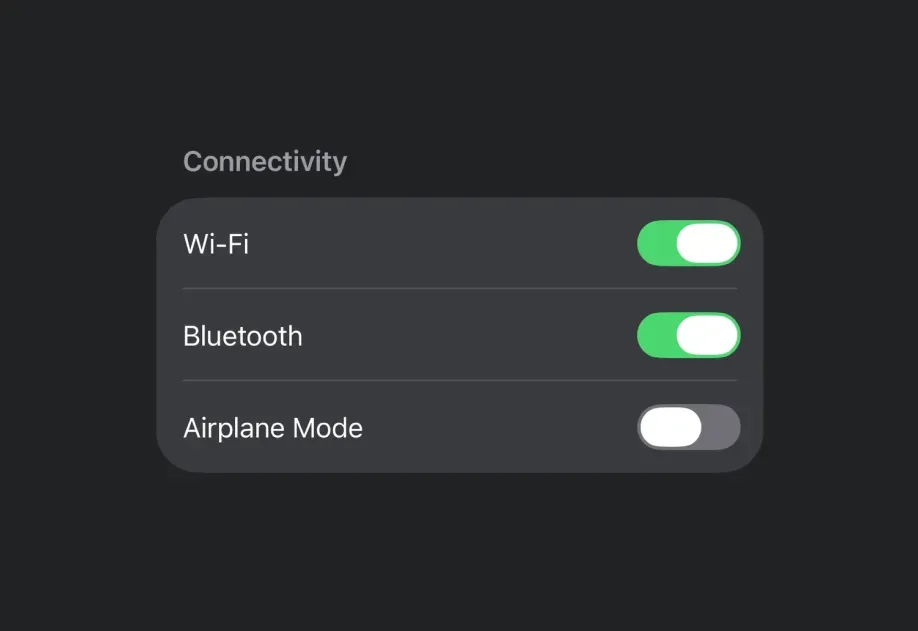
一个用于显示原生开关的 SwiftUI Toggle 组件。
For the complete documentation index, see llms.txt. Use this Use this file to discover all available pages.
Expo UI Toggle 与官方 SwiftUI Toggle API 保持一致,并支持通过 toggleStyle 修饰符进行样式设置。
安装
- npx expo install @expo/uiIf you are installing this in an existing React Native app, make sure to install expo in your project.
用法
基础开关
import { useState } from 'react'; import { Host, Toggle } from '@expo/ui/swift-ui'; export default function BasicToggleExample() { const [isOn, setIsOn] = useState(false); return ( <Host matchContents> <Toggle isOn={isOn} onIsOnChange={setIsOn} label="启用功能" /> </Host> ); }
带系统图标的开关
import { useState } from 'react'; import { Host, Toggle } from '@expo/ui/swift-ui'; export default function ToggleWithImageExample() { const [airplaneMode, setAirplaneMode] = useState(false); return ( <Host matchContents> <Toggle isOn={airplaneMode} onIsOnChange={setAirplaneMode} label="飞行模式" systemImage="airplane" /> </Host> ); }
开关样式
使用 toggleStyle 修饰符更改开关的外观。可用样式为:automatic、switch 和 button。
注意:
button样式在 tvOS 上不可用。
import { useState } from 'react'; import { Host, Toggle, VStack } from '@expo/ui/swift-ui'; import { toggleStyle } from '@expo/ui/swift-ui/modifiers'; export default function ToggleStylesExample() { const [isOn, setIsOn] = useState(false); return ( <Host matchContents> <VStack spacing={8}> <Toggle isOn={isOn} onIsOnChange={setIsOn} label="开关样式" modifiers={[toggleStyle('switch')]} /> <Toggle isOn={isOn} onIsOnChange={setIsOn} label="按钮样式" modifiers={[toggleStyle('button')]} /> </VStack> </Host> ); }
着色开关
使用 tint 修饰符更改开关的颜色。
import { useState } from 'react'; import { Host, Toggle } from '@expo/ui/swift-ui'; import { tint } from '@expo/ui/swift-ui/modifiers'; export default function TintedToggleExample() { const [isOn, setIsOn] = useState(true); return ( <Host matchContents> <Toggle isOn={isOn} onIsOnChange={setIsOn} label="自定义颜色" modifiers={[tint('#FF9500')]} /> </Host> ); }
自定义标签内容
你可以将自定义组件作为 children 传入,以实现更复杂的开关标签。使用多个 Text 视图,其中第一个表示标题,第二个表示副标题。
import { useState } from 'react'; import { Host, Toggle, Text } from '@expo/ui/swift-ui'; export default function CustomLabelExample() { const [vibrateOnRing, setVibrateOnRing] = useState(false); return ( <Host matchContents> <Toggle isOn={vibrateOnRing} onIsOnChange={setVibrateOnRing}> <Text>来电时振动</Text> <Text>当电话响铃时启用振动</Text> </Toggle> </Host> ); }
隐藏标签
使用 labelsHidden 修饰符在隐藏标签的同时保留其可访问性。
import { useState } from 'react'; import { Host, Toggle } from '@expo/ui/swift-ui'; import { labelsHidden } from '@expo/ui/swift-ui/modifiers'; export default function HiddenLabelExample() { const [isOn, setIsOn] = useState(false); return ( <Host matchContents> <Toggle isOn={isOn} onIsOnChange={setIsOn} label="隐藏标签" modifiers={[labelsHidden()]} /> </Host> ); }
API
import { Toggle } from '@expo/ui/swift-ui';
Component
Type: React.Element<ToggleProps>
A control that toggles between on and off states.
React.ReactNodeCustom content for the toggle label. Use multiple Text views where
the first represents the title and the second represents the subtitle.
(isOn: boolean) => voidA callback that is called when the toggle's state changes.
isOn: booleanThe new state of the toggle.
SFSymbolThe name of the SF Symbol to display alongside the label.