Reference version

This is documentation for the next SDK version. For up-to-date documentation, see the latest version (SDK 55).

ProgressView

一个用于显示进度指示器的 SwiftUI ProgressView 组件。

iOS
tvOS

For the complete documentation index, see llms.txt. Use this Use this file to discover all available pages.

Expo UI ProgressView 与官方 SwiftUI ProgressView API 保持一致,并支持通过 progressViewStyle 修饰符进行样式设置。

安装

Terminal
npx expo install @expo/ui

If you are installing this in an existing React Native app, make sure to install expo in your project.

用法

注意: 当使用 linear 样式(这是确定性进度的默认样式)时,ProgressView 是一个可变宽度组件,它会扩展以填充可用的水平空间。当在 Host 上使用 matchContents 时,你应当在 ProgressView 上应用 frame 修饰符,以给它一个明确的宽度。或者,使用 styleHost 提供一个明确的尺寸(例如,style={{ width: 300 }}style={{ flex: 1 }})。circular 样式和不确定性加载指示器具有固定大小,并且可以与 matchContents 一起工作。

不确定性进度

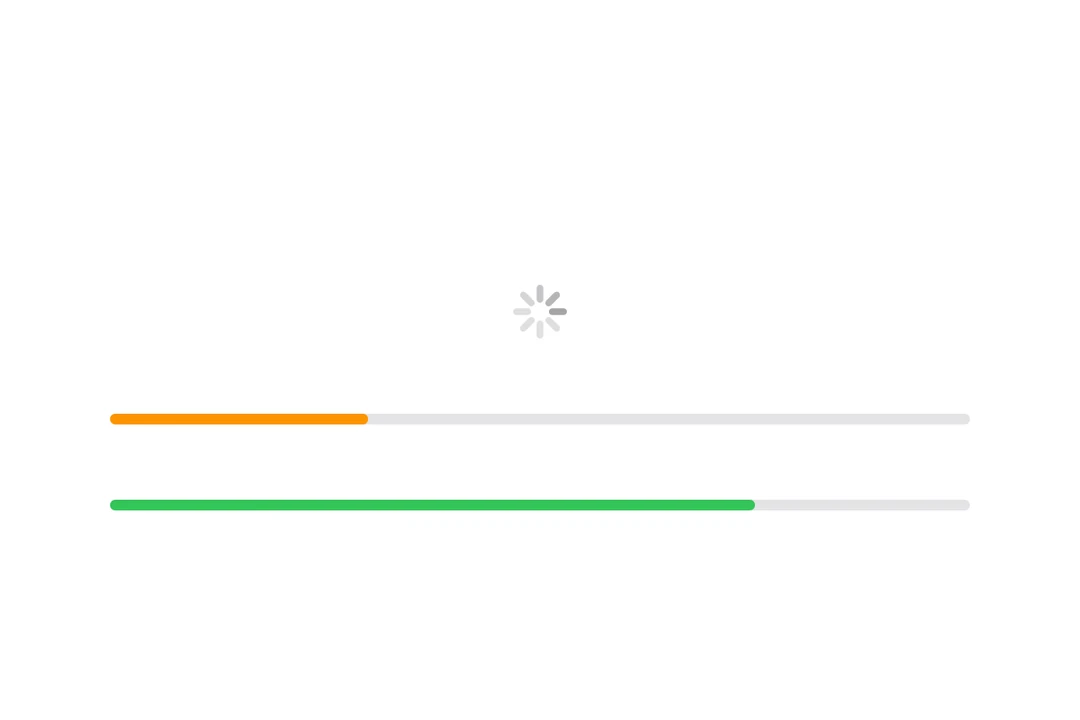
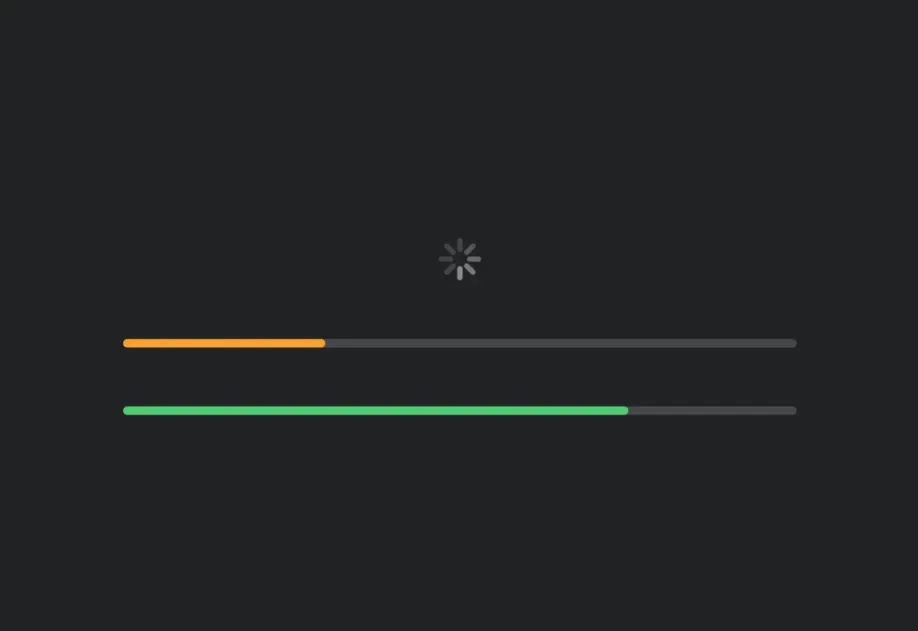
当未提供 value 时,进度视图会显示不确定性指示器(spinner)。

IndeterminateExample.tsx
import { Host, ProgressView } from '@expo/ui/swift-ui'; export default function IndeterminateExample() { return ( <Host matchContents> <ProgressView /> </Host> ); }

确定性进度

提供一个介于 01 之间的 value 来显示确定性进度。

DeterminateExample.tsx
import { Host, ProgressView } from '@expo/ui/swift-ui'; export default function DeterminateExample() { return ( <Host style={{ flex: 1 }}> <ProgressView value={0.5} /> </Host> ); }

进度视图样式

使用 progressViewStyle 修饰符来改变进度视图的外观。可用样式包括:automaticlinearcircular

ProgressViewStylesExample.tsx
import { Host, ProgressView, VStack } from '@expo/ui/swift-ui'; import { progressViewStyle } from '@expo/ui/swift-ui/modifiers'; export default function ProgressViewStylesExample() { return ( <Host style={{ flex: 1 }}> <ProgressView value={0.5} modifiers={[progressViewStyle('linear')]} /> </Host> ); }

带标签

你可以将自定义组件作为 children 传入,为进度视图提供一个标签。

LabelExample.tsx
import { Host, ProgressView, Text } from '@expo/ui/swift-ui'; export default function LabelExample() { return ( <Host style={{ flex: 1 }}> <ProgressView value={0.25}> <Text>加载中...</Text> </ProgressView> </Host> ); }

着色进度视图

使用 tint 修饰符来更改进度视图的颜色。

TintedExample.tsx
import { Host, ProgressView } from '@expo/ui/swift-ui'; import { tint } from '@expo/ui/swift-ui/modifiers'; export default function TintedExample() { return ( <Host style={{ flex: 1 }}> <ProgressView value={0.7} modifiers={[tint('red')]} /> </Host> ); }

基于计时器的进度

使用 timerInterval 属性创建一个会在时间范围内自动动画的进度视图。这对于显示倒计时器或定时操作很有用。

注意: 基于计时器的进度仅在 iOS 16+ 和 tvOS 16+ 上可用。

TimerExample.tsx
import { Host, ProgressView, Text, VStack } from '@expo/ui/swift-ui'; export default function TimerExample() { const startDate = new Date(); const endDate = new Date(Date.now() + 10000); // 距现在 10 秒 return ( <Host style={{ flex: 1 }}> <VStack spacing={16}> <ProgressView timerInterval={{ lower: startDate, upper: endDate }} /> <ProgressView timerInterval={{ lower: startDate, upper: endDate }} countsDown={false}> <Text>向上计时</Text> </ProgressView> </VStack> </Host> ); }

API

import { ProgressView } from '@expo/ui/swift-ui';

Component

ProgressView

iOS
tvOS

Type: React.Element<ProgressViewProps>

Renders a SwiftUI ProgressView component.

ProgressViewProps

children

iOS
tvOS
Optional • Type: React.ReactNode

A label describing the progress view's purpose.

countsDown

iOS 16.0+
tvOS 16.0+
Optional • Type: boolean • Default: true

A Boolean value that determines whether the view empties or fills as time passes. If true, which is the default, the view empties.

timerInterval

iOS 16.0+
tvOS 16.0+
Optional • Type: ClosedRangeDate

The lower and upper bounds for automatic timer progress.

value

iOS
tvOS
Optional • Literal type: union

The current progress value. A value between 0 and 1. When undefined, the progress view displays an indeterminate indicator.

Acceptable values are: number | null

Types

ClosedRangeDate

iOS
tvOS
PropertyTypeDescription
lowerDate
-
upperDate
-