This documentation is available as Markdown for AI agents and LLMs. See the full Markdown index or append .md to any documentation URL.
通用
使用 @expo/ui 构建跨 Android、iOS 和 web 的共享 UI 的跨平台组件
Android
iOS
Web
Included in Expo Go
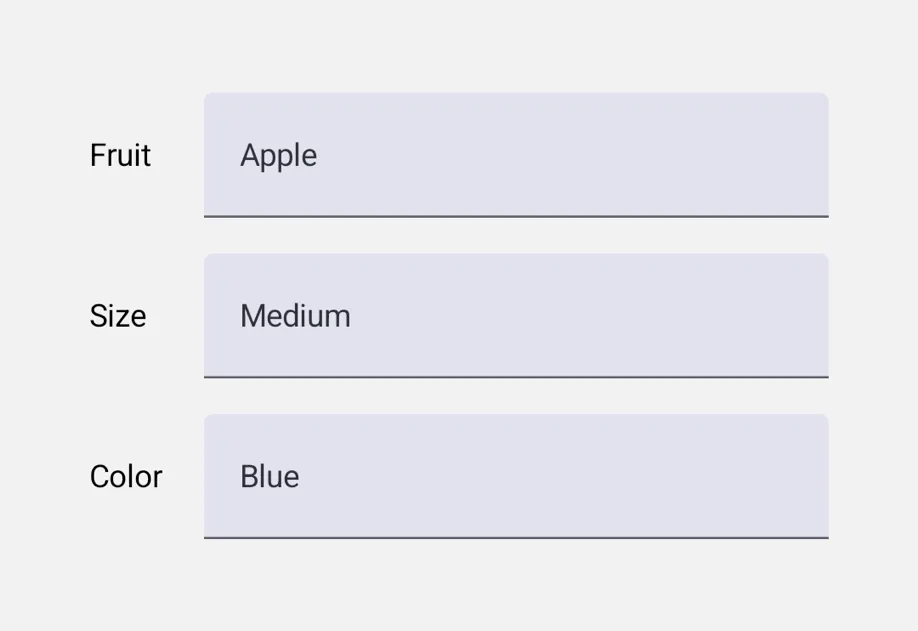
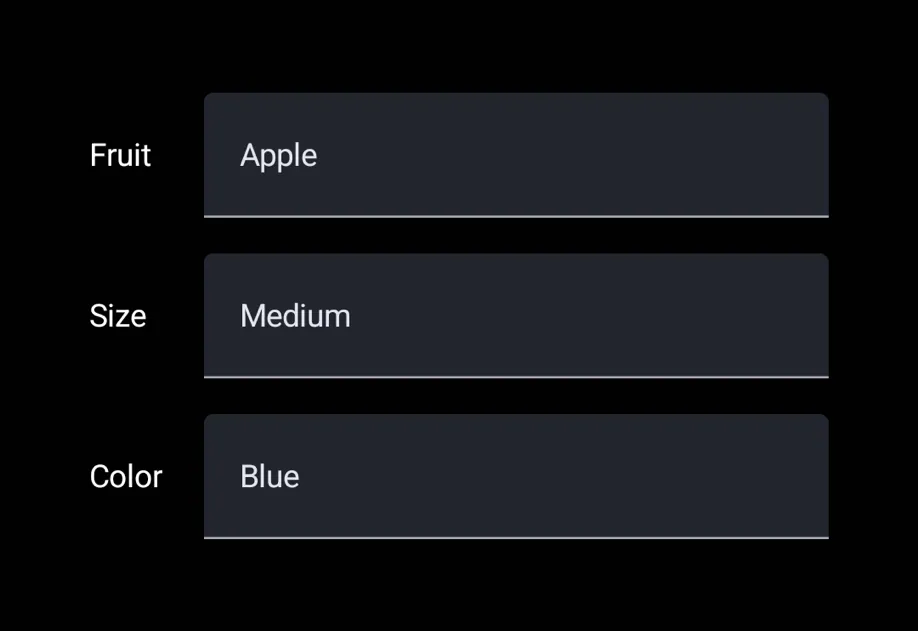
@expo/ui 中的通用组件是一个单一 API 层,封装了各平台的原生 UI 工具包。在 Android 上,它们会委托给 @expo/ui/jetpack-compose。在 iOS 上,它们会委托给 @expo/ui/swift-ui。在 Web 上,它们是使用 react-dom 或 react-native-web 实现的 JS 组件,并会根据控件选择合适的实现。
安装
Terminal
If you are installing this in an existing React Native app, make sure to install expo in your project.
用法
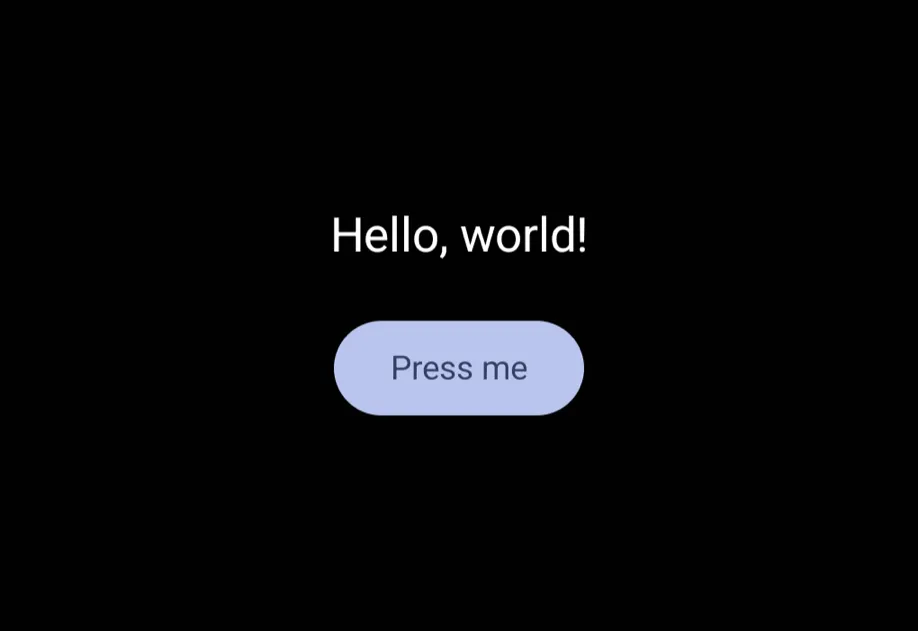
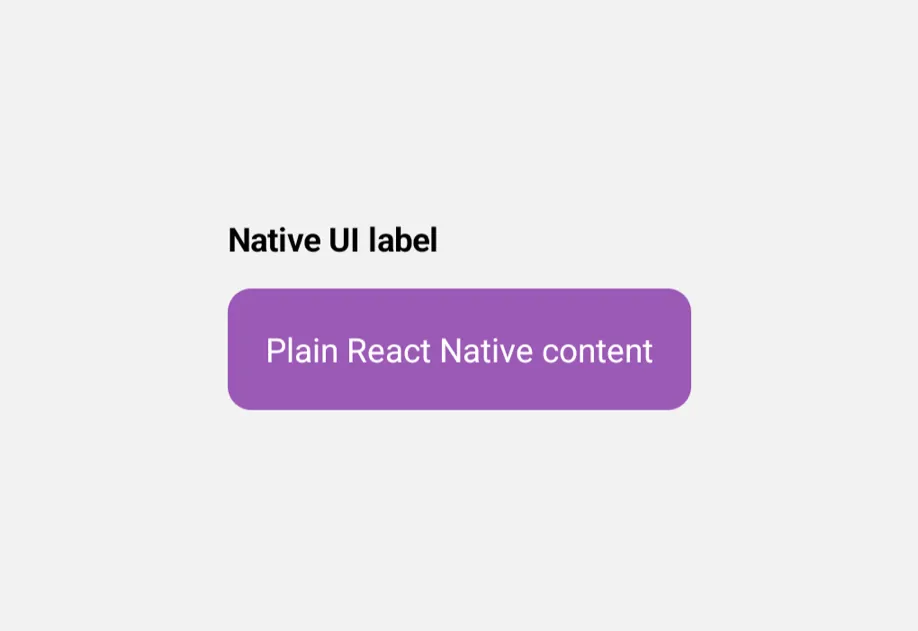
通用组件仍必须包裹在 Host 中,但所有内容(包括 Host)都从包根目录导入。通用 Host 会在 Android 和 iOS 上分发到对应平台的原生 Host,因此无需直接使用 @expo/ui/swift-ui 或 @expo/ui/jetpack-compose。
UniversalExample.tsx
可用组件

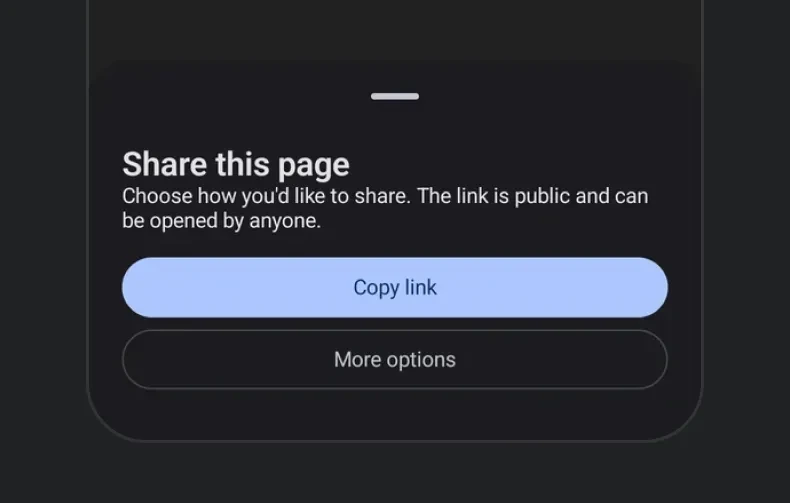

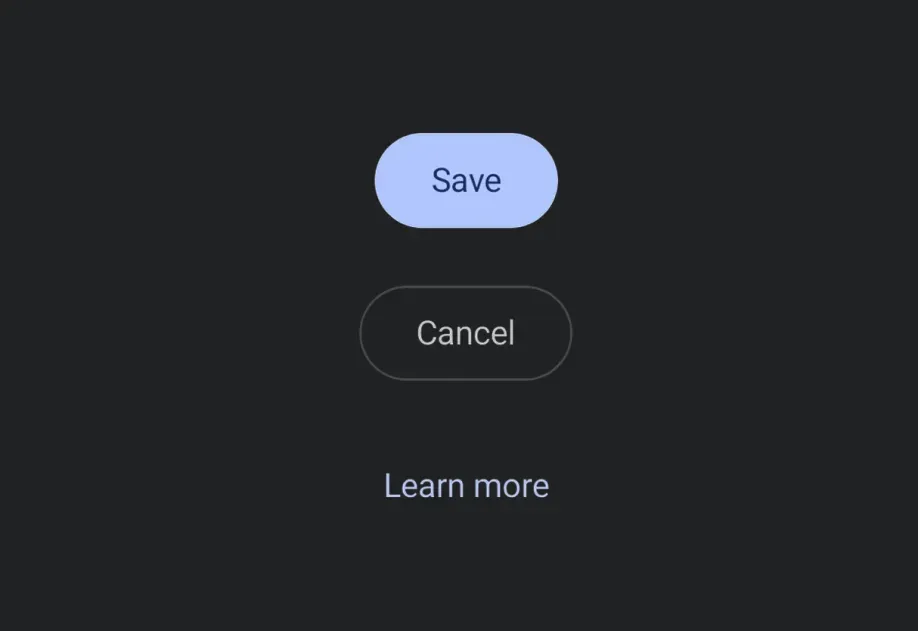






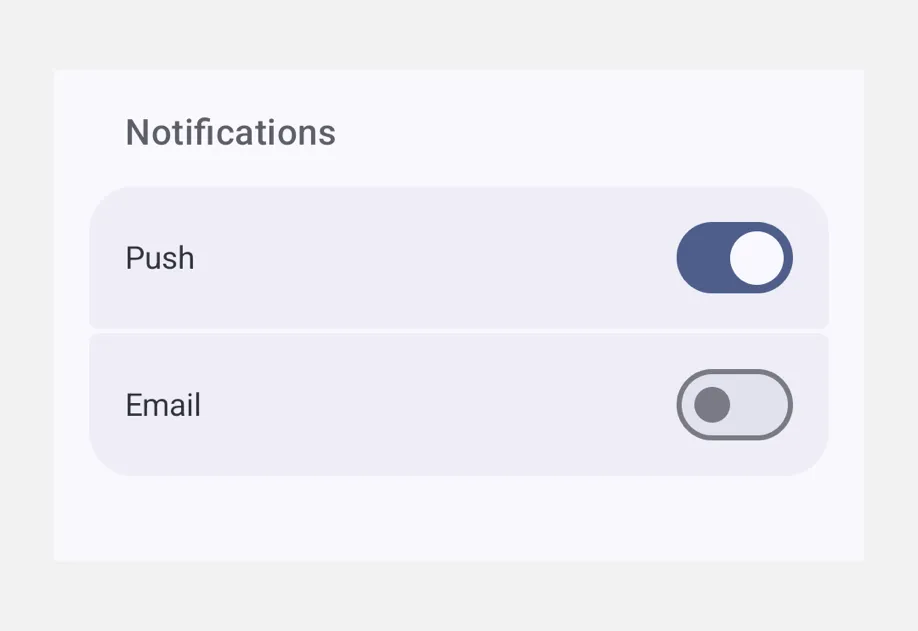

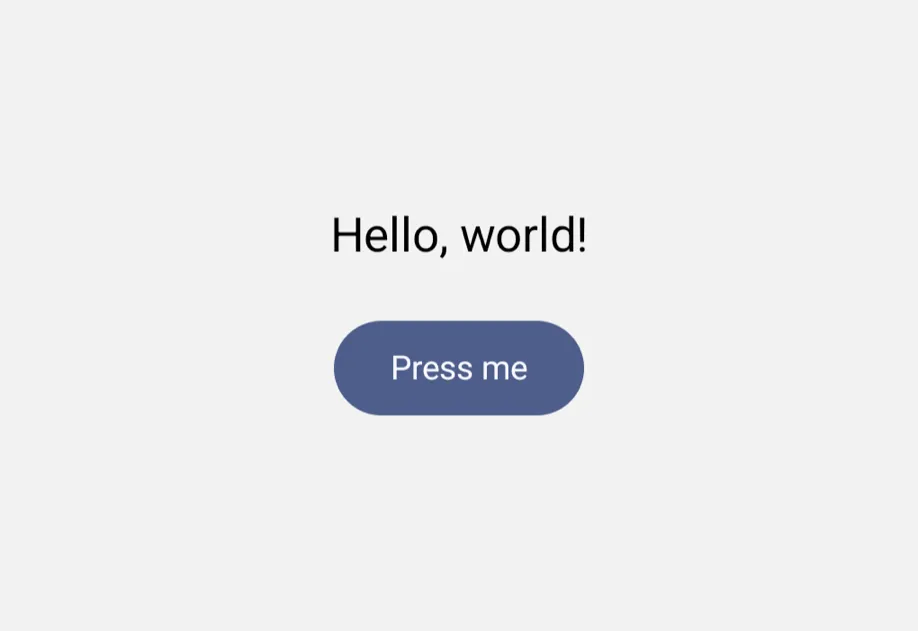



















何时使用通用组件,而非 jetpack-compose/swift-ui
- 如果你希望使用同一组件树,并且无需修改即可在 Android、iOS 和 Web 上运行,请选择通用组件。由于这些组件在底层委托给 Jetpack Compose/SwiftUI,因此 Android 和 iOS 上会保留各平台原生的外观和体验。
- 如果你需要通用 API 未提供的平台专属控件、修饰符或行为,请直接使用
@expo/ui/jetpack-compose或@expo/ui/swift-ui。