This documentation is available as Markdown for AI agents and LLMs. See the full Markdown index or append .md to any documentation URL.
文本
一个用于显示样式化文本的 SwiftUI Text 组件,支持嵌套文本。
有关跨平台使用,请参阅通用的
Text—— 它会根据平台渲染相应的原生组件。
Expo UI Text 与官方 SwiftUI Text API 保持一致。
安装
If you are installing this in an existing React Native app, make sure to install expo in your project.
用法
基本文本
带修饰符的文本
使用修饰符来设置整个文本的样式。
嵌套文本(按片段样式)
嵌套 Text 组件可以为不同片段设置不同样式。这对于行内格式化非常有用,例如在句子中对加粗或有颜色的词进行设置。
注意: 嵌套文本使用 SwiftUI 的 Text 连接,因此只有返回
Text的修饰符(例如bold、italic、font、foregroundColor以及带颜色的foregroundStyle)才会应用于嵌套片段。
混合行内样式
组合多个带样式的片段以实现富文本格式化。
字体字重
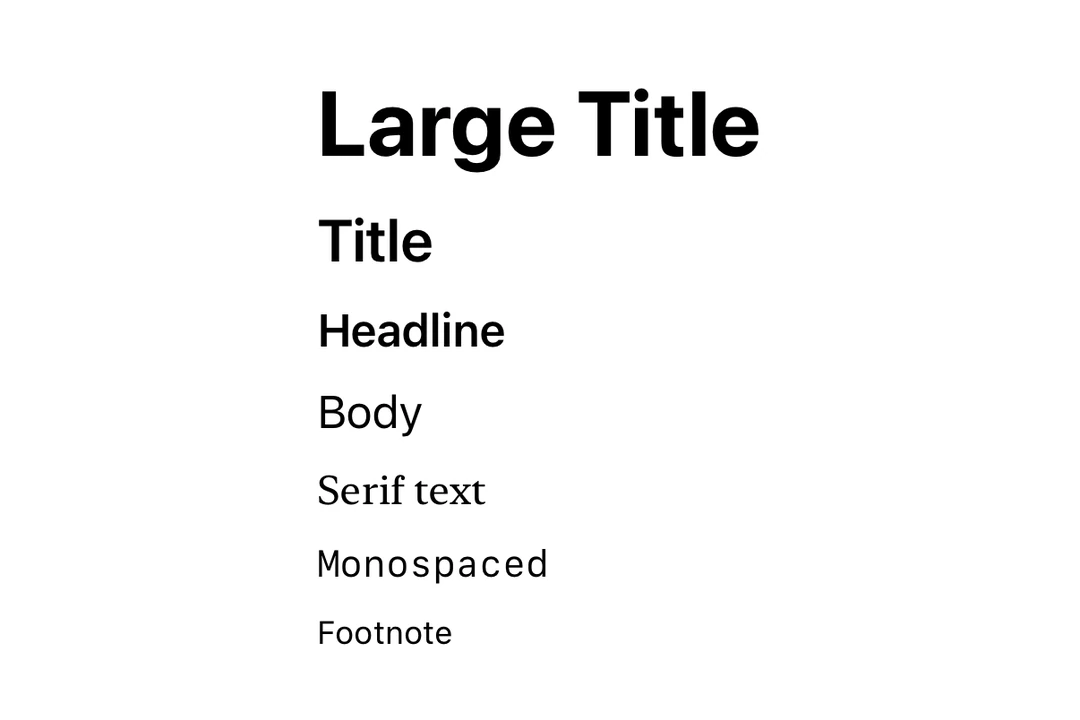
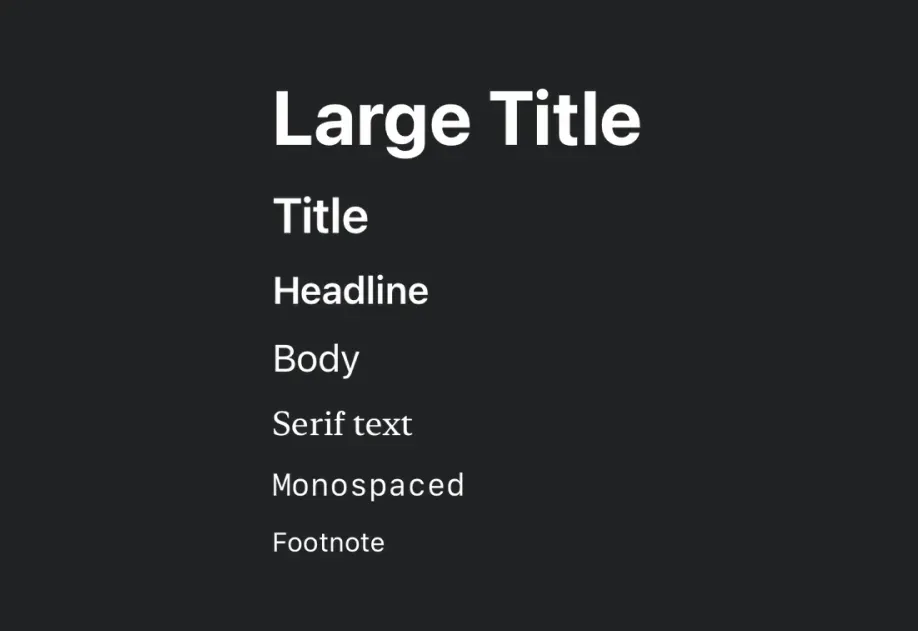
使用 font 修饰符应用不同的字体字重。
字体设计
使用 font 修饰符应用不同的字体设计。
自定义字体
使用带有 family 参数的 font 修饰符来使用自定义字体。你可以使用 expo-font 库加载自定义字体。
带行数限制的文本
使用 lineLimit 修饰符在达到一定行数后截断文本。
Markdown
使用 markdownEnabled 属性为文本内容启用 Markdown 格式。
自动更新日期
使用 date 和 dateStyle 属性来显示会随着时间推移自动更新的日期。这在小组件和 Live Activities 中尤其有用。
计时器间隔
使用 timerInterval 显示实时倒计时或正计时器。这需要 iOS/tvOS 16+。
注意:
timerInterval、countsDown和pauseTime需要 iOS 16.0+ / tvOS 16.0+。在较旧版本上,计时器间隔将不会渲染。
API
import { Text } from '@expo/ui/swift-ui';
Component
Type: React.Element<TextProps>
boolean • Default: trueWhether the timer counts down (true) or up (false).
DateA date to display using the specified dateStyle. The text auto-updates as time passes.
TextDateStyle • Default: 'date'The style used to format the date prop.
booleanEnables Markdown formatting for the text content using SwiftUI LocalizedStringKey.
ClosedRangeDateA time interval to display as a live-updating timer.