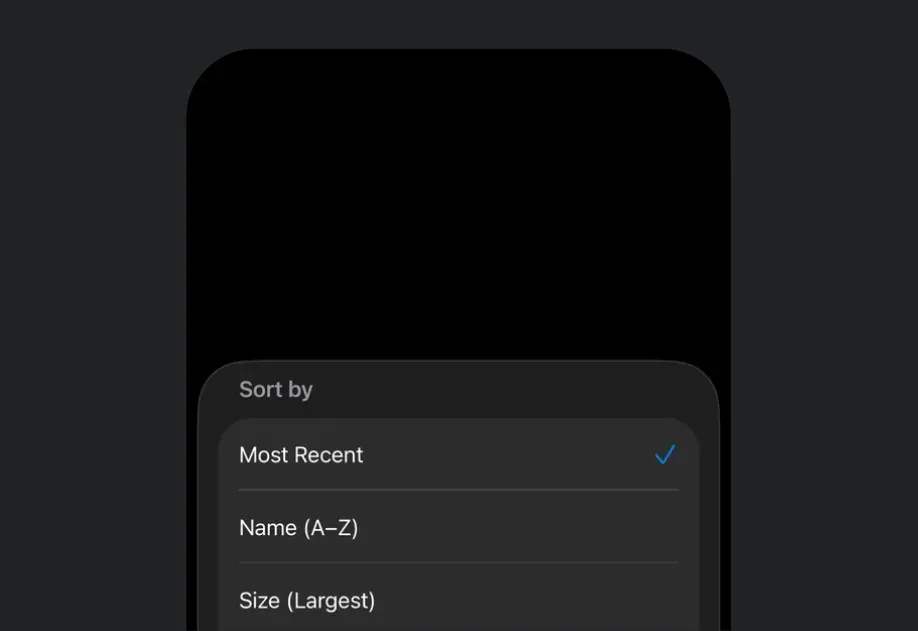
底部弹出面板
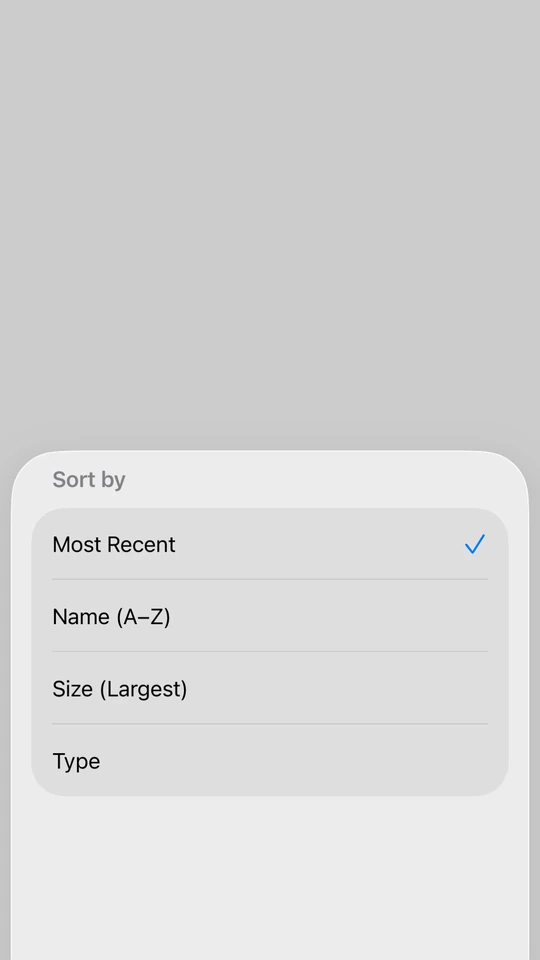
一个可从屏幕底部展示内容的 SwiftUI BottomSheet 组件。
For the complete documentation index, see llms.txt. Use this file to discover all available pages.
有关跨平台使用,请参阅通用的BottomSheet——它会为每个平台渲染合适的原生组件。
Expo UI BottomSheet 与官方 SwiftUI sheet API 保持一致,并从屏幕底部展示内容。
安装
- npx expo install @expo/uiIf you are installing this in an existing React Native app, make sure to install expo in your project.
使用
基础底部弹窗
import { useState } from 'react'; import { Host, BottomSheet, Button, Text, VStack } from '@expo/ui/swift-ui'; export default function BasicBottomSheetExample() { const [isPresented, setIsPresented] = useState(false); return ( <Host style={{ flex: 1 }}> <VStack> <Button label="打开弹窗" onPress={() => setIsPresented(true)} /> <BottomSheet isPresented={isPresented} onIsPresentedChange={setIsPresented}> <Text>你好,世界!</Text> </BottomSheet> </VStack> </Host> ); }
适配内容的底部弹窗
使用 fitToContents 属性可自动调整弹窗大小以适配其内容。
import { useState } from 'react'; import { Host, BottomSheet, Button, Text, VStack } from '@expo/ui/swift-ui'; export default function BottomSheetFitsContentExample() { const [isPresented, setIsPresented] = useState(false); return ( <Host style={{ flex: 1 }}> <VStack> <Button label="打开弹窗" onPress={() => setIsPresented(true)} /> <BottomSheet isPresented={isPresented} onIsPresentedChange={setIsPresented} fitToContents> <VStack> <Text>此弹窗会自动调整大小以适配其内容。</Text> <Button label="关闭" onPress={() => setIsPresented(false)} /> </VStack> </BottomSheet> </VStack> </Host> ); }
带展示 detent 的底部弹窗
在 Group 上使用 presentationDetents 修饰符来控制可用高度。你可以使用:
'medium':系统中等高度(大约半屏)'large':系统大高度(全屏){ fraction: number }:屏幕高度的比例(0-1){ height: number }:以 point 为单位的固定高度
import { useState } from 'react'; import { Host, BottomSheet, Button, Text, VStack } from '@expo/ui/swift-ui'; import { presentationDetents } from '@expo/ui/swift-ui/modifiers'; export default function BottomSheetWithDetentsExample() { const [isPresented, setIsPresented] = useState(false); return ( <Host style={{ flex: 1 }}> <VStack> <Button label="打开弹窗" onPress={() => setIsPresented(true)} /> <BottomSheet isPresented={isPresented} onIsPresentedChange={setIsPresented}> <Group modifiers={[ presentationDetents(['medium', 'large', { fraction: 0.3 }, { height: 200 }]), ]}> <Text>此弹窗可以吸附到多种高度。</Text> </Group> </BottomSheet> </VStack> </Host> ); }
带 detent 选择跟踪的底部弹窗
将 selection 和 onSelectionChange 选项传递给 presentationDetents,可通过编程方式控制弹窗吸附到哪个 detent。
import { useState } from 'react'; import { Host, BottomSheet, Button, List, Section, Text, VStack, Group } from '@expo/ui/swift-ui'; import { presentationDetents, presentationDragIndicator, foregroundStyle, } from '@expo/ui/swift-ui/modifiers'; import type { PresentationDetent } from '@expo/ui/swift-ui/modifiers'; export default function BottomSheetWithDetentSelectionExample() { const [isPresented, setIsPresented] = useState(false); const detents: PresentationDetent[] = [{ height: 300 }, { fraction: 0.3 }, 'medium', 'large']; const [selectedDetent, setSelectedDetent] = useState<PresentationDetent>('medium'); const formatDetent = (detent: PresentationDetent): string => { if (typeof detent === 'string') return detent; if ('fraction' in detent) return `比例 ${detent.fraction}`; return `高度 ${detent.height}`; }; return ( <Host style={{ flex: 1 }}> <VStack> <Button label="显示弹窗" onPress={() => setIsPresented(true)} /> <BottomSheet isPresented={isPresented} onIsPresentedChange={setIsPresented}> <Group modifiers={[ presentationDetents(detents, { selection: selectedDetent, onSelectionChange: setSelectedDetent, }), presentationDragIndicator('visible'), ]}> <List> <Section title="更改 Detent"> <Button label="高度 300" onPress={() => setSelectedDetent({ height: 300 })} /> <Button label="比例 0.3" onPress={() => setSelectedDetent({ fraction: 0.3 })} /> <Button label="中等" onPress={() => setSelectedDetent('medium')} /> <Button label="大" onPress={() => setSelectedDetent('large')} /> </Section> <Section title="当前"> <Text modifiers={[foregroundStyle('secondaryLabel')]}> {formatDetent(selectedDetent)} </Text> </Section> </List> </Group> </BottomSheet> </VStack> </Host> ); }
带背景交互的底部弹窗
使用 presentationBackgroundInteraction 修饰符,允许与弹窗后方内容进行交互。
import { useState } from 'react'; import { Host, BottomSheet, Button, Text, VStack } from '@expo/ui/swift-ui'; import { presentationDetents, presentationBackgroundInteraction, } from '@expo/ui/swift-ui/modifiers'; export default function BottomSheetWithBackgroundInteractionExample() { const [isPresented, setIsPresented] = useState(false); return ( <Host style={{ flex: 1 }}> <VStack> <Button label="打开弹窗" onPress={() => setIsPresented(true)} /> <BottomSheet isPresented={isPresented} onIsPresentedChange={setIsPresented}> <Group modifiers={[ presentationDetents(['medium', 'large']), presentationBackgroundInteraction({ type: 'enabledUpThrough', detent: 'medium' }), ]}> <Text>在中等高度时可与后方内容交互。</Text> </Group> </BottomSheet> </VStack> </Host> ); }
不可被关闭的底部弹窗
使用 interactiveDismissDisabled 修饰符,防止用户通过滑动来关闭弹窗。
import { useState } from 'react'; import { Host, BottomSheet, Button, Text, VStack } from '@expo/ui/swift-ui'; import { interactiveDismissDisabled } from '@expo/ui/swift-ui/modifiers'; export default function NonDismissibleBottomSheetExample() { const [isPresented, setIsPresented] = useState(false); return ( <Host style={{ flex: 1 }}> <VStack> <Button label="打开弹窗" onPress={() => setIsPresented(true)} /> <BottomSheet isPresented={isPresented} onIsPresentedChange={setIsPresented}> <Group modifiers={[interactiveDismissDisabled()]}> <VStack> <Text>此弹窗不能通过滑动关闭。</Text> <Button label="关闭" onPress={() => setIsPresented(false)} /> </VStack> </Group> </BottomSheet> </VStack> </Host> ); }
带 React Native 内容的底部弹窗
使用 RNHostView 将 React Native 组件嵌入到底部弹窗中。设置 matchContents 可自动调整宿主视图大小以适配其内容。
import { useState } from 'react'; import { Pressable, Text as RNText, View } from 'react-native'; import { Host, BottomSheet, Button, RNHostView, VStack } from '@expo/ui/swift-ui'; import { presentationDragIndicator } from '@expo/ui/swift-ui/modifiers'; export default function BottomSheetWithRNContentExample() { const [isPresented, setIsPresented] = useState(false); const [counter, setCounter] = useState(0); return ( <Host style={{ flex: 1 }}> <VStack> <Button label="打开弹窗" onPress={() => setIsPresented(true)} /> <BottomSheet isPresented={isPresented} onIsPresentedChange={setIsPresented} fitToContents> <Group modifiers={[presentationDragIndicator('visible')]}> <RNHostView matchContents> <View style={{ padding: 24 }}> <RNText style={{ fontSize: 18, fontWeight: 'bold', marginBottom: 8 }}> React Native 内容 </RNText> <RNText style={{ color: '#666', marginBottom: 16 }}>计数:{counter}</RNText> <Pressable style={{ backgroundColor: '#007AFF', padding: 12, borderRadius: 8, alignItems: 'center', marginBottom: 12, }} onPress={() => setCounter(counter + 1)}> <RNText style={{ color: 'white', fontWeight: '600' }}>增加</RNText> </Pressable> <Pressable style={{ backgroundColor: '#FF3B30', padding: 12, borderRadius: 8, alignItems: 'center', }} onPress={() => setIsPresented(false)}> <RNText style={{ color: 'white', fontWeight: '600' }}>关闭</RNText> </Pressable> </View> </RNHostView> </Group> </BottomSheet> </VStack> </Host> ); }
带灵活 React Native 内容的底部弹窗
当使用带有 flex: 1 的 React Native 内容时,省略 RNHostView 上的 matchContents 属性,并使用 presentationDetents 来控制弹窗高度。
import { useState } from 'react'; import { Text as RNText, View } from 'react-native'; import { Host, BottomSheet, Button, RNHostView, VStack } from '@expo/ui/swift-ui'; import { presentationDetents, presentationDragIndicator } from '@expo/ui/swift-ui/modifiers'; export default function BottomSheetWithFlexRNContentExample() { const [isPresented, setIsPresented] = useState(false); return ( <Host style={{ flex: 1 }}> <VStack> <Button label="打开弹窗" onPress={() => setIsPresented(true)} /> <BottomSheet isPresented={isPresented} onIsPresentedChange={setIsPresented}> <Group modifiers={[ presentationDetents(['medium', 'large']), presentationDragIndicator('visible'), ]}> <RNHostView> <View style={{ flex: 1, backgroundColor: '#007AFF', padding: 24 }}> <RNText style={{ fontSize: 18, fontWeight: 'bold', color: 'white' }}> 灵活的 React Native 内容 </RNText> <RNText style={{ color: 'white', marginTop: 8 }}> 此内容会填满弹窗中的可用空间。 </RNText> </View> </RNHostView> </Group> </BottomSheet> </VStack> </Host> ); }
API
import { BottomSheet } from '@expo/ui/swift-ui';
Component
Type: React.Element<BottomSheetProps>
BottomSheet presents content from the bottom of the screen.
React.ReactNodeThe children of the BottomSheet component.
Use Group to wrap your content and apply presentation modifiers
like presentationDetents, presentationDragIndicator,
presentationBackgroundInteraction, and interactiveDismissDisabled.
boolean • Default: falseWhen true, the sheet will automatically size itself to fit its content.
This sets the presentation detent to match the height of the children.
() => voidCallback function that is called after the BottomSheet has been fully dismissed.
(isPresented: boolean) => voidCallback function that is called when the BottomSheet presented state changes.