This documentation is available as Markdown for AI agents and LLMs. See the full Markdown index or append .md to any documentation URL.
行
用于水平放置子组件的 Jetpack Compose Row 组件。
Android
Included in Expo Go
有关跨平台用法,请参阅通用的
Row— 它会为每个平台渲染相应的原生组件。
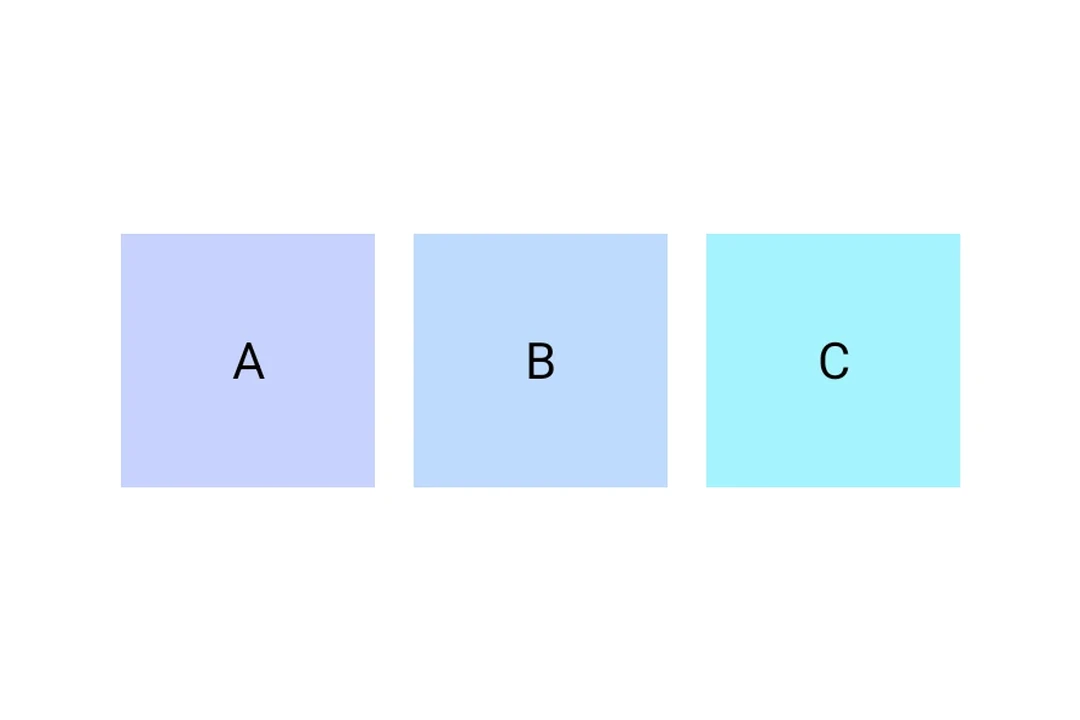
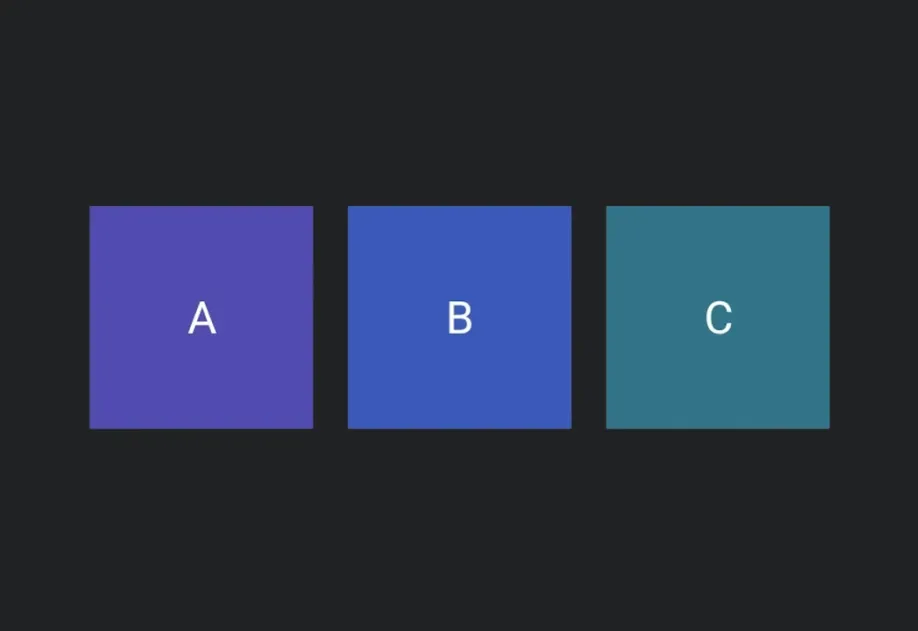
Expo UI Row 与官方 Jetpack Compose Row API 一致,并以可配置的排列和对齐方式将子元素水平放置。
安装
Terminal
If you are installing this in an existing React Native app, make sure to install expo in your project.
用法
Row 会将子元素水平放置。使用 horizontalArrangement 和 verticalAlignment 来控制间距和对齐。
RowExample.tsx
API
import { Row } from '@expo/ui/jetpack-compose';
Component
Optional • Type:
HorizontalArrangementHorizontal arrangement of children.