Reference version

Box

用于堆叠子元素的 Jetpack Compose Box 组件。

Android
Included in Expo Go
Bundled version:
~56.0.6

For the complete documentation index, see llms.txt. Use this file to discover all available pages.

Expo UI Box 与官方 Jetpack Compose Box API 一致,并通过可配置的内容对齐方式将子项叠放在彼此之上。
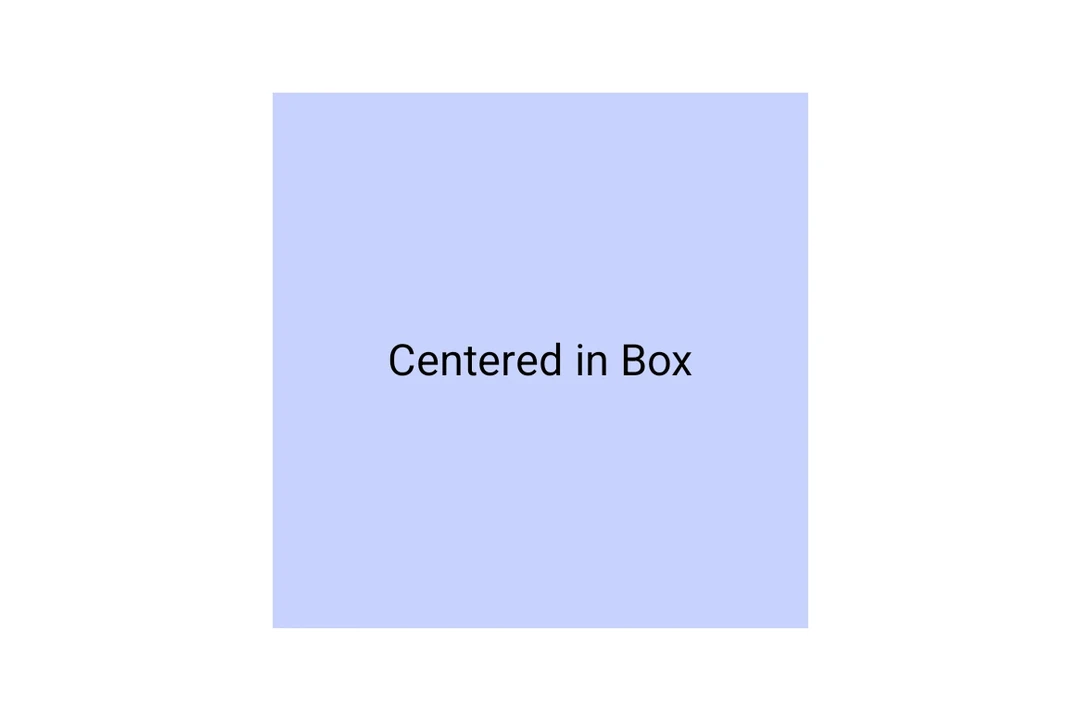
内容居中显示的 Material 3 Box

安装

Terminal
npx expo install @expo/ui

If you are installing this in an existing React Native app, make sure to install expo in your project.

用法

Box 会将子项叠放在彼此之上。使用 contentAlignment 来在 box 内定位它们。

BoxExample.tsx
import { Host, Box, Text } from '@expo/ui/jetpack-compose'; import { size, background } from '@expo/ui/jetpack-compose/modifiers'; export default function BoxExample() { return ( <Host matchContents> <Box contentAlignment="center" modifiers={[size(200, 200), background('#E0E0E0')]}> <Text>Box 中居中</Text> </Box> </Host> ); }

API

import { Box } from '@expo/ui/jetpack-compose';

Component

Box

Android

Type: React.Element<BoxProps>

BoxProps

children

Android
Optional • Type: React.ReactNode

contentAlignment

Android
Optional • Type: ContentAlignment

Alignment of children within the box.

floatingToolbarExitAlwaysScrollBehavior

Android
Optional • Type: FloatingToolbarExitAlwaysScrollBehavior

Scroll behavior for the floating toolbar exit.

Inherited Props

  • PrimitiveBaseProps