Reference version

This is documentation for the next SDK version. For up-to-date documentation, see the latest version (SDK 56).

选择器

具有菜单和滚轮外观的单选输入。

Android
iOS
Web
Included in Expo Go

For the complete documentation index, see llms.txt. Use this file to discover all available pages.

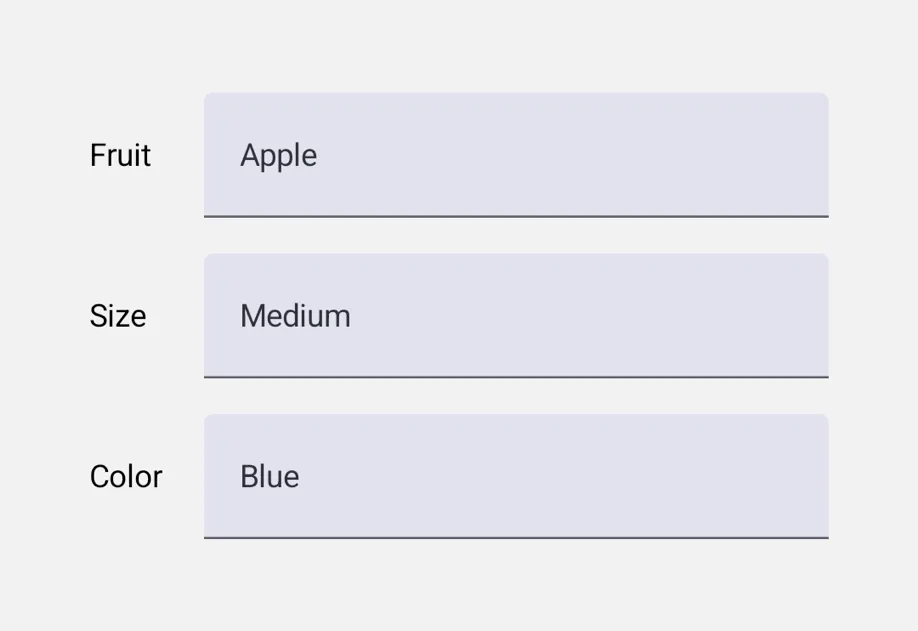
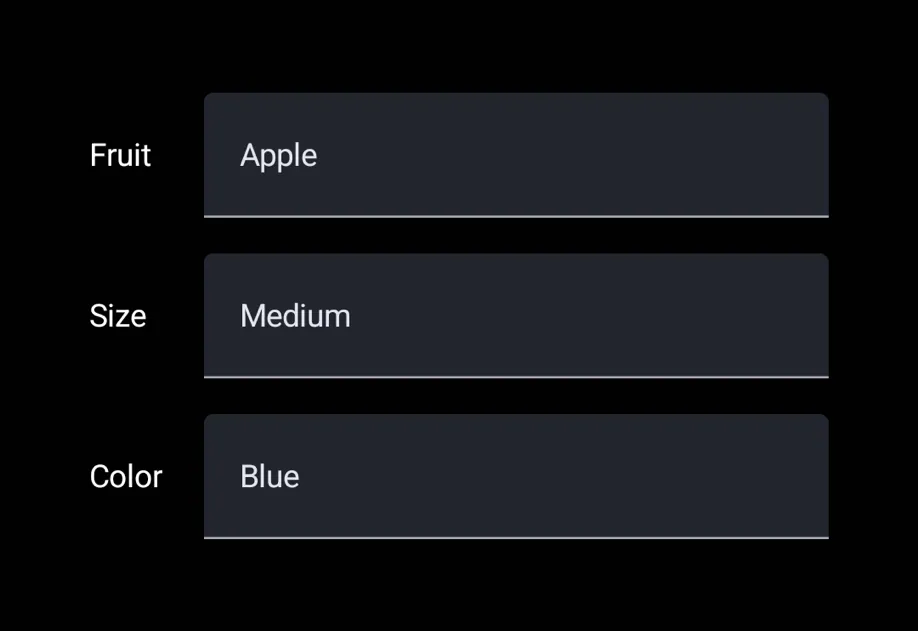
Picker 是一种单选输入。你可以使用 <Picker.Item label value /> 子组件来声明选项,这样父级 Picker 就会读取它们并渲染出适合平台的下拉菜单或转轮。

通用的 Picker 独立于 @expo/ui/community/picker,后者仍然是 @react-native-picker/picker 的兼容适配层。新代码建议优先使用这个通用 Picker,除非你明确需要 RN-Picker 的 API 表面。
安装

Terminal
npx expo install @expo/ui

If you are installing this in an existing React Native app, make sure to install expo in your project.

用法

菜单样式(默认)

PickerMenuExample.tsx
import { useState } from 'react'; import { Host, Row, Picker, Spacer, Text } from '@expo/ui'; const FLAVOURS = [ { label: '香草', value: 'vanilla' }, { label: '巧克力', value: 'chocolate' }, { label: '草莓', value: 'strawberry' }, ]; export default function PickerMenuExample() { const [value, setValue] = useState('vanilla'); return ( <Host style={{ flex: 1 }}> <Row alignment="center" spacing={12} style={{ padding: 16 }}> <Text>口味:</Text> <Spacer flexible /> <Picker selectedValue={value} onValueChange={setValue}> {FLAVOURS.map(f => ( <Picker.Item key={f.value} label={f.label} value={f.value} /> ))} </Picker> </Row> </Host> ); }

转轮样式

appearance="wheel" 会在 iOS 上渲染一个内联可滚动转轮。在 Android 和 web 上,这会回退到平台的默认下拉菜单(Material 3 没有提供转轮样式的 picker)。

PickerWheelExample.tsx
import { useState } from 'react'; import { Host, Column, Picker } from '@expo/ui'; const FLAVOURS = [ { label: '香草', value: 'vanilla' }, { label: '巧克力', value: 'chocolate' }, { label: '草莓', value: 'strawberry' }, ]; export default function PickerWheelExample() { const [value, setValue] = useState('chocolate'); return ( <Host style={{ flex: 1 }}> <Column spacing={8} style={{ padding: 16 }}> <Picker selectedValue={value} onValueChange={setValue} appearance="wheel"> {FLAVOURS.map(f => ( <Picker.Item key={f.value} label={f.label} value={f.value} /> ))} </Picker> </Column> </Host> ); }

API

import { Picker } from '@expo/ui';

Component

Picker

Android
iOS
Web

Type: React.Element<PickerProps<T>>

A single-selection input. Declare options via <Picker.Item label value /> children.

Props for the Picker component, a single-selection input.

PickerProps

appearance

Android
iOS
Web
Optional • Type: PickerAppearance • Default: 'menu'

Visual appearance of the picker. See PickerAppearance.

children

Android
iOS
Web
Optional • Type: ReactNode

<Picker.Item> children that declare the available options.

enabled

Android
iOS
Web
Optional • Type: boolean • Default: true

Whether the picker accepts input.

onValueChange

Android
iOS
Web
Type: (value: T) => void

Called when the user selects an option.

selectedValue

Android
iOS
Web
Type: T

The currently selected value. Must match the value of one of the <Picker.Item> children.

testID

Android
iOS
Web
Optional • Type: string

Identifier used to locate the component in end-to-end tests.

Interfaces

ExtractedPickerItem

Android
iOS
Web

Internal: extracted item data from <Picker.Item> children.

PropertyTypeDescription
labelstring
-
valueT
-

Types

PickerAppearance

Android
iOS
Web

Literal Type: string

Visual appearance of the picker.

  • 'menu' — Compact button that opens a popup/dropdown on tap. Cross-platform default.
  • 'wheel' — Scrollable rotor UI that's always visible inline. iOS only; on Android and web this falls back to the platform's default dropdown.

Acceptable values are: 'wheel' | 'menu'

PickerItemValue

Android
iOS
Web

Literal Type: union

The type of values a Picker.Item can carry.

Acceptable values are: string | number