This documentation is available as Markdown for AI agents and LLMs. See the full Markdown index or append .md to any documentation URL.
This is documentation for the next SDK version. For up-to-date documentation, see the latest version (SDK 57).
FieldGroup
一个可滚动的分组设置样式行容器。
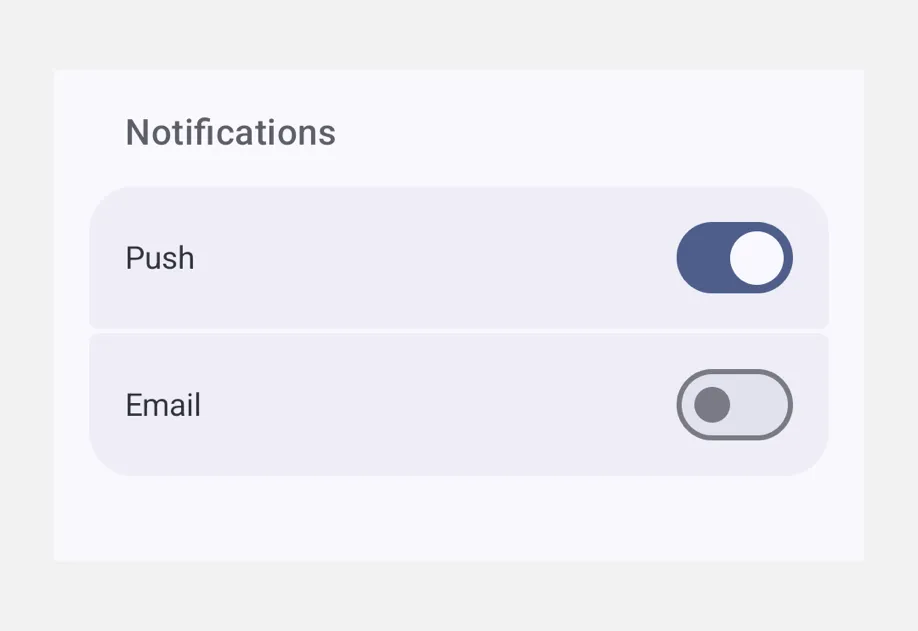
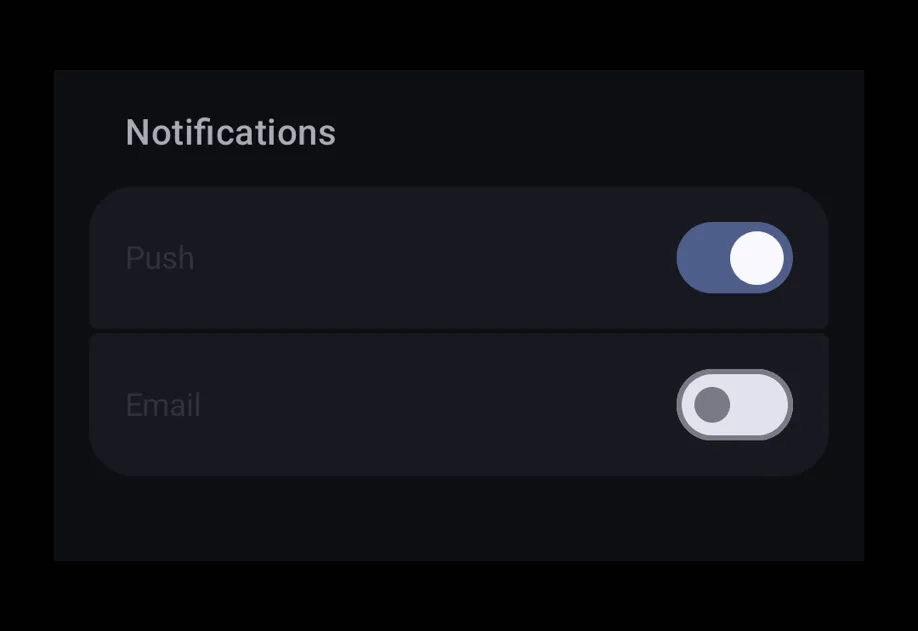
一个可滚动的容器,用于分组的设置样式行,外观与 iOS 设置页面一致。内部可组合使用 FieldGroup.Section(用于显式分组)、FieldGroup.SectionHeader 和 FieldGroup.SectionFooter。
注意:
FieldGroup会滚动,并且本身没有高度。它会拉伸以填满其父容器,因此请为它提供一个具有确定大小的父容器,例如<Host style={{ flex: 1 }}>,或者一个具有显式高度的 host。它不会出现在类似<Host matchContents>这种按内容自适应大小的容器中,因为没有受限的高度供该组填充。
安装
If you are installing this in an existing React Native app, make sure to install expo in your project.
用法
分段表单
自定义分区标题和页脚
使用 FieldGroup.SectionHeader 和 FieldGroup.SectionFooter 来渲染完整样式的标题/页脚插槽,以替代默认的 title 文本。
API
import { FieldGroup } from '@expo/ui';
Components
Type: React.Element<FieldGroupProps>
A scrollable container for grouped settings-style rows, mirroring the look
of an iOS Settings screen. Render one or more
FieldGroup.Section components inside. Direct
non-section children are automatically grouped into an implicit section,
matching SwiftUI Form behavior.
Props for the FieldGroup component, a scrollable container
of grouped settings-style rows.
ReactNodeA collection of FieldGroup.Section components that
make up the group. Non-section children are rendered inline between
sections, matching SwiftUI Form behavior.
booleanWhether the component is disabled. Disabled components do not respond to user interaction.
ModifierConfig[]Platform-specific modifier escape hatch. Pass an array of modifier configs
from @expo/ui/swift-ui/modifiers or @expo/ui/jetpack-compose/modifiers.
A modifier supplied here replaces any modifier of the same type that the
component derives from style or other props.
() => voidCalled when the component is removed from screen.
Pick<ViewStyle, 'padding' | 'paddingHorizontal' | 'paddingVertical' | 'paddingTop' | 'paddingBottom' | 'paddingLeft' | 'paddingRight' | 'backgroundColor' | 'borderRadius' | 'borderWidth' | 'borderColor' | 'opacity' | 'width' | 'height'>Platform-agnostic style properties. These are translated to SwiftUI modifiers on iOS and Jetpack Compose modifiers on Android.
Type: React.Element<FC<FieldSectionProps>>
Props for the FieldGroup.Section component, a
grouped list of rows within a FieldGroup.
ReactNodeThe rows of the section, optionally interleaved with a single
<FieldGroup.SectionHeader> and/or <FieldGroup.SectionFooter> child
to customize the header / footer slots.
booleanWhether the component is disabled. Disabled components do not respond to user interaction.
ModifierConfig[]Platform-specific modifier escape hatch. Pass an array of modifier configs
from @expo/ui/swift-ui/modifiers or @expo/ui/jetpack-compose/modifiers.
A modifier supplied here replaces any modifier of the same type that the
component derives from style or other props.
() => voidCalled when the component is removed from screen.
Pick<ViewStyle, 'padding' | 'paddingHorizontal' | 'paddingVertical' | 'paddingTop' | 'paddingBottom' | 'paddingLeft' | 'paddingRight' | 'backgroundColor' | 'borderRadius' | 'borderWidth' | 'borderColor' | 'opacity' | 'width' | 'height'>Platform-agnostic style properties. These are translated to SwiftUI modifiers on iOS and Jetpack Compose modifiers on Android.
stringIdentifier used to locate the component in end-to-end tests.
stringA plain-text section title, rendered as the default styled header above
the group. Ignored when a <FieldGroup.SectionHeader> child is
provided.
Methods
Computes the position of a row given its index within a section of
total rows.
FieldItemPositionTypes
Literal type: string
Position of a row within a FieldGroup.Section, used
to compute grouped-list corner radii.
Acceptable values are: 'leading' | 'middle' | 'trailing' | 'only'