This documentation is available as Markdown for AI agents and LLMs. See the full Markdown index or append .md to any documentation URL.
FieldGroup
可滚动的分组设置样式行容器。
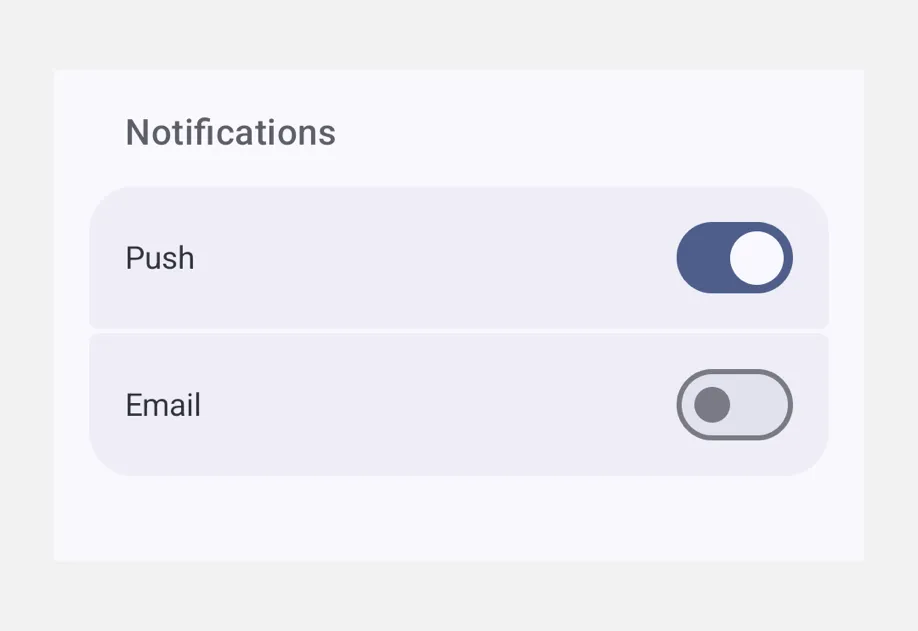
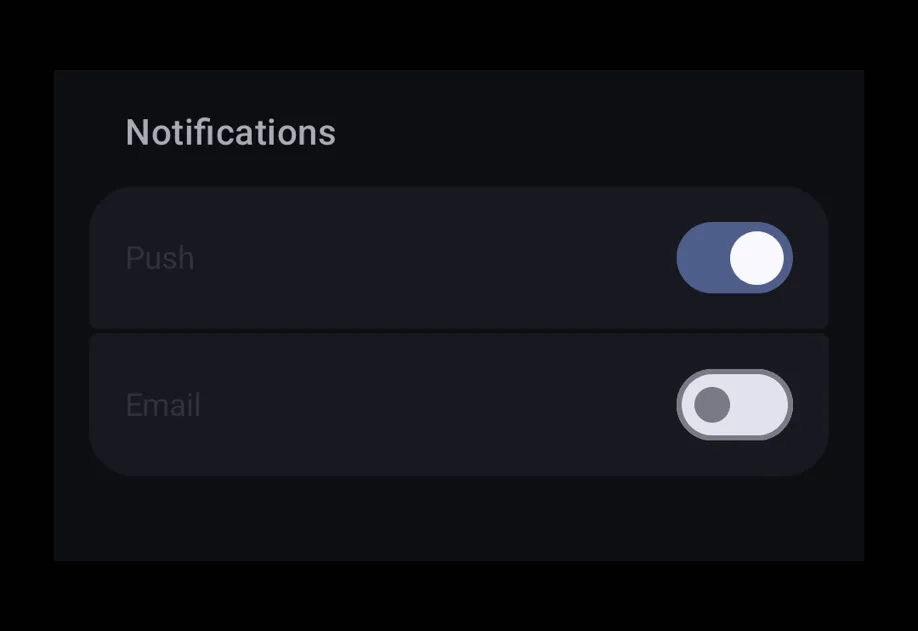
一个可滚动的容器,用于容纳分组的设置样式行,外观类似 iOS 设置界面。将 FieldGroup.Section(用于显式分组)、FieldGroup.SectionHeader 和 FieldGroup.SectionFooter 插槽放置其中。
安装
If you are installing this in an existing React Native app, make sure to install expo in your project.
用法
分组表单
自定义分区标题和页脚
使用 FieldGroup.SectionHeader 和 FieldGroup.SectionFooter,可以在默认 title 文本的位置渲染完全样式化的标题/页脚插槽。
API
import { FieldGroup } from '@expo/ui';
Components
Type: React.Element<FieldGroupProps>
A scrollable container for grouped settings-style rows, mirroring the look
of an iOS Settings screen. Render one or more
FieldGroup.Section components inside. Direct
non-section children are automatically grouped into an implicit section,
matching SwiftUI Form behavior.
Props for the FieldGroup component, a scrollable container
of grouped settings-style rows.
ReactNodeA collection of FieldGroup.Section components that
make up the group. Non-section children are rendered inline between
sections, matching SwiftUI Form behavior.
booleanWhether the component is disabled. Disabled components do not respond to user interaction.
ModifierConfig[]Platform-specific modifier escape hatch. Pass an array of modifier configs
from @expo/ui/swift-ui/modifiers or @expo/ui/jetpack-compose/modifiers.
A modifier supplied here replaces any modifier of the same type that the
component derives from style or other props.
() => voidCalled when the component is removed from screen.
Pick<ViewStyle, 'padding' | 'paddingHorizontal' | 'paddingVertical' | 'paddingTop' | 'paddingBottom' | 'paddingLeft' | 'paddingRight' | 'backgroundColor' | 'borderRadius' | 'borderWidth' | 'borderColor' | 'opacity' | 'width' | 'height'>Platform-agnostic style properties. These are translated to SwiftUI modifiers on iOS and Jetpack Compose modifiers on Android.
Type: React.Element<FC<FieldSectionProps>>
Props for the FieldGroup.Section component, a
grouped list of rows within a FieldGroup.
ReactNodeThe rows of the section, optionally interleaved with a single
<FieldGroup.SectionHeader> and/or <FieldGroup.SectionFooter> child
to customize the header / footer slots.
booleanWhether the component is disabled. Disabled components do not respond to user interaction.
ModifierConfig[]Platform-specific modifier escape hatch. Pass an array of modifier configs
from @expo/ui/swift-ui/modifiers or @expo/ui/jetpack-compose/modifiers.
A modifier supplied here replaces any modifier of the same type that the
component derives from style or other props.
() => voidCalled when the component is removed from screen.
Pick<ViewStyle, 'padding' | 'paddingHorizontal' | 'paddingVertical' | 'paddingTop' | 'paddingBottom' | 'paddingLeft' | 'paddingRight' | 'backgroundColor' | 'borderRadius' | 'borderWidth' | 'borderColor' | 'opacity' | 'width' | 'height'>Platform-agnostic style properties. These are translated to SwiftUI modifiers on iOS and Jetpack Compose modifiers on Android.
stringIdentifier used to locate the component in end-to-end tests.
stringA plain-text section title, rendered as the default styled header above
the group. Ignored when a <FieldGroup.SectionHeader> child is
provided.
Methods
Computes the position of a row given its index within a section of
total rows.
FieldItemPositionTypes
Literal type: string
Position of a row within a FieldGroup.Section, used
to compute grouped-list corner radii.
Acceptable values are: 'leading' | 'middle' | 'trailing' | 'only'