Reference version

按钮

一个可按压的按钮,具有多种视觉变体。

Android
iOS
Web
Included in Expo Go
Bundled version:
~56.0.6

For the complete documentation index, see llms.txt. Use this file to discover all available pages.

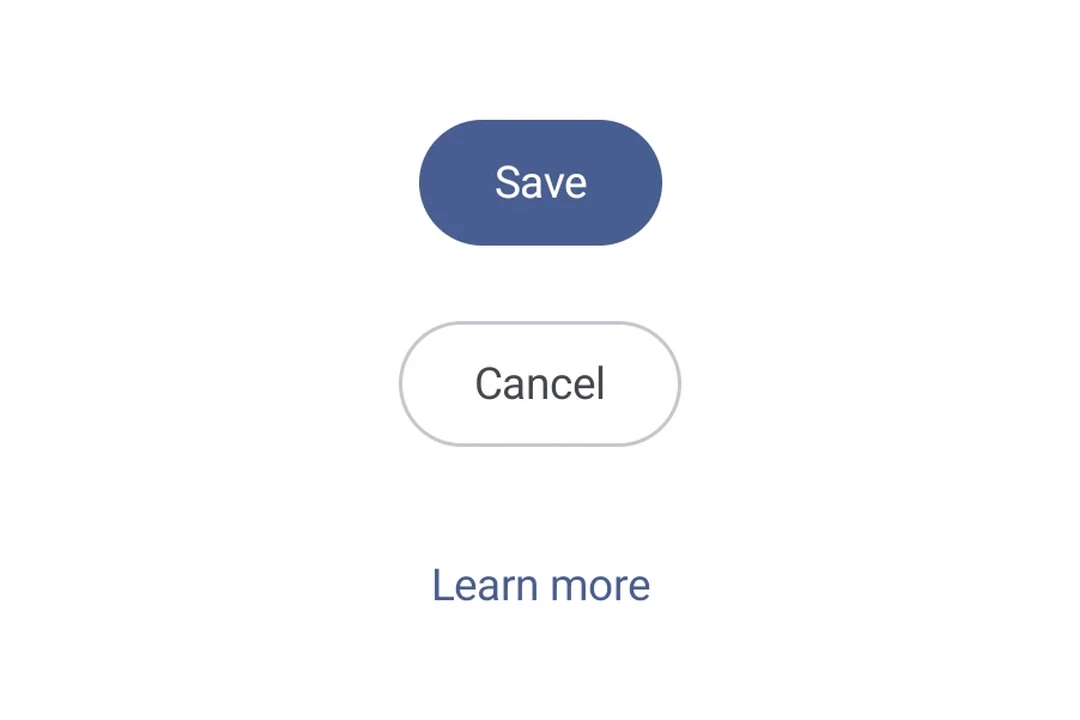
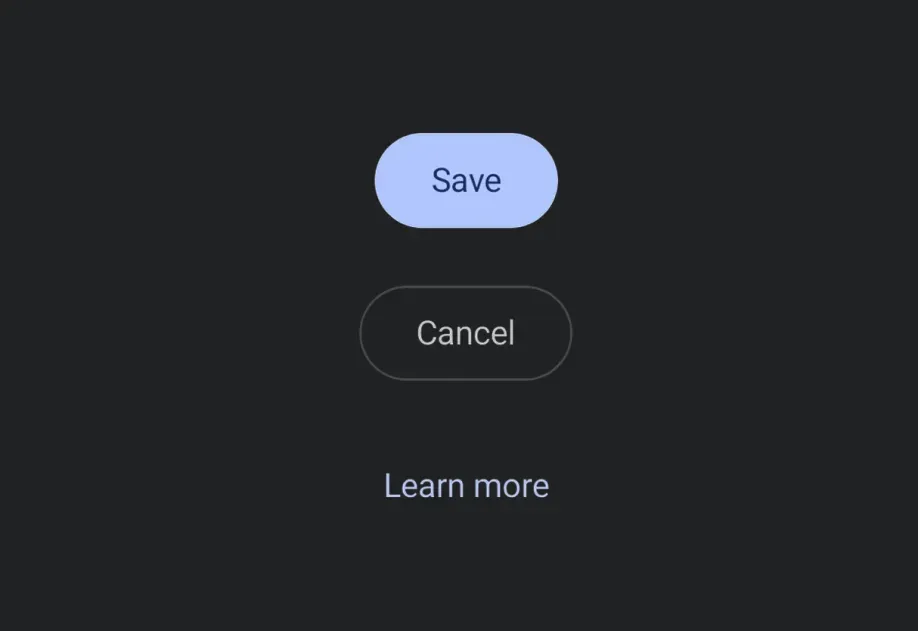
一个可按压按钮,在 Android、iOS 和 web 上都能一致渲染。支持 filledoutlinedtext 三种视觉变体。

安装

Terminal
npx expo install @expo/ui

If you are installing this in an existing React Native app, make sure to install expo in your project.

使用

基本按钮

BasicButtonExample.tsx
import { Host, Button } from '@expo/ui'; export default function BasicButtonExample() { return ( <Host matchContents> <Button label="按我" onPress={() => alert('已按下!')} /> </Host> ); }

变体

使用 variant 属性选择一种视觉变体。

ButtonVariantsExample.tsx
import { Host, Column, Button } from '@expo/ui'; export default function ButtonVariantsExample() { return ( <Host matchContents> <Column spacing={8}> <Button variant="filled" label="填充" onPress={() => {}} /> <Button variant="outlined" label="描边" onPress={() => {}} /> <Button variant="text" label="文本" onPress={() => {}} /> </Column> </Host> ); }

自定义内容

传入 children 以提供完全自定义的按钮内容。提供 children 时,会忽略 label 属性。

CustomButtonExample.tsx
import { Host, Button, Row, Icon, Text } from '@expo/ui'; export default function CustomButtonExample() { return ( <Host matchContents> <Button onPress={() => {}}> <Row spacing={6} alignment="center"> <Icon name={Icon.select({ ios: 'star.fill', android: require('@expo/material-symbols/star.xml'), })} size={16} color="#FFFFFF" /> <Text textStyle={{ color: '#FFFFFF' }}>收藏</Text> </Row> </Button> </Host> ); }

禁用

DisabledButtonExample.tsx
import { Host, Button } from '@expo/ui'; export default function DisabledButtonExample() { return ( <Host matchContents> <Button label="禁用" onPress={() => {}} disabled /> </Host> ); }

API

import { Button } from '@expo/ui';

Component

Button

Android
iOS
Web

Type: React.Element<ButtonProps>

A pressable button that supports multiple visual variants.

Props for the Button component.

ButtonProps

children

Android
iOS
Web
Optional • Type: ReactNode

Custom content rendered inside the button. When provided, label is ignored.

disabled

Android
iOS
Web
Optional • Type: boolean

Whether the component is disabled. Disabled components do not respond to user interaction.

hidden

Android
iOS
Web
Optional • Type: boolean

Whether the component is hidden.

label

Android
iOS
Web
Optional • Type: string

Text label displayed inside the button. Ignored when children is provided.

modifiers

Android
iOS
Optional • Type: ModifierConfig[]

Platform-specific modifier escape hatch. Pass an array of modifier configs from @expo/ui/swift-ui/modifiers or @expo/ui/jetpack-compose/modifiers.

onAppear

Android
iOS
Web
Optional • Type: () => void

Called when the component appears on screen.

onDisappear

Android
iOS
Web
Optional • Type: () => void

Called when the component is removed from screen.

onPress

Android
iOS
Web
Optional • Type: () => void

Called when the button is pressed.

style

Android
iOS
Web
Optional • Type: Pick<ViewStyle, 'padding' | 'paddingHorizontal' | 'paddingVertical' | 'paddingTop' | 'paddingBottom' | 'paddingLeft' | 'paddingRight' | 'backgroundColor' | 'borderRadius' | 'borderWidth' | 'borderColor' | 'opacity' | 'width' | 'height'>

Platform-agnostic style properties. These are translated to SwiftUI modifiers on iOS and Jetpack Compose modifiers on Android.

testID

Android
iOS
Web
Optional • Type: string

Identifier used to locate the component in end-to-end tests.

variant

Android
iOS
Web
Optional • Type: ButtonVariant • Default: 'filled'

Visual variant of the button.

Types

ButtonVariant

Android
iOS
Web

Literal Type: string

Visual variant of a Button.

  • 'filled' — solid background color (default).
  • 'outlined' — transparent background with a border.
  • 'text' — no background or border, text only.

Acceptable values are: 'filled' | 'outlined' | 'text'