This documentation is available as Markdown for AI agents and LLMs. See the full Markdown index or append .md to any documentation URL.
复选框
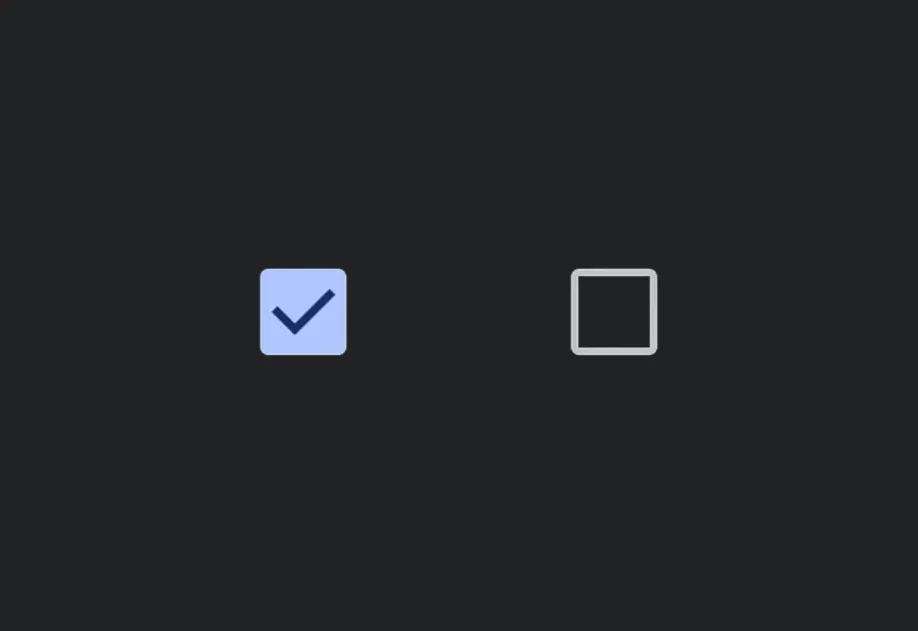
表示选中或未选中状态的切换控件。
Android
iOS
Web
Included in Expo Go
受控复选框。将 value 与 onValueChange 配对,以从 React 管理状态。

安装
Terminal
If you are installing this in an existing React Native app, make sure to install expo in your project.
用法
基本复选框
CheckboxExample.tsx
已禁用
DisabledCheckboxExample.tsx
API
import { Checkbox } from '@expo/ui';
Component
Type: React.Element<CheckboxProps>
A toggle control that represents a checked or unchecked state.
Props for the Checkbox component.
Optional • Type:
booleanWhether the checkbox is disabled. Disabled checkboxes do not respond to user interaction.
Optional • Type:
ModifierConfig[]Platform-specific modifier escape hatch. Pass an array of modifier configs
from @expo/ui/swift-ui/modifiers or @expo/ui/jetpack-compose/modifiers.
Optional • Type:
stringIdentifier used to locate the component in end-to-end tests.