This documentation is available as Markdown for AI agents and LLMs. See the full Markdown index or append .md to any documentation URL.
列
用于通用 @expo/ui 组件的垂直布局容器。
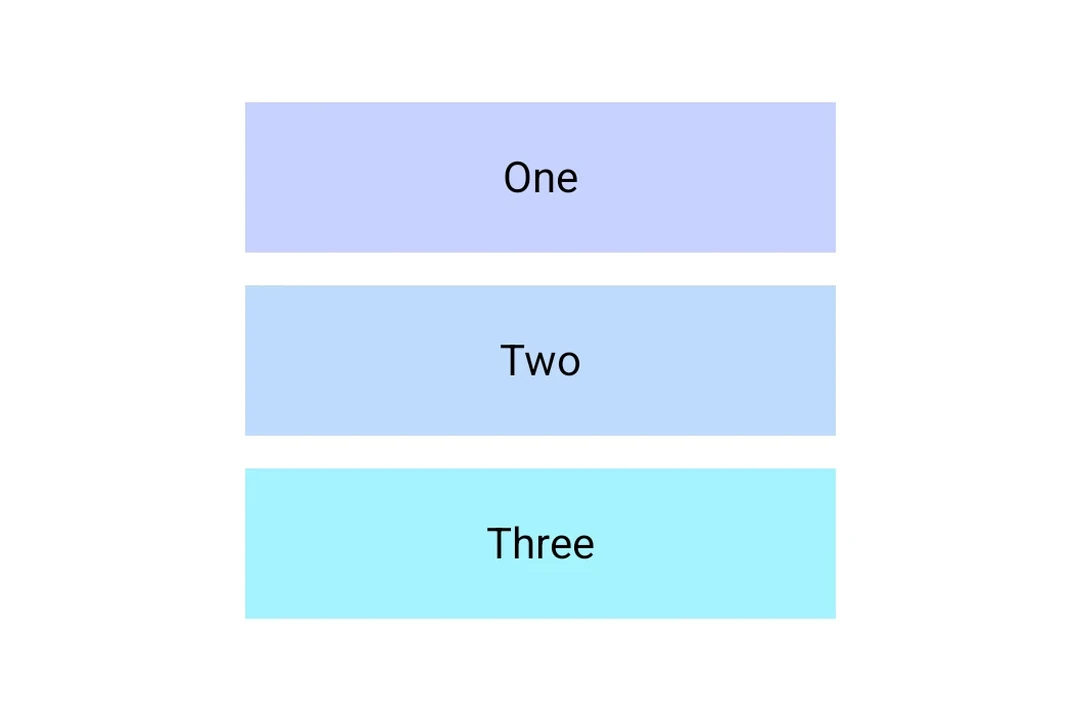
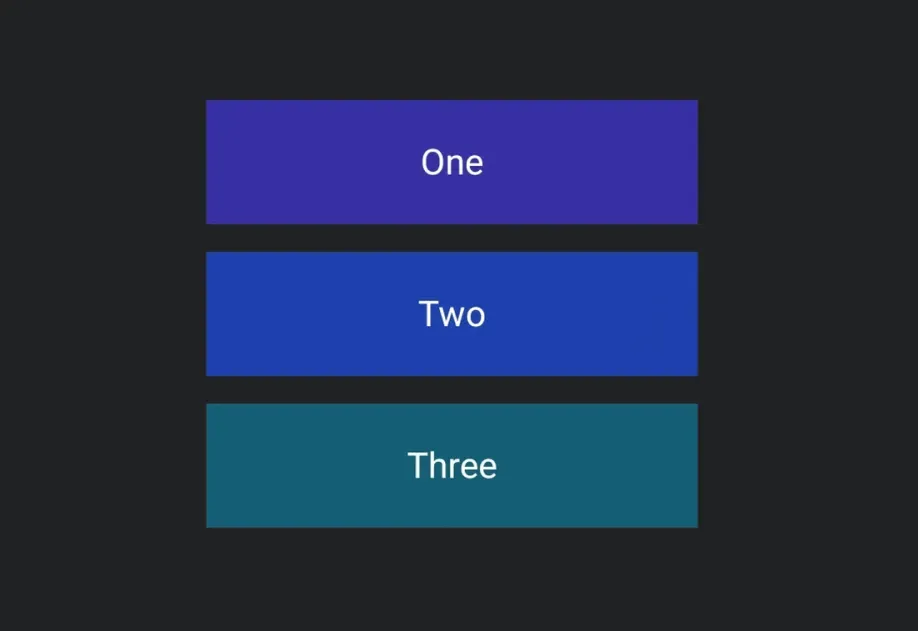
一个垂直布局容器,将其子项从上到下排列。在 iOS 上委托给 SwiftUI 的 VStack,在 Android 上委托给 Jetpack Compose 的 Column,在 web 上委托给 flex View。
安装
If you are installing this in an existing React Native app, make sure to install expo in your project.
用法
基本列
对齐
使用 alignment 将子元素沿交叉(水平)轴定位。
API
import { Column } from '@expo/ui';
Component
Type: React.Element<ColumnProps>
A vertical layout container that arranges its children from top to bottom.
Props for the Column component, a vertical layout container.
string • Default: 'start'Cross-axis (horizontal) alignment of children.
Acceptable values are: 'start' | 'center' | 'end'
booleanWhether the component is disabled. Disabled components do not respond to user interaction.
ModifierConfig[]Platform-specific modifier escape hatch. Pass an array of modifier configs
from @expo/ui/swift-ui/modifiers or @expo/ui/jetpack-compose/modifiers.
A modifier supplied here replaces any modifier of the same type that the
component derives from style or other props.
() => voidCalled when the component is removed from screen.
numberVertical spacing between children, in density-independent pixels.
Pick<ViewStyle, 'padding' | 'paddingHorizontal' | 'paddingVertical' | 'paddingTop' | 'paddingBottom' | 'paddingLeft' | 'paddingRight' | 'backgroundColor' | 'borderRadius' | 'borderWidth' | 'borderColor' | 'opacity' | 'width' | 'height'>Platform-agnostic style properties. These are translated to SwiftUI modifiers on iOS and Jetpack Compose modifiers on Android.