This documentation is available as Markdown for AI agents and LLMs. See the full Markdown index or append .md to any documentation URL.
RNHostView
一个用于在 @expo/ui 视图中承载 React Native 视图的跨平台组件。
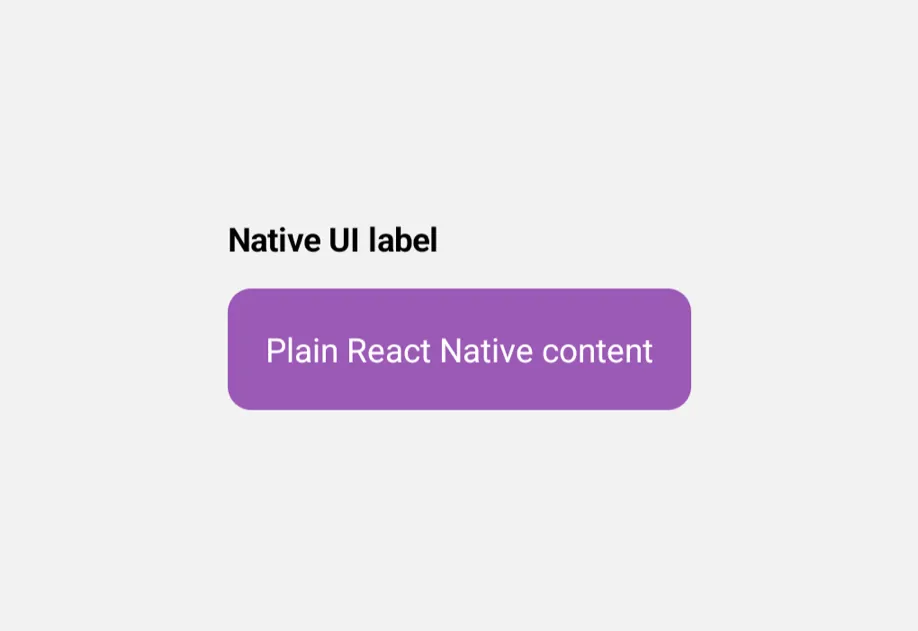
在通用的 @expo/ui 布局中承载一个 React Native 视图子树。在 Android 和 iOS 上,它重新导出平台原生的 适用于 Jetpack Compose 的 RNHostView/适用于 SwiftUI 的 RNHostView,因此 React Native 子组件会桥接到外部的 Compose/SwiftUI 树中。在 web 上,没有可供桥接的原生宿主树,因此它会回退到一个 React Native View,用来包裹这些子组件。
注意: 将单个 React Native 元素作为子元素传入。
RNHostView只测量和布局其第一个子元素,因此请将多个视图包裹在一个父级View中,并让该视图负责排列它们。

安装
If you are installing this in an existing React Native app, make sure to install expo in your project.
用法
基本用法
将一个 React Native 视图子树放置在任意通用的 @expo/ui 布局中。
填充父级与匹配子级
默认情况下,RNHostView 会填充其原生父级。设置 matchContents 后,它会缩小以适配其 React Native 子组件。
API
import { RNHostView } from '@expo/ui';
Component
Type: React.Element<RNHostViewProps>
Hosts React Native views inside Jetpack Compose or SwiftUI views.
Props for the RNHostView component.
booleanWhether the component is disabled. Disabled components do not respond to user interaction.
boolean • Default: falseWhen true, the host updates its size in the native view tree to match
the children's size. When false, the host uses the size of the parent
native view.
Can only be set once on mount; changing it remounts the component.
ModifierConfig[]Platform-specific modifier escape hatch. Pass an array of modifier configs
from @expo/ui/swift-ui/modifiers or @expo/ui/jetpack-compose/modifiers.
A modifier supplied here replaces any modifier of the same type that the
component derives from style or other props.
() => voidCalled when the component is removed from screen.
Pick<ViewStyle, 'padding' | 'paddingHorizontal' | 'paddingVertical' | 'paddingTop' | 'paddingBottom' | 'paddingLeft' | 'paddingRight' | 'backgroundColor' | 'borderRadius' | 'borderWidth' | 'borderColor' | 'opacity' | 'width' | 'height'>Platform-agnostic style properties. These are translated to SwiftUI modifiers on iOS and Jetpack Compose modifiers on Android.