This documentation is available as Markdown for AI agents and LLMs. See the full Markdown index or append .md to any documentation URL.
This is documentation for the next SDK version. For up-to-date documentation, see the latest version (SDK 57).
文本
一个用于显示样式化文本内容的组件。
一个用于显示文本的组件。默认会适配平台的颜色方案(浅色/深色),并通过 textStyle 暴露一组精简的排版相关设置。
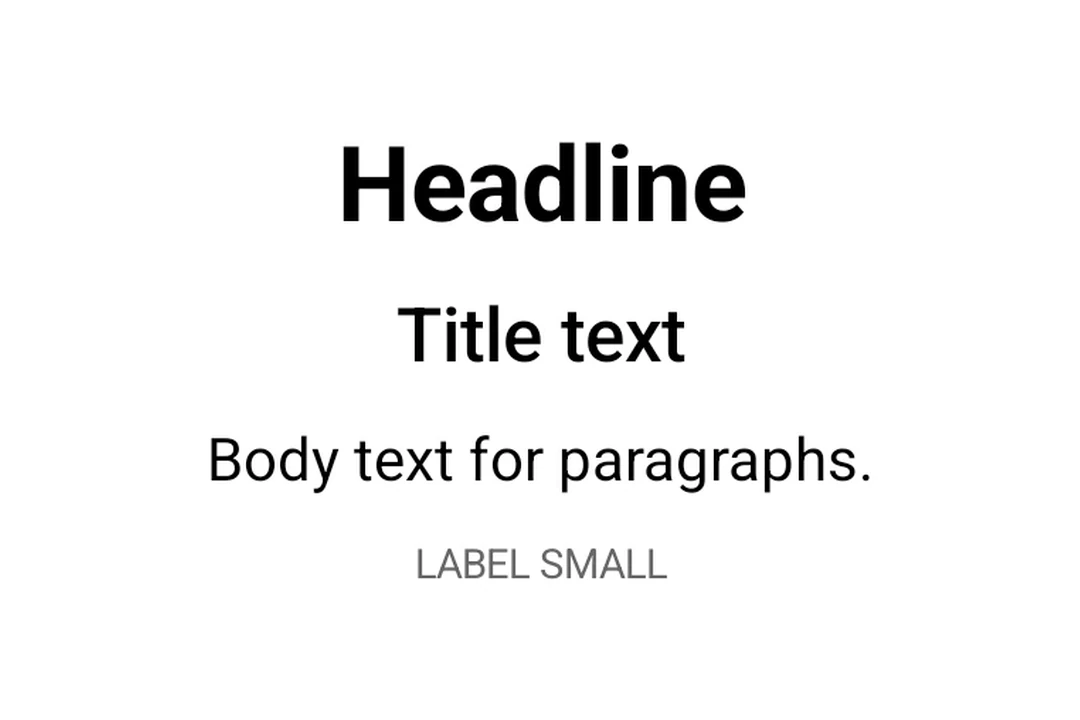
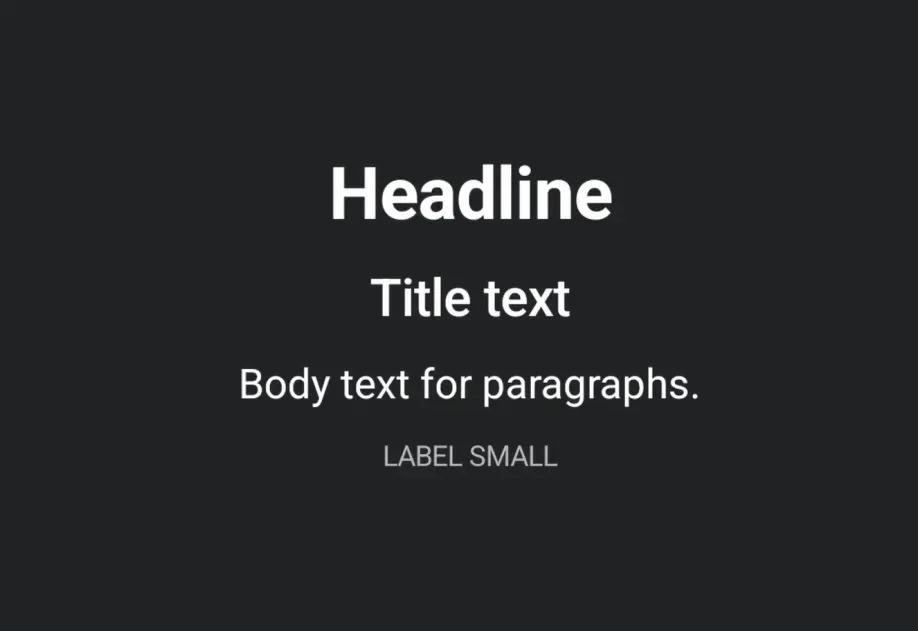
安装
If you are installing this in an existing React Native app, make sure to install expo in your project.
用法
基本文本
设置文本样式
使用 textStyle 来设置与排版相关的属性(字号、字重、对齐方式)。
截断过长文本
使用 numberOfLines 来限制长文本,并在末尾显示省略号。
API
import { Text } from '@expo/ui';
Component
Type: React.Element<TextProps>
A component for displaying styled text content.
Props for the Text component.
booleanWhether the component is disabled. Disabled components do not respond to user interaction.
ModifierConfig[]Platform-specific modifier escape hatch. Pass an array of modifier configs
from @expo/ui/swift-ui/modifiers or @expo/ui/jetpack-compose/modifiers.
A modifier supplied here replaces any modifier of the same type that the
component derives from style or other props.
numberMaximum number of lines to display. Text is truncated with an ellipsis when exceeded.
() => voidCalled when the component is removed from screen.
Pick<ViewStyle, 'padding' | 'paddingHorizontal' | 'paddingVertical' | 'paddingTop' | 'paddingBottom' | 'paddingLeft' | 'paddingRight' | 'backgroundColor' | 'borderRadius' | 'borderWidth' | 'borderColor' | 'opacity' | 'width' | 'height'>Platform-agnostic style properties. These are translated to SwiftUI modifiers on iOS and Jetpack Compose modifiers on Android.
stringIdentifier used to locate the component in end-to-end tests.
{
  color: string,
  fontFamily: string,
  fontSize: number,
  fontWeight: 'normal' | 'bold' | '100' | '200' | '300' | '400' | '500' | '600' | '700' | '800' | '900',
  letterSpacing: number,
  lineHeight: number,
  textAlign: 'center' | 'left' | 'right'
}
Text-specific styling (font, color, alignment).