This documentation is available as Markdown for AI agents and LLMs. See the full Markdown index or append .md to any documentation URL.
This is documentation for the next SDK version. For up-to-date documentation, see the latest version (SDK 57).
宿主
一个跨平台的 Host 组件,用于包装通用的 @expo/ui 内容。
一个用于通用 @expo/ui 内容的容器。在 Android 和 iOS 上,它会重新导出平台原生的 Host for Jetpack Compose/Host for SwiftUI,因此 Jetpack Compose/SwiftUI 子组件的渲染效果与它们在平台特定包中的表现完全一致。在 web 上,它会回退为 React Native 的 View。将 Host 作为任何通用子树的根节点,这样同一组件树就能在所有三个平台上工作。
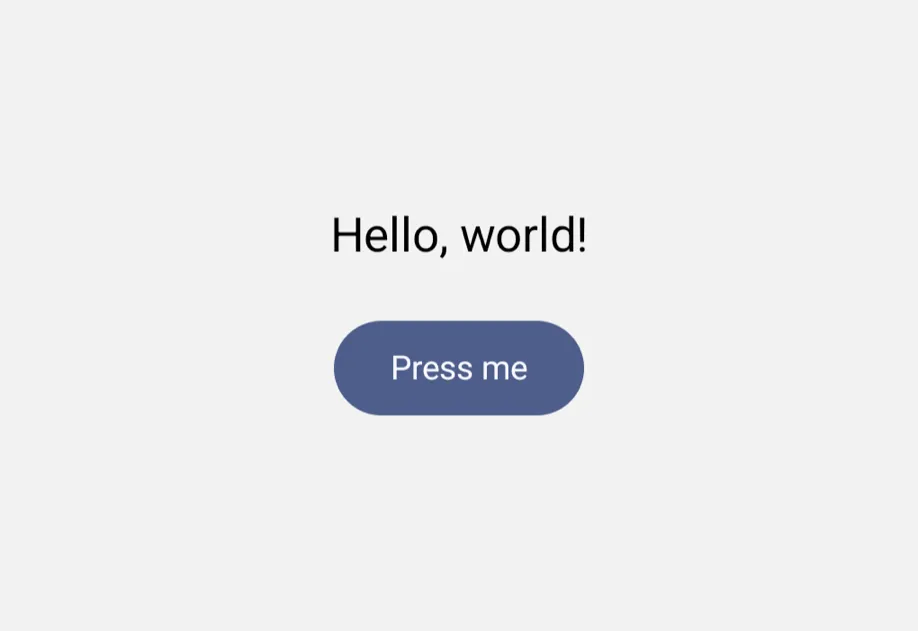
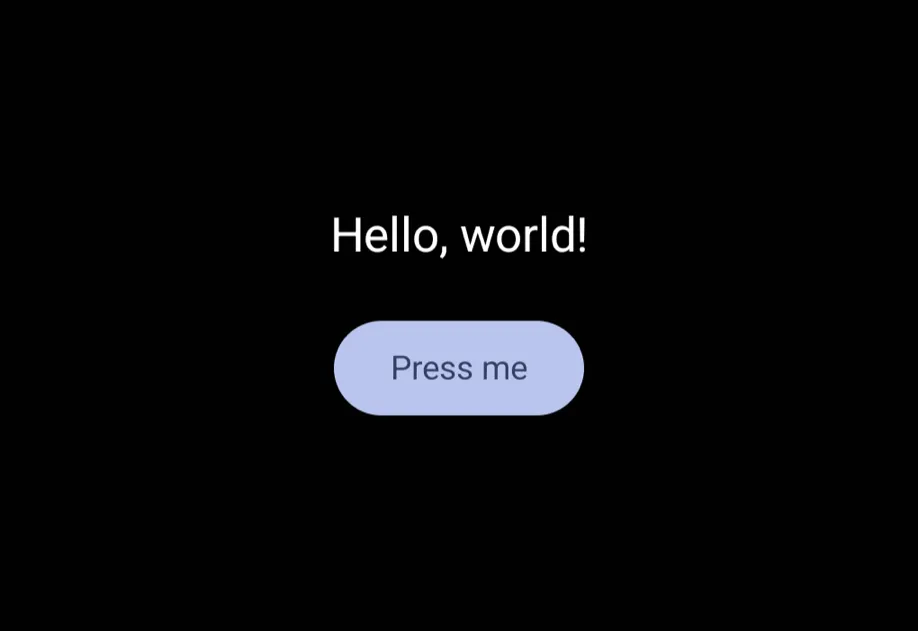
安装
If you are installing this in an existing React Native app, make sure to install expo in your project.
用法
基本用法
在 React Native 视图中放置组件
Host 使用 Jetpack Compose 在 Android 上、使用 SwiftUI 在 iOS 上渲染其通用子组件。Host 内的 React Native 视图(例如 View 或 ScrollView)会切换回 React Native 渲染。若要在该视图中使用通用组件,请将组件包装在新的 Host 中。即使树中更高层的 Host 已经包装了该视图,也要这样做。
若要在通用布局中放置 React Native 视图,请使用 RNHostView。
内容自适应尺寸
使用 matchContents 让 Host 的尺寸自适应其内容。在 Android 和 iOS 上,这会转发到平台原生的 Host(有关确切的平台语义,请参见 Jetpack Compose/SwiftUI)。在 web 上,它会为底层 View 应用 alignSelf: 'flex-start',因此宿主会收缩以适配其子元素,而不是被父元素拉伸。
注意: 在 web 上,按轴的形式(
{ horizontal: true }/{ vertical: true })与布尔形式的行为相同,因为alignSelf只控制父级交叉轴上的拉伸。依赖独立按轴尺寸调整的组件应当预期在 web 上始终表现为按内容收缩,无论启用的是哪个轴。
布局方向
使用 layoutDirection 将子树渲染为从左到右或从右到左。在 Android 和 iOS 上,这会转发到平台原生的 Host(有关确切的平台语义,请参见 Jetpack Compose/SwiftUI)。在 web 上,它会在底层 View 上设置 dir 属性,使后代继承所选方向。
响应内容布局
使用 onLayoutContent 来获取宿主内容当前尺寸的通知。在 Android 和 iOS 上,这会转发到平台原生的 Host(有关确切的平台语义,请参见 Jetpack Compose/SwiftUI)。在 web 上,它来自底层 View 的 onLayout 回调。
填充视口
对于应当根据可用视口空间调整尺寸的内容,请使用 useViewportSizeMeasurement。在 Android 和 iOS 上,这会转发到平台原生的 Host(有关确切的平台语义,请参见 Jetpack Compose/SwiftUI)。在 web 上,宿主底层的 View 会获得当前窗口的宽度和高度;你传入的任何显式 style 仍然会优先生效。
忽略安全区域
默认情况下,Host 会遵循设备的安全区域边距(刘海、Home 指示条等)。使用 ignoreSafeArea="all" 可让内容延伸到边缘到边缘,或使用 ignoreSafeArea="keyboard" 在保留安全区域内边距的同时忽略键盘边距。在 Android 和 iOS 上,这会转发到平台原生的 Host(有关确切的平台语义,请参见 Jetpack Compose/SwiftUI)。在 web 上,它通过将 CSS env(safe-area-inset-*) 值作为底层 View 的内边距来实现;默认情况下还会将 env(keyboard-inset-*) 纳入考虑,适用于启用了 VirtualKeyboard API 的页面。
强制指定配色方案
使用 colorScheme 覆盖该子树的外观。传入 'light' 或 'dark' 可强制指定一种模式;如果省略,则会跟随设备设置。在 Android 和 iOS 上,这会转发到平台原生的 Host(有关确切的平台语义,请参见 Jetpack Compose/SwiftUI)。在 web 上,它会在底层 View 上设置 data-theme,因此无论 prefers-color-scheme 如何,设计 token 的 CSS 变量都会解析为被强制指定的配色方案。
初始化颜色主题
使用 seedColor 从单一基色派生应用于子树的主题。每个平台都会以原生方式解释它。在 Android 上,它会生成完整的 Material 3 调色板(SchemeTonalSpot,与 Material You 使用相同的算法),为 Compose 子组件提供主题,并可通过 useMaterialColors 向后代暴露。在 iOS 上,它会作为 SwiftUI tint 应用,并通过环境传播,为按钮、开关和滑块等交互控件提供主题。在 web 上,它会生成一个主色阶,并以 CSS 变量的形式暴露给底层 View。如果省略该属性,每个平台都会回退到默认主题。
API
import { Host } from '@expo/ui';
Component
Type: React.Element<UniversalHostProps>
A bridging container that hosts SwiftUI views on iOS and Jetpack Compose views on Android.
On platforms without a native UI-toolkit binding (web, RN fallback), renders a plain View.
Props
ReactNodeColorSchemeNameThe color scheme to apply to the subtree.
'light' / 'dark' force a specific appearance; omitted follows the device setting.
stringControls which safe area regions the hosting view should ignore.
'all'- ignores all safe area insets.'keyboard'- ignores only the keyboard safe area.
Acceptable values are: 'all' | 'keyboard'
stringLayout direction for the platform UI content.
Defaults to the current locale direction from I18nManager.
Acceptable values are: 'leftToRight' | 'rightToLeft'
union • Default: falseWhen true, the host updates its size in the React Native view tree to match the content's layout from the underlying platform UI toolkit.
Can only be set once on mount.
Acceptable values are: boolean | {
horizontal: boolean,
vertical: boolean
}
(event: {
  nativeEvent: {
  height: number,
  width: number
}
}) => void
Callback function that is triggered when the content completes its layout. Provides the current dimensions of the content, which may change as the content updates.
ColorValueSeed color used to derive the theme applied to the host's subtree. Each platform interprets it natively:
- On Android, it generates a full Material 3 palette (
SchemeTonalSpot, the same algorithm as Material You) that themes Compose children and is exposed to descendants viauseMaterialColors(). - On iOS, it is applied as the SwiftUI tint, propagating through the environment to theme interactive controls such as buttons, switches, and sliders.
- On web, it generates a primary color scale exposed as CSS variables to the subtree.
When omitted, each platform falls back to its default theme.
boolean • Default: falseWhen true and no explicit size is provided, the host will use the viewport size as the proposed size for layout.
This is particularly useful for views that need to fill their available space, such as List.