This documentation is available as Markdown for AI agents and LLMs. See the full Markdown index or append .md to any documentation URL.
This is documentation for the next SDK version. For up-to-date documentation, see the latest version (SDK 57).
通用
使用 @expo/ui 为 Android、iOS 和 web 构建跨平台共享 UI 的组件。
Android
iOS
Web
Included in Expo Go
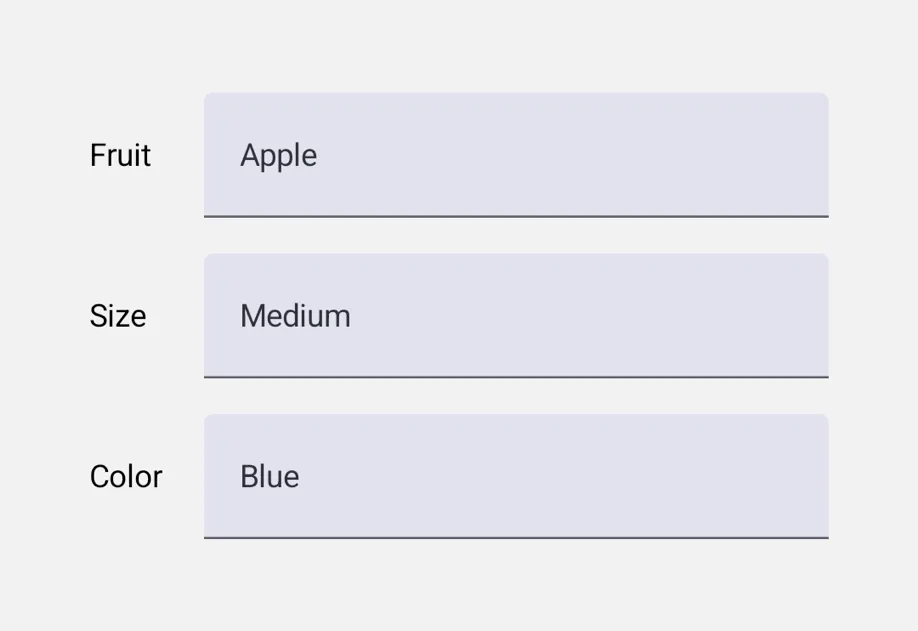
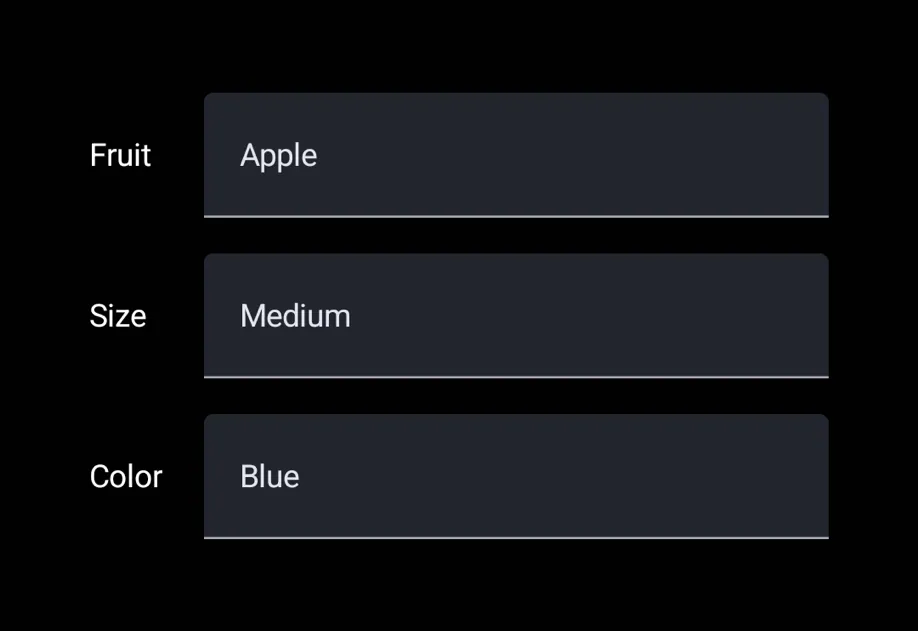
@expo/ui 中的通用组件是在各平台原生 UI 工具包之上的单一 API 层。在 Android 上,它们会委托给 @expo/ui/jetpack-compose。在 iOS 上,它们会委托给 @expo/ui/swift-ui。在 web 上,它们是使用 react-dom 或 react-native-web 的 JS 实现,并且会根据具体组件选择最适合该控件的实现。
安装
Terminal
If you are installing this in an existing React Native app, make sure to install expo in your project.
用法
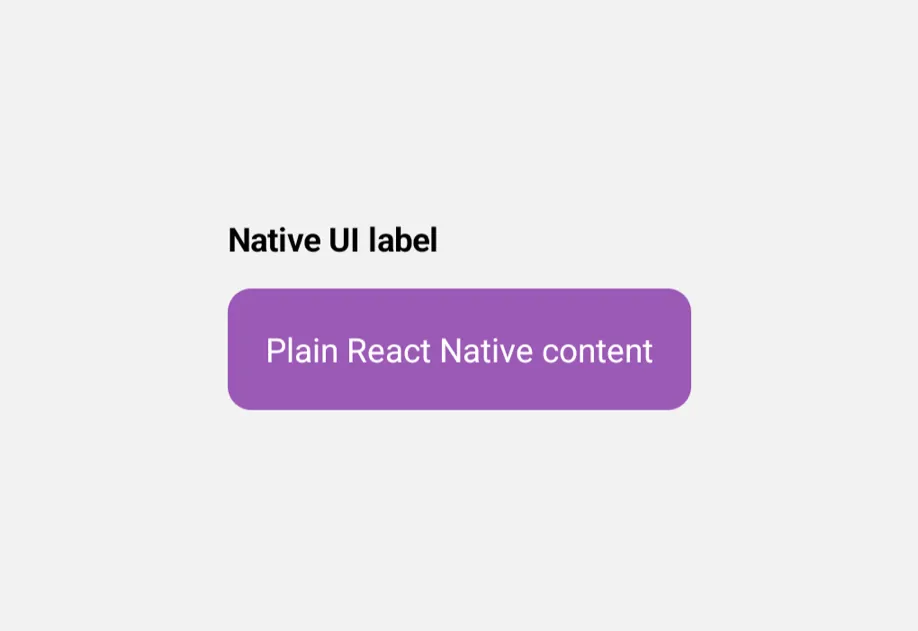
通用组件仍然必须包裹在一个 Host 中,但你可以从包的根入口导入所有内容,包括 Host。通用的 Host 会在 Android 和 iOS 上分发到平台原生的 host,因此无需直接使用 @expo/ui/swift-ui 或 @expo/ui/jetpack-compose。
UniversalExample.tsx
可用组件

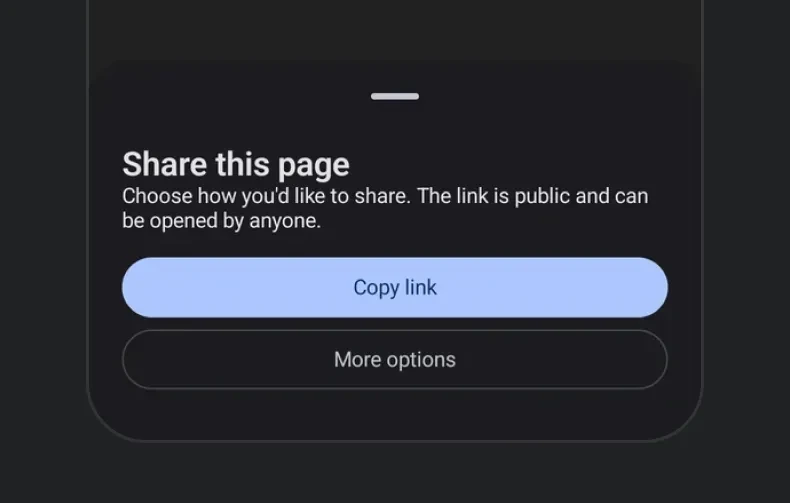

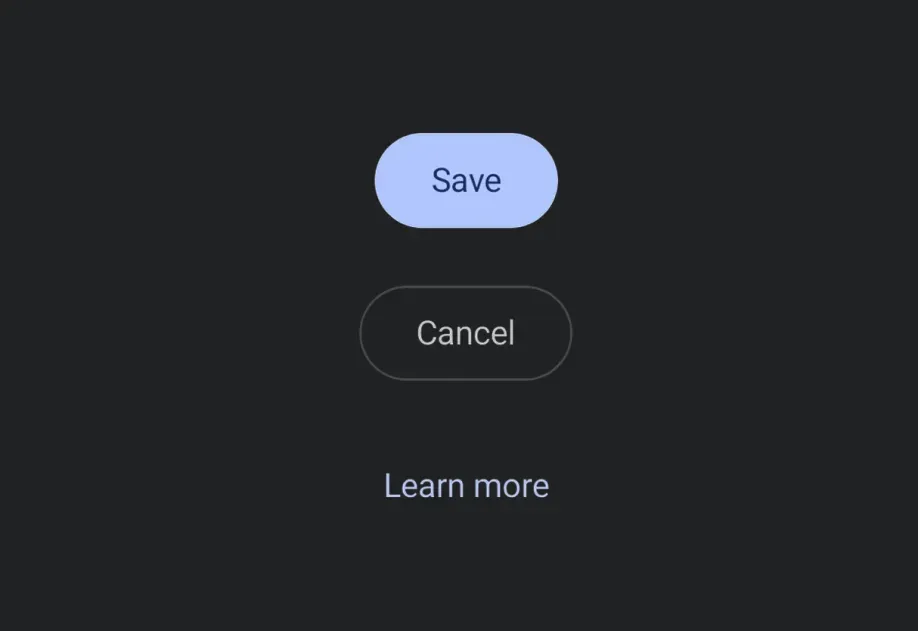








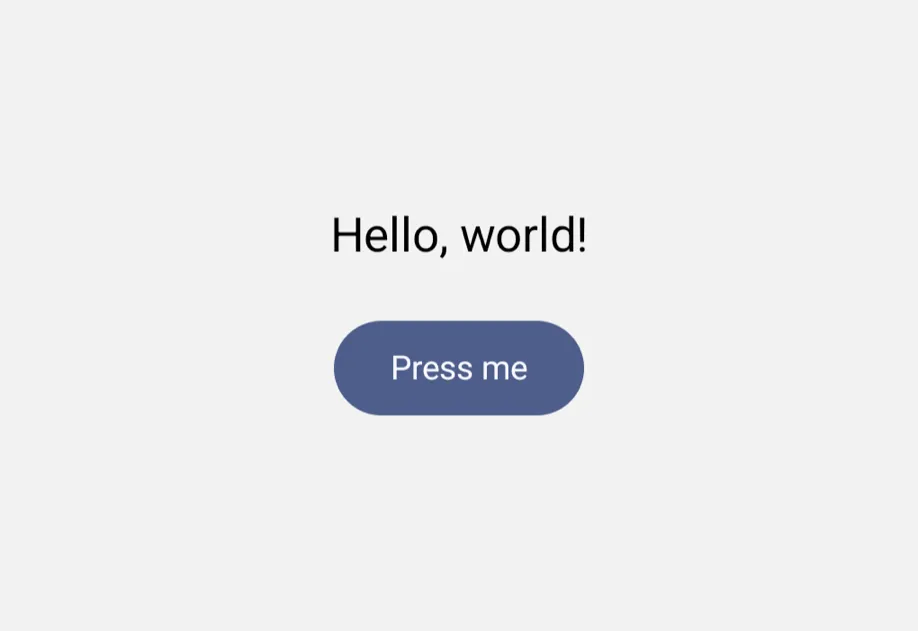
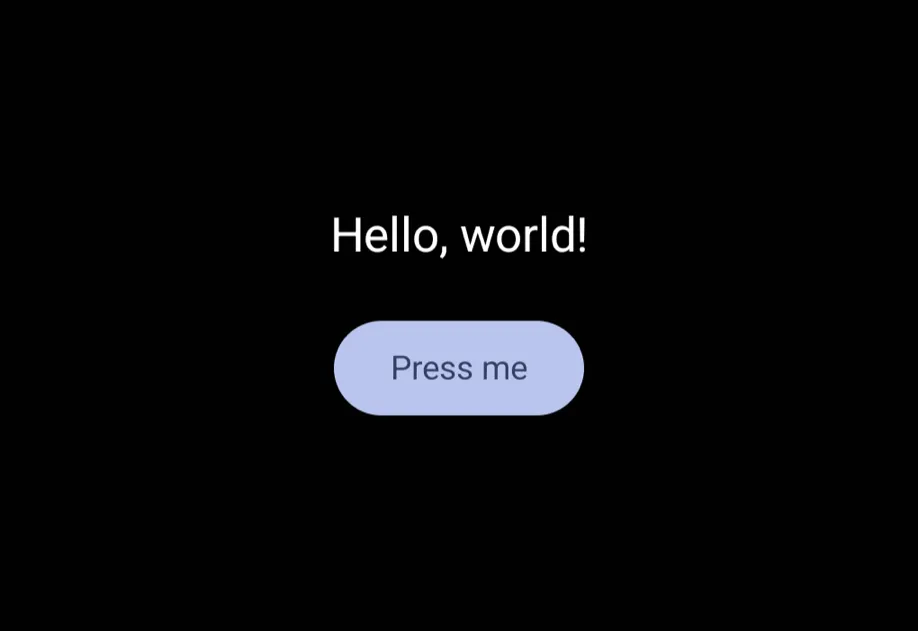



















何时使用这个而不是 jetpack-compose/swift-ui
- 当你希望使用一棵无需修改即可在 Android、iOS 和 web 上运行的组件树时,请使用通用组件。由于这些组件在底层委托给 Jetpack Compose/SwiftUI,因此 Android 和 iOS 上会保留平台原生的外观和体验。
- 当你需要通用 API 未提供的平台专属控件、修饰符或行为时,请直接使用
@expo/ui/jetpack-compose或@expo/ui/swift-ui。