This documentation is available as Markdown for AI agents and LLMs. See the full Markdown index or append .md to any documentation URL.
This is documentation for the next SDK version. For up-to-date documentation, see the latest version (SDK 57).
列表
一个虚拟化的垂直行容器,与可点击的 ListItem 原语配对使用。
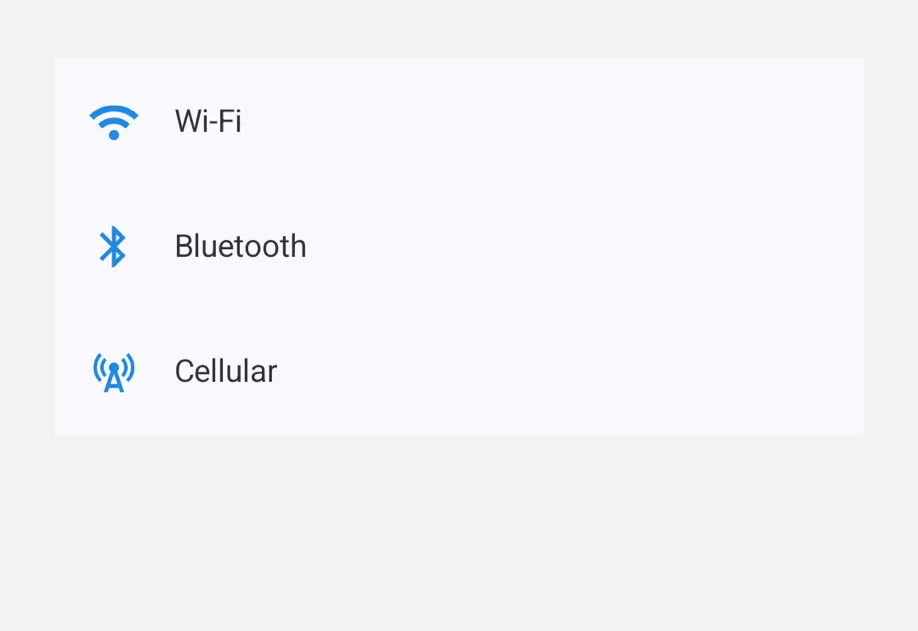
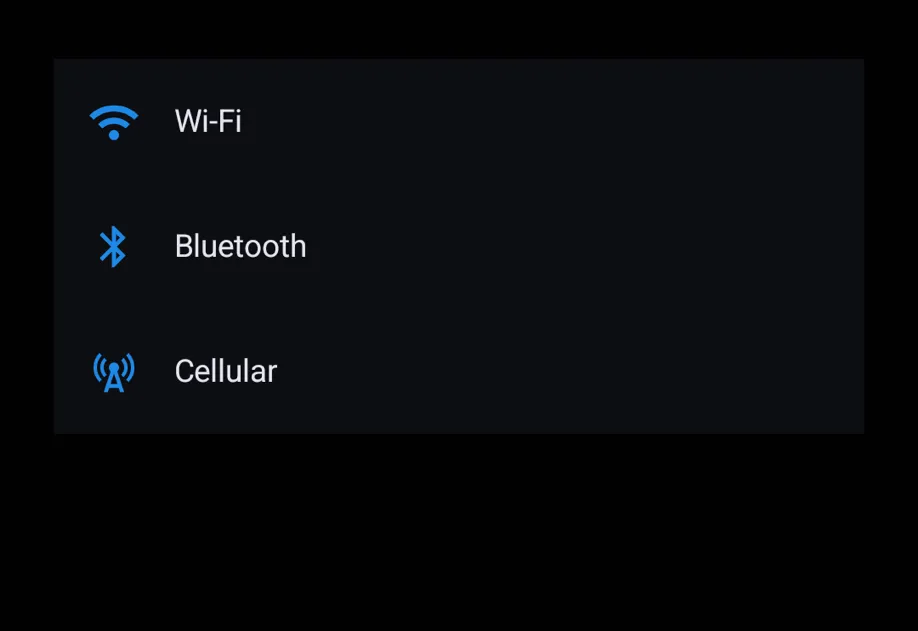
List 提供了一个虚拟化的垂直行容器,通常由 ListItem 子项填充。它提供平台原生的外观样式(分隔线、内边距样式、下拉刷新)。ListItem 是一个可点击的行,带有 leading/trailing/supportingText 插槽。
List目前还不会懒加载渲染各行:React 会预先创建每一行,因此大型列表在挂载时可能会比较慢。我们正在改进这一点。对于大型列表,我们建议使用 FlashList 或 Legend List。
原生实现
安装
If you are installing this in an existing React Native app, make sure to install expo in your project.
用法
基础列表
带插槽的行
ListItem 在常见场景下接受 leading、trailing 和 supportingText 这些简写属性。当需要更丰富的内容时,请为它们传入 ReactNode。
复合插槽子项
如需对插槽内容进行完全控制,请使用复合 API:<ListItem.Leading>、<ListItem.Trailing> 和 <ListItem.Supporting>。未被插槽包裹的内容都会成为标题行。
下拉刷新
传入一个异步的 onRefresh 处理函数。平台原生的刷新指示器会保持可见,直到返回的 promise 结束(resolve 或 reject)。
Web 目前尚未实现下拉刷新。为保持 API 一致性,虽然接受该处理函数,但指示器仅会在 Android 和 iOS 上显示。
API
import { List, ListItem } from '@expo/ui';
Component
Type: React.Element<ListProps>
A vertical container of rows.
Typically populated with ListItem children.
() => Promise<void>Optional pull-to-refresh handler. When provided, the list shows the platform-native refresh affordance. The returned promise drives the indicator's visibility.
Components
Type: React.Element<ListItemProps>
A tappable row in a list.
Composes with List.
Pass row content via the leading / trailing / supportingText shorthand props or the compound <ListItem.Leading> / <ListItem.Trailing> / <ListItem.Supporting> slot children.
Props for the ListItem component.
A tappable row in a list.
ReactNodeHeadline content of the row. The remaining (non-slot) children are rendered in the headline area.
ListItemColorsRow colors. Applied on Android via Compose's ListItem.colors.
ReactNodeShorthand for the leading slot.
Overridden by <ListItem.Leading> if both are provided.
ModifierConfig[]Platform-specific modifier escape hatch. Pass an array of modifier configs
from @expo/ui/swift-ui/modifiers or @expo/ui/jetpack-compose/modifiers.
On iOS these are applied to the underlying SwiftUI Button and can override
its default buttonStyle(.plain).
() => voidTap handler. Activates over the entire row rectangle, including the empty gap between leading/headline/trailing.
ReactNodeShorthand for the supporting (sub-)text slot.
Strings are rendered with platform-appropriate secondary styling; pass a ReactNode for richer content.
Overridden by <ListItem.Supporting> if both are provided.
stringIdentifier used to locate the component in end-to-end tests.
ReactNodeShorthand for the trailing slot.
Overridden by <ListItem.Trailing> if both are provided.